
We’re now in an advanced and modern era, where various types of virtual content are already part of almost everyone’s daily lives. Among them, visual content is taking the most lead in popularity, both with creators and audiences. Some of the popular content includes different forms of videos and images.
Statistics show that 85% of US internet users watch online video content monthly, making video content one of the most popular content types nowadays. Because of their popularity and ability to create audience engagement, 86% of businesses use them for marketing strategies. Images, on the other hand, increase a content’s impressions and views from the audience.
So, if you want to improve and be one of the best in marketing, you’ll need to utilize visual content for your marketing strategy. And if you aren’t confident with your skills and resources to create and produce compelling content, don’t worry — we’ve got you covered! We’ll provide you the best tools and software you can use to create any content. Keep reading below.
Video Creation Tools
You can create your content with many video formats, but MP4 is the most common. Almost all videos you see and watch are in MP4 format. For that reason, we’ll provide some of the best free MP4 editors out there and discuss what makes them excellent and helpful.
Movavi Video Editor Plus
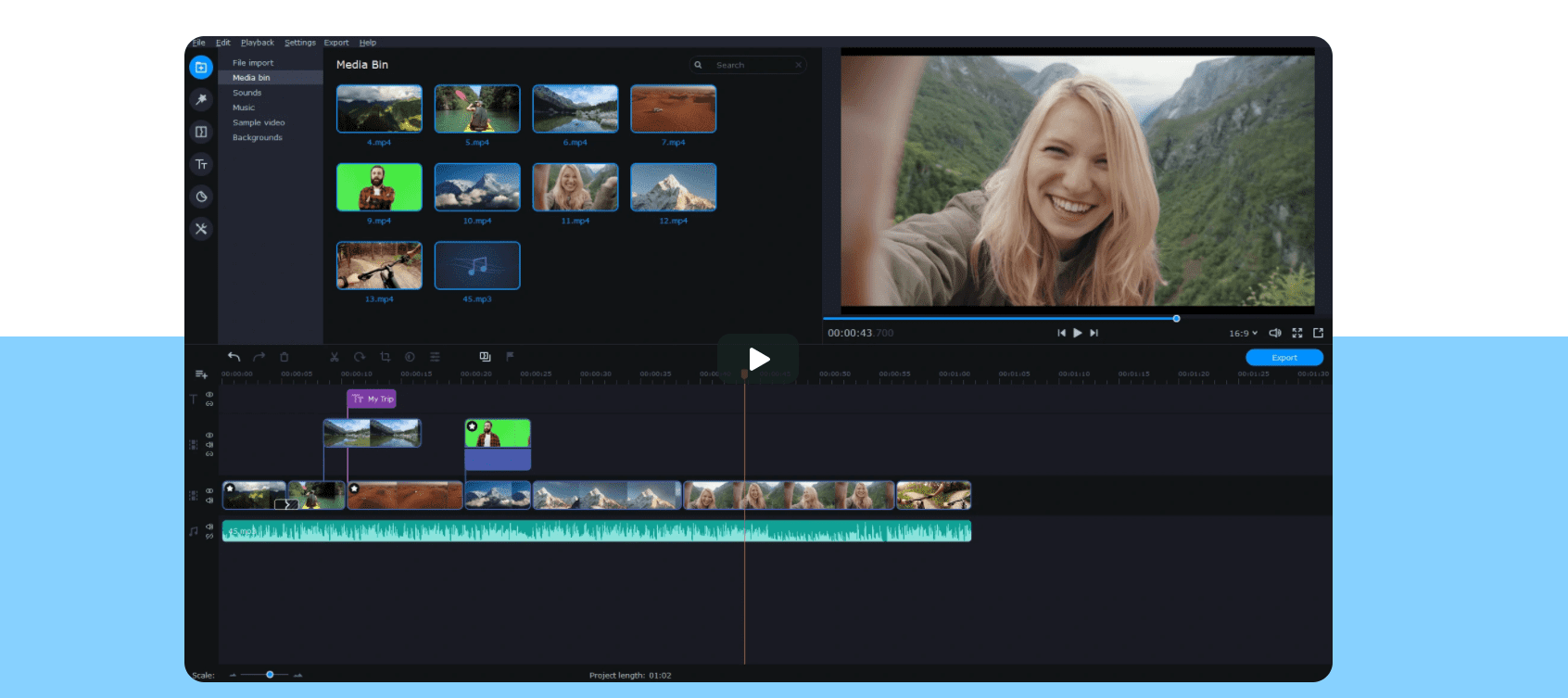
Movavi Video Editor Plus is one of the most excellent software for anyone passionate about making videos, including beginners. It’ll be easy for anyone to get used to this editor with its simple interface, even without experience.
Be creative with Movavi’s Video Editor with the many options to choose from. From rotating and cropping videos up to adding different filters and effects, there’s so much you can experiment with your video using this editor.
Pros
- It has an easy-to-use and straightforward interface.
- It’s both beginner- and expert-friendly.
- It offers tutorials and guides.
- It has plenty of video editing tools.
- It also offers advanced features like video stabilization, corrections, and Chroma Key.
Cons
- It has a free trial version, but this has limitations in using its features at full capacity.
- Its free trial is also only available for seven days.
Clipchamp
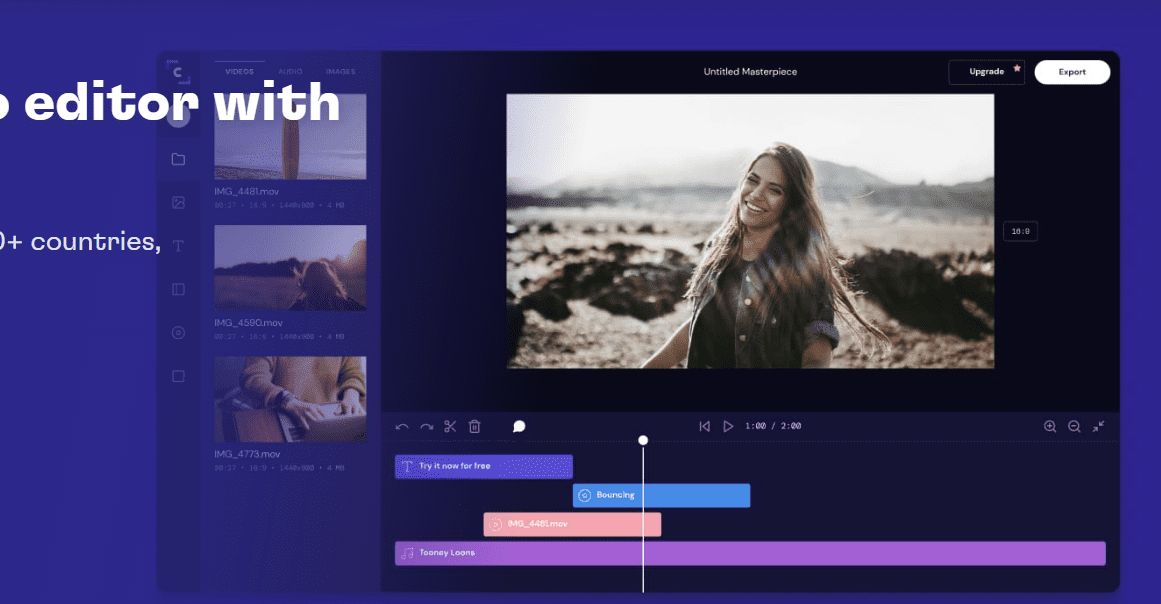
Clipchamp is continuously stressing and proving that it’s an editor for anyone with any level of experience in video editing. It’s a free online MP4 video editor, which means that it doesn’t need to be downloaded before it can be used, unlike other programs and software. It is software that runs on a browser, on the latest version of Google Chrome, to be exact.
Clipchamp offers features like cropping and combining videos, as well as adding texts, filters, and transitions to your video. Clipchamp also allows users to add their audio files or use stock audio files on the platform. And when exporting, you can export your video in any resolution like HD, whichever you prefer.
Pros
- There’s no need for downloading and installing the software.
- It has a simple interface.
- There are more than a million users of Clipchamp who you can talk to and ask for suggestions or tips.
Cons
- It offers a free version but with limitations, such as the maximum quality of the video you want to export is 480p, a watermark will appear on all of your videos.
HitFilm Express
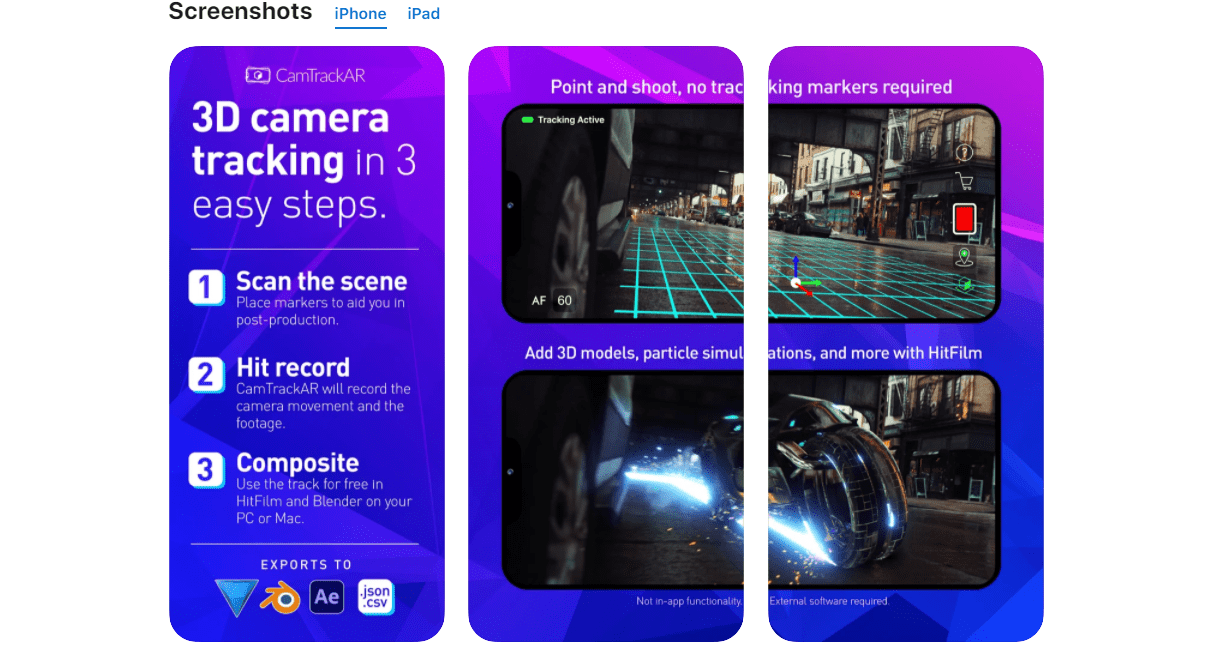
This is another video editor that more than a million video creators use. It offers a vast collection of transitions and effects for your videos. If you want to access and use the free software, you have to tell your friends and followers on Facebook or Twitter first.
Pros
- It works on both Windows and Mac.
- It has unlimited tracks.
- It can edit GoPro recordings.
- It supports various audio streams.
- It has many tools for color correction.
Cons
- It may be confusing to use the software for the first time.
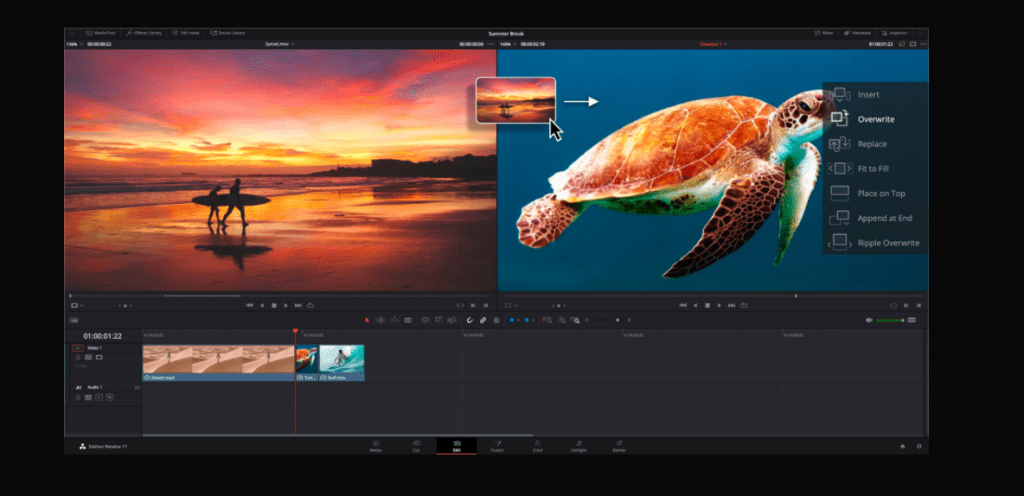
DaVinci Resolve
DaVinci Resolve has intuitive software, supporting its claim to be the world’s fastest professional editing software. It provides many essential editing features like 2D and 3D title templates, advanced trimming, and on-screen annotations. Fortunately, DaVinci Resolve is available in two versions: a free version and a paid version with more features.
Pros
- It works on Linux, Mac, and Windows.
- It allows multicam editing.
- It has advanced features such as color correction and stacked timelines.
Cons
- It has limited features offered in the free version of the software.
Image Creation Tools
Images steal and get the attention of various audiences, so including one or two in your entire content is beneficial. Images used for marketing strategies are more commonly created originally or by editing an existing image. Here are some tools to help you in creating and editing various images.
Stencil
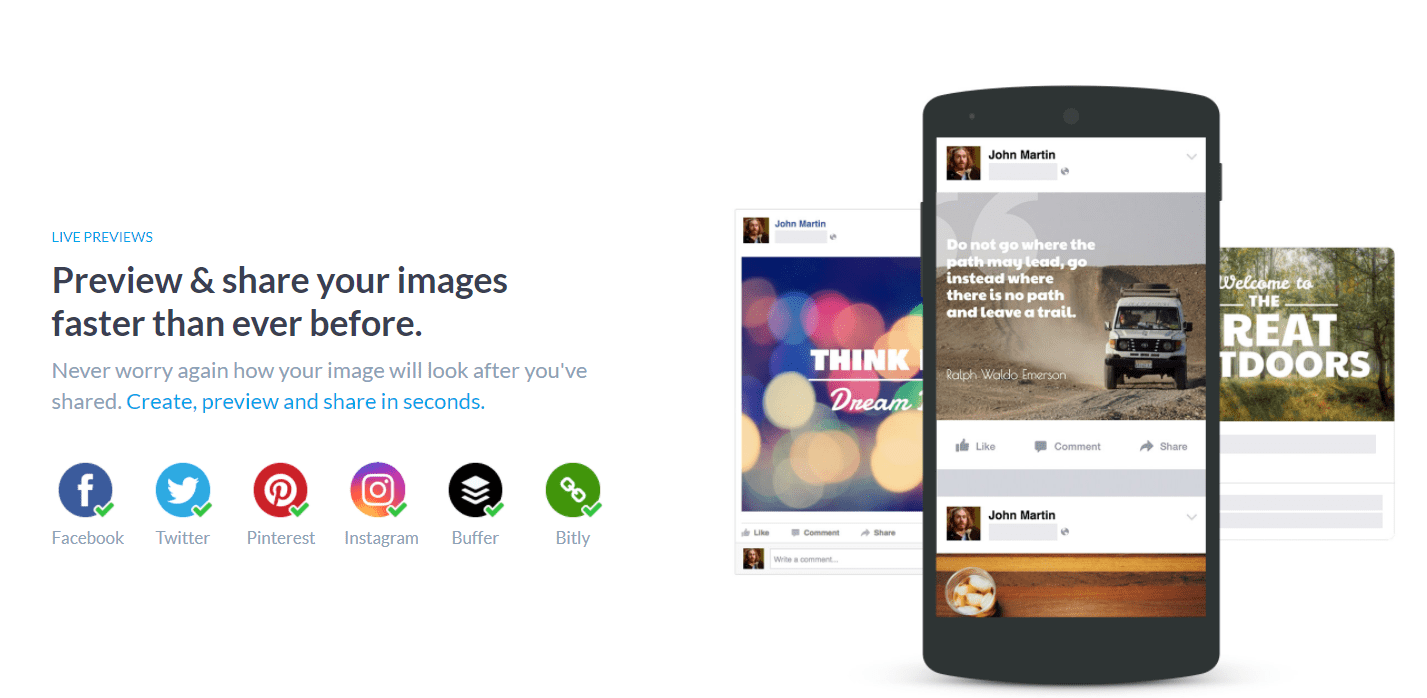
Creating images for your social media with Stencil makes the process quicker and easier. Stencil is an online creation platform that offers a vast set of features for any user, beginner or not. Since it’s an online creation platform, there’s no need to download and install anything. You can start making images with just your browser.
Pros
- It offers impressive templates and premium support.
- It has many public domain photos that are royalty-free.
- It provides many presets and allows users to customize everything.
- It is web-based, so it’s accessible with any device.
Cons
- It has some limitations.
- It’s only a great tool for creating images for social media.
Adobe Express
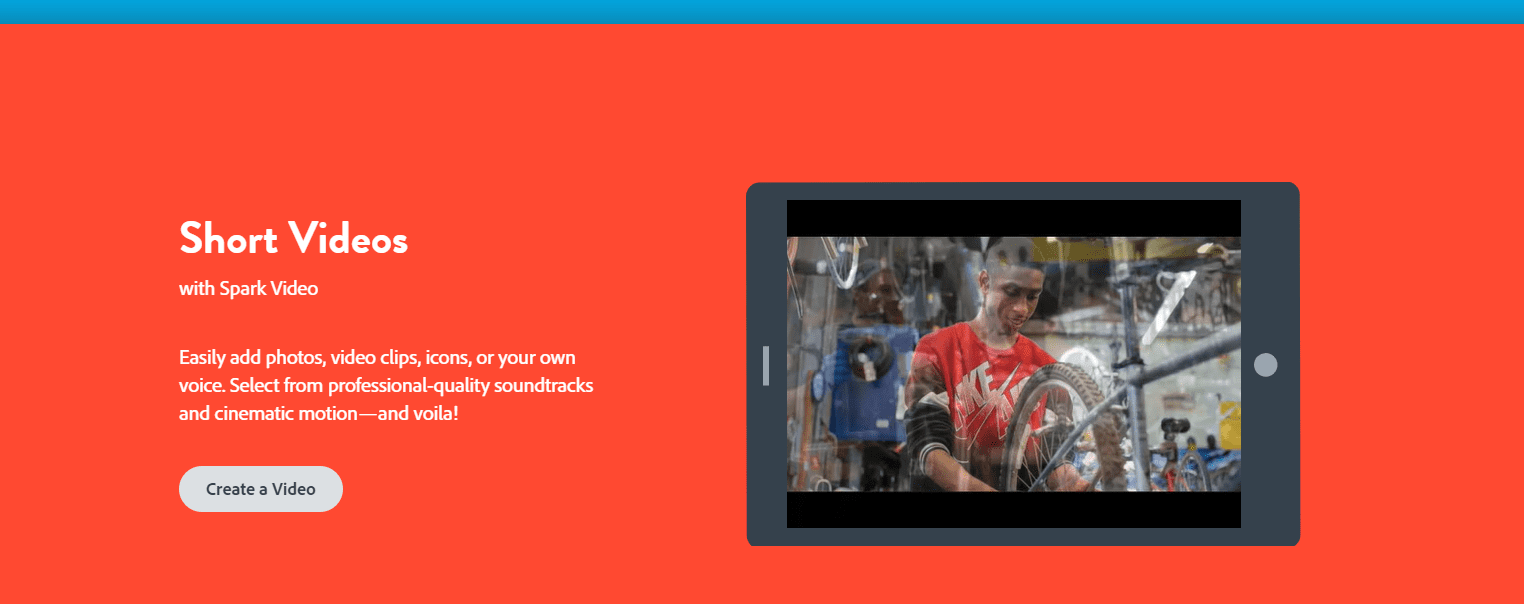
Adobe Express formally Adobe Spark, is known for its user-friendly interface. It’s a fast content image creation software that allows users to combine texts, images, and even video contents with ease. Many people use it for creating excellent social graphics without the need for experience and expertise.
Pros
- It offers free templates and preloaded themes for its users.
- It has excellent features like its offered color palette.
- It can grant you access to royalty-free image websites and sources like Unsplash if you want to use photos uploaded online within the software.
Cons
- It doesn’t have many customization options.
- It has no available free version or free trial.
Canva
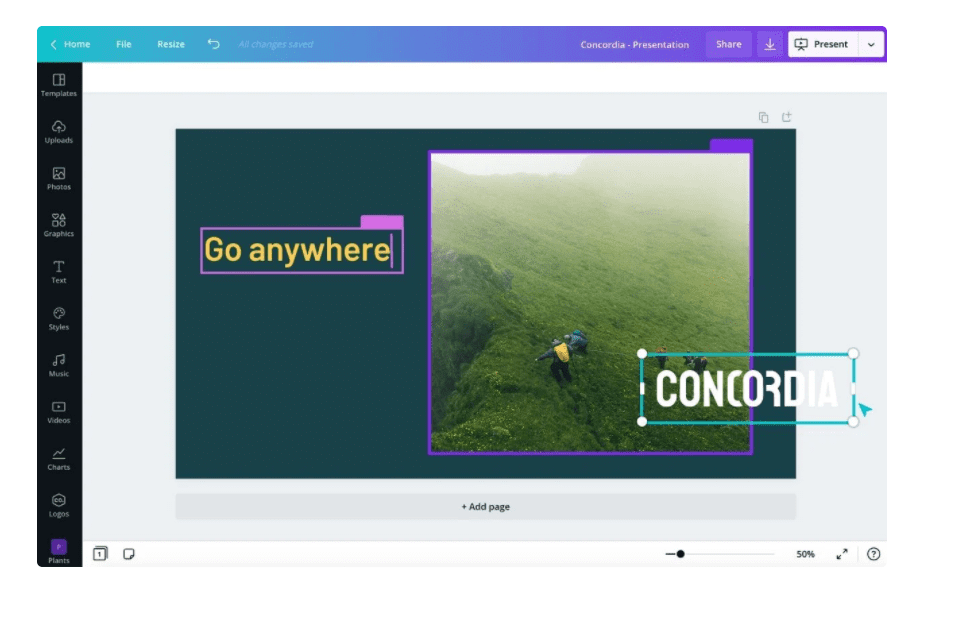
It’s one of the most popular and favorite image creators’ tools since this online platform makes everything easy. Canva is already a complete online design and creation tool and is a perfect choice for people without experience in image creation or designing. This tool has features that give users access to customize and edit their images freely.
Pros
- It has built-in elements like shapes and stickers.
- It will automatically save the work or project you’re doing.
- It’s easy to use.
- It offers various photo effects and filters.
- It gives you access to many templates for whatever type of image you want to create.
Cons
- It’s impossible to customize and create unique elements.
- It’s hard to use on devices with small screens.
- It lacks freehand designing tools.
Animation Tools
Short animations are fun to watch and help businesses market their brand more efficiently and with more details. If you want to try making your animations for your content marketing, here are some.
Powtoon
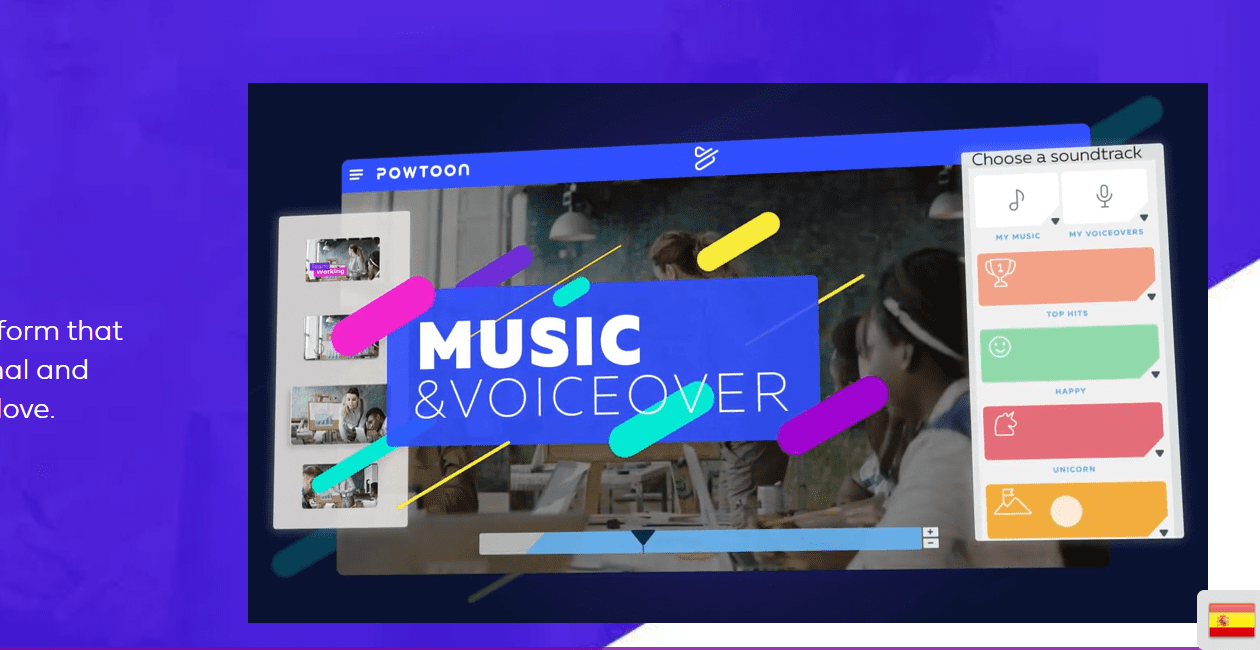
It’s one of the most used animation tools of Fortune 500 Companies. Powtoon makes the creation of animations more manageable and faster. It’s easy and straightforward to use and offers lots of templates to help you design your storyline.
Pros
- It let users put multiple layers of text on one part.
- It offers many features, even just with the free trial version.
- It has lots of templates and animation effects.
Cons
- It may have delays in uploading content.
- It’s prone to glitches and bugs.
- It has a lack of features or tools for editing audios.
Biteable
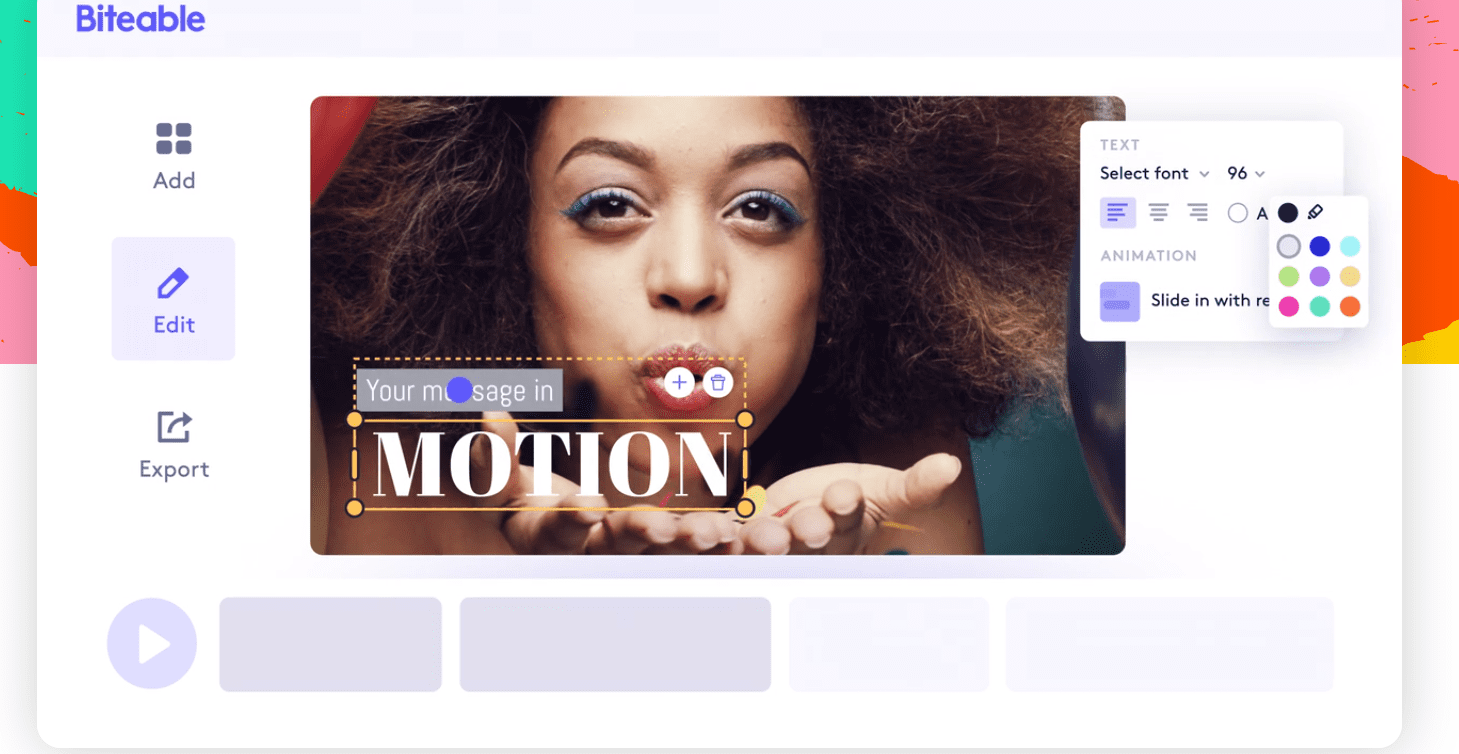
Biteable is a free animation software that offers a vast collection of templates and layouts for you. It’s easy to use, and you can access more than 800,000 animations, footage, and video clips on its studio.
Pros
- It offers suggestions at the beginning of every project.
- It’s available online and doesn’t need to be downloaded.
- It’s cheaper compared to other animation tools.
- It produces professional-like videos and animations.
Cons
- Its online platform can be too slow sometimes.
- Its editing and replacing elements in a pre-designed template are limited.
- Its produced videos aren’t readily available for download on the main website and are sent by email links instead.
RenderForest

Creating high-quality animations is now easy and fast when using RenderForest. It’s a cloud-based animation maker and allows creating animations using pictures, videos, and even kinetic typography. It offers many templates for the easier creation of animations and videos.
Pros
- It’s simple and easy to use.
- Its users are allowed to upload and use their photos.
- Its software does the work for you.
Cons
- It has a limited library of elements.
- It doesn’t let its users incorporate and animate characters.
- Its editing and adjusting audiovisual according to your preference is limited.
Infographic Creation Tools
Infographic tools are some of the most common forms of content marketing tools. Infographics are engaging and pleasing to the audience’s eyes, that’s why it’s commonly used to create content. In this section, we’ll discuss a few infographic creation tools you can try.
Easelly

Even if you don’t have experience making infographics, making one with Easelly is easy and simple. This tool is designed and developed to create infographics using premade templates and by allowing photo additions and charts. Furthermore, these templates are customizable so that you can edit and modify the elements within them.
Pros
- It’s easy to use.
- It offers help to users who avail of the paid version.
- Its available templates are very helpful.
Cons
- It has limited pro tools with the free version.
- It doesn’t let users change and customize some of its elements.
- It doesn’t allow setting custom pixel sizes.
Venngage
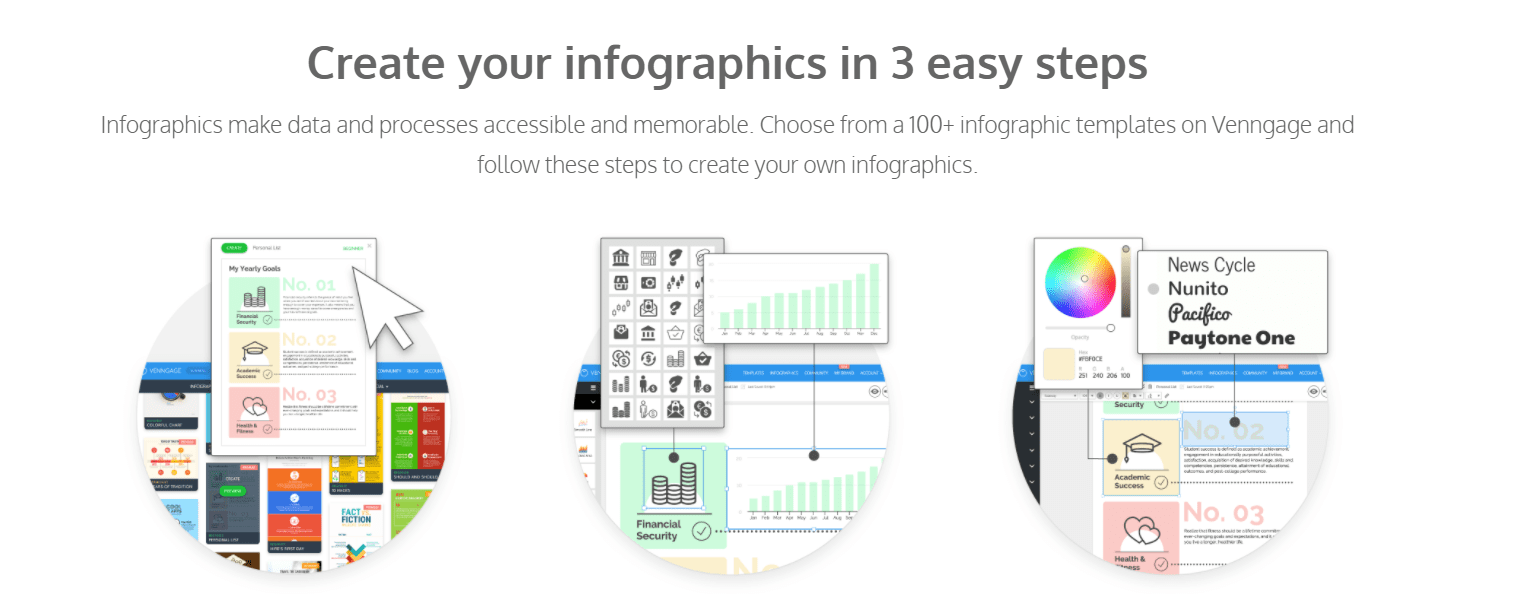
This tool makes creating infographics easier and unique. Venngage offers many unique templates that you can choose from. It boasts of its three-easy-steps infographic creation process because it makes designing faster.
Pros
- Its templates are customizable.
- It has a free version available.
- It automatically saves the project you’re working on.
- It’s easy to learn and use.
Cons
- It doesn’t let the user edit projects offline.
- Its paid version can be too pricey for some content creators.
- It doesn’t allow uploading of your photos using the free version.
Visme
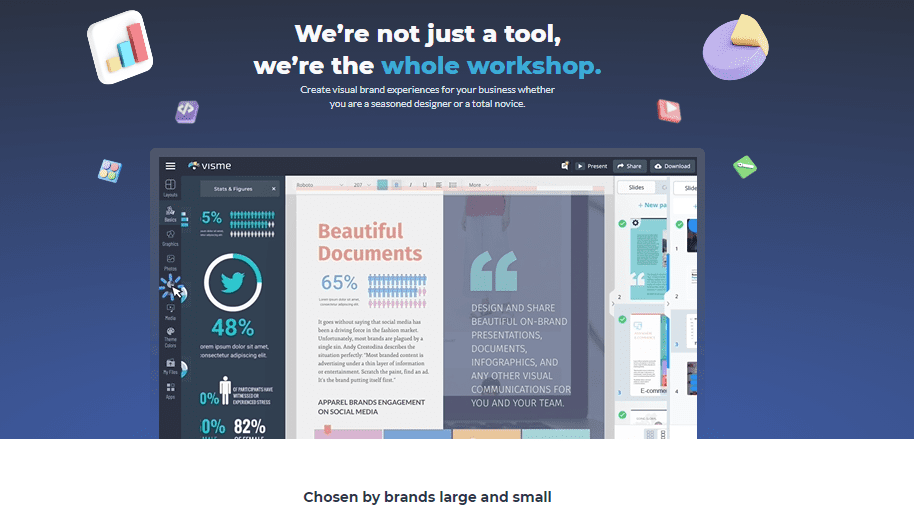
Visme is designed to help users create the best infographics with or without experience. It offers many templates and elements you can use to build and design your infographic. Additionally, it’s a web-based infographic creation tool and doesn’t require any downloads to use it.
Pros
- Its end products can be saved in various file formats.
- It’s a beginner-friendly tool.
- Its templates are customizable.
Cons
- It has limited animated icons and data analysis tools.
- It’s prone to bugs.
- It only has a little workspace with the free version.
Presentation Creation Tools
Presentations make content marketing detailed and more specific. With presentations, you can add more information about your brand. For creating excellent presentations for your business, here are some of the best choices out there.
Google Slides
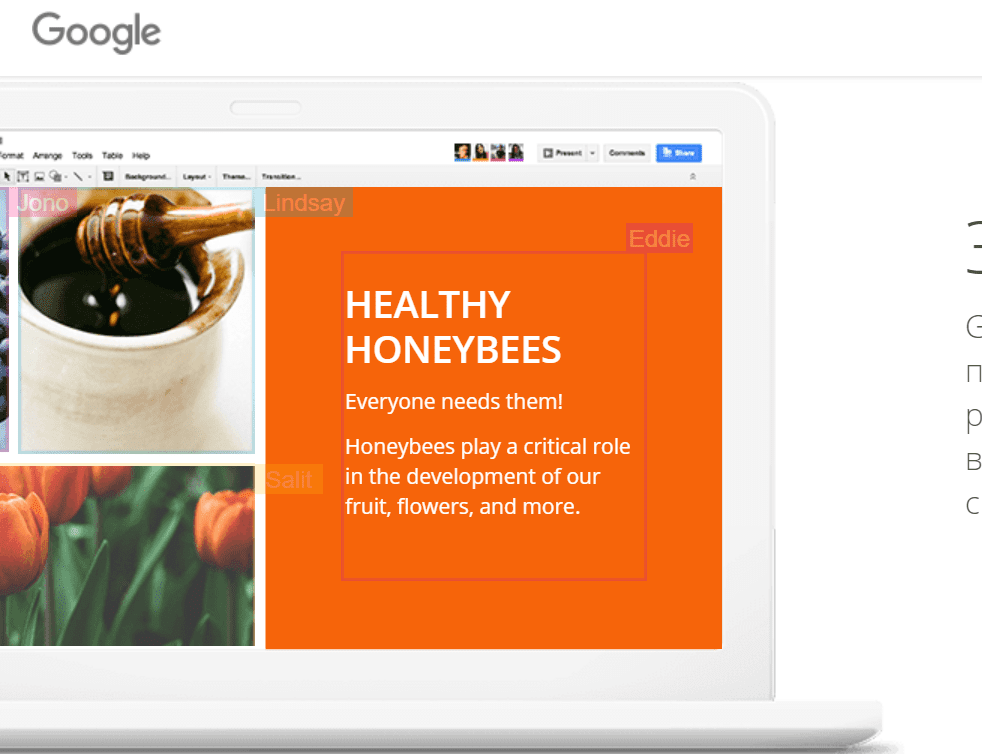
Google Slides is one of the programs and tools included in the Google services. It allows users to create appealing presentations, either starting with blank pages or with a premade template. And there’s no need to worry if you forgot to manually save your presentation because it autosaves everything.
Pros
- It’s free to use for everyone.
- It allows team members to work on the same presentations and collaborate in real-time.
- It’s a web-based tool, so there’s no need to download an app.
- Although it’s web-based, it works offline too.
Cons
- It requires users to have a Google account to use it.
- It has limited themes available.
- It has limited transitions and animations.
- It doesn’t have advanced features.
Prezi
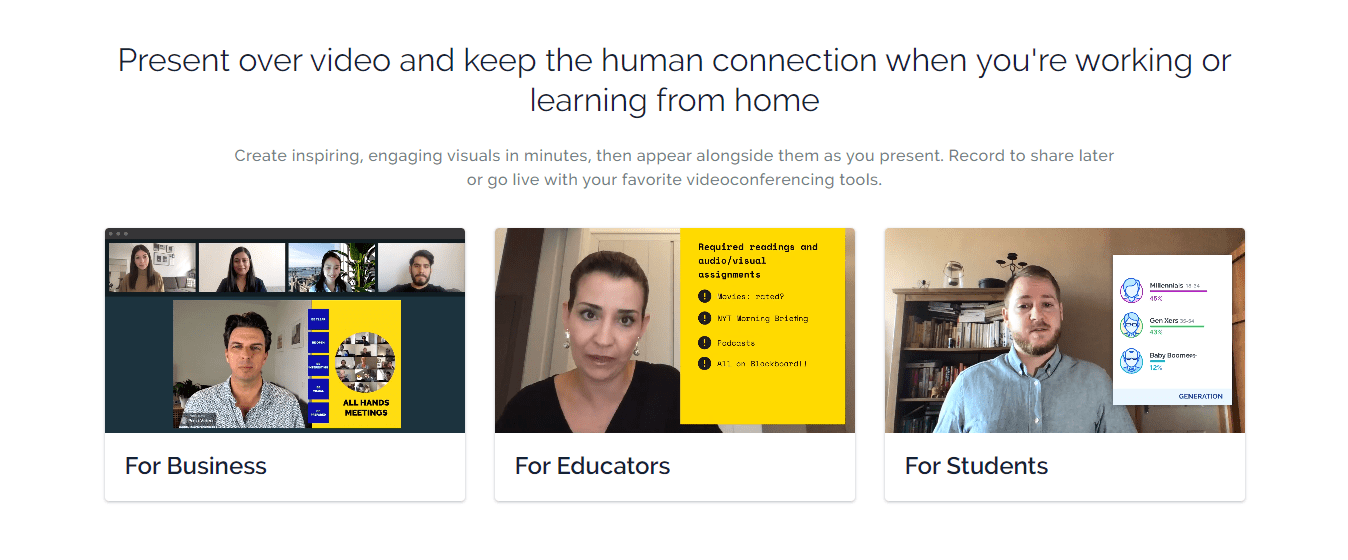
One of the most popular and professional presentation creation tools out there. With Prezi, you can easily create engaging, motivating, and visually appealing presentations. People without experience using Prezi can still use the tool because it has templates suitable for different topics.
Pros
- It is web-based.
- It lets users create their templates.
- It automatically saves presentations you’re working on.
- It makes sharing the finished presentation easy.
Cons
- It can be challenging to navigate the platform.
- It’s not easy to edit some of the templates.
- It requires an internet connection.
There are many creation tools available for you in the market. You just have to choose which one is best for you and your skills. Continue learning and grow your brand with these tools!