
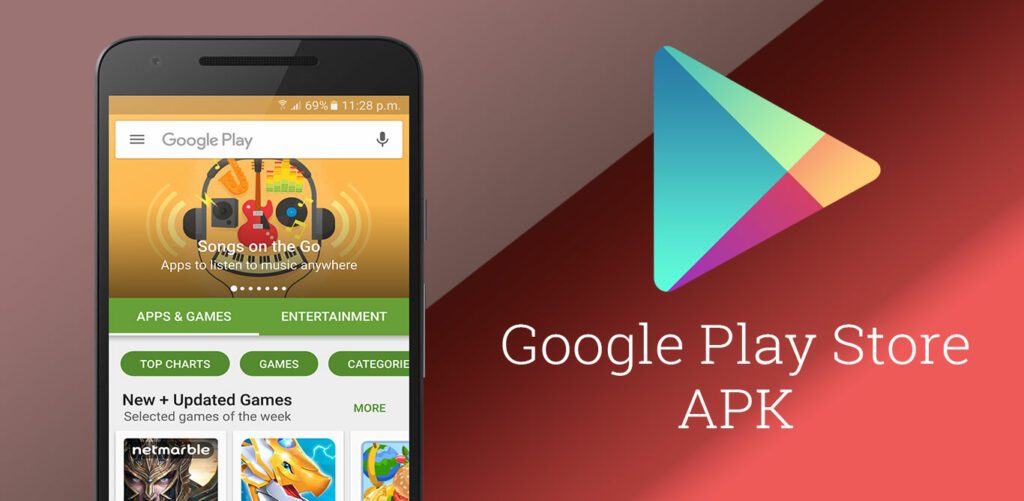
The Google Play Store is a digital distribution service operated and developed by Google. It serves as a central hub for Android users to download and install apps, games, music, movies, books, and more.
If you are unable to download the Google Play Store from your device’s app store, you can download the APK file from a trusted source and install it manually. Here are the steps on how to do it:
- Go to a trusted website that hosts Google Play Store APK files. Some of the popular websites include Support
- Select the latest version of the Google Play Store APK file for your device.
- Download the APK file to your device.
- Enable the “Install from unknown sources” setting on your device. This setting can be found in the Security settings.
- Locate the downloaded APK file on your device.
- Tap on the APK file to start the installation process.
- Follow the on-screen instructions to complete the installation.
Once the Google Play Store is installed, you can open it and start downloading apps and games.
Here are some of the things to keep in mind when downloading and installing Google Play Store APK:
- Make sure to download the APK file from a trusted source. There are many fake APK files available online that can contain malware.
- Only download the latest version of the Google Play Store APK for your device. Older versions of the APK file may not be compatible with your device.
- Enable the “Install from unknown sources” setting only when you need to install an APK file from a third-party source. This setting can be a security risk, so it is important to disable it after you have installed the APK file.
If you are still having trouble downloading or installing the Google Play Store, you can try the following:
- Restart your device.
- Clear the cache and data for the Google Play Store app.
- Uninstall and reinstall the Google Play Store app.
- Contact Google support for help.
FAQs
What is Google Play Store?
Google Play Store is the official app store for Android devices. It allows you to browse, search and download apps, games, music, movies and more.
Why download Google Play Store APK?
You may need to download the Play Store APK if the app store didn’t come pre-installed on your Android device or you want to upgrade to the latest version. The APK allows you to install the Play Store app manually.
Where can I find the latest Google Play Store APK?
You can download the latest official Play Store APK from APK.Support or other trusted APK download sites. Make sure to download the right APK version for your Android version.
Is it safe to install the Play Store APK?
Downloading the official Play Store APK from trusted sites like APK.Support is generally safe. Always verify the source and checksum of the APK before installing to ensure it’s not modified or corrupted.
How to update the Play Store app?
Once installed, the Play Store can update itself automatically when new versions are available. You can also search for “Play Store” in the Play Store app and update it manually.