
In today’s digital era, streaming platforms have become the go-to way for enjoying music, podcasts, and other audio content. Services like Apple Music, Spotify, Amazon Music, and others give you instant access to millions of songs—but there’s a catch: you don’t truly “own” the music you stream. This means you can’t play it outside the app, and your access disappears if your subscription ends.
So, what if you want to download streaming audio and keep it forever, just like files on your hard drive? In this guide, we’ll explore the process using Apple Music as our example, and show you how ViWizard Streaming Audio Recorder can make the entire experience easy, fast, and 100% lossless.

Why Download Streaming Audio?
Downloading streaming audio isn’t just about convenience—it’s about freedom and flexibility. Here are some reasons people choose to save streaming tracks as offline files:
- Offline Listening Anywhere: No Wi-Fi? No problem. Play your music on flights, road trips, or in remote areas without worrying about buffering.
- Keep Music Forever: Even if you cancel your subscription, your downloaded files remain yours to keep.
- Play on Any Device: From MP3 players to car stereos, you can transfer your saved audio to any compatible device.
- Avoid App Restrictions: Streaming apps often limit sharing or editing of audio, but downloaded files give you full control.
The Challenge: Downloading from Apple Music
Apple Music offers a built-in download option—but it’s not the same as saving real MP3 or WAV files. Here’s why:
- DRM Protection: Apple Music uses DRM (Digital Rights Management) to encrypt files. Even downloaded songs can only be played inside the Apple Music app on authorized devices.
- Format Limitations: Apple Music downloads are in protected AAC format (.m4p), not in universally compatible formats like MP3.
- Subscription Dependence: Stop paying for Apple Music, and all your “downloaded” tracks vanish.
If you want true offline copies—in MP3, WAV, FLAC, or other common formats—you need a professional streaming audio recorder.
Meet ViWizard Streaming Audio Recorder
ViWizard Streaming Audio Recorder is the ultimate tool for downloading and saving streaming audio from any platform, including Spotify, Apple Music, Amazon Music, Tidal, Deezer, Pandora, SoundCloud, Qobuz and LINE MUSIC into popular formats. Using decryption technology, ViWizard Streaming Audio Recorder is ideal for unlocking DRM from streaming content to an audio format you control, for example: MP3.
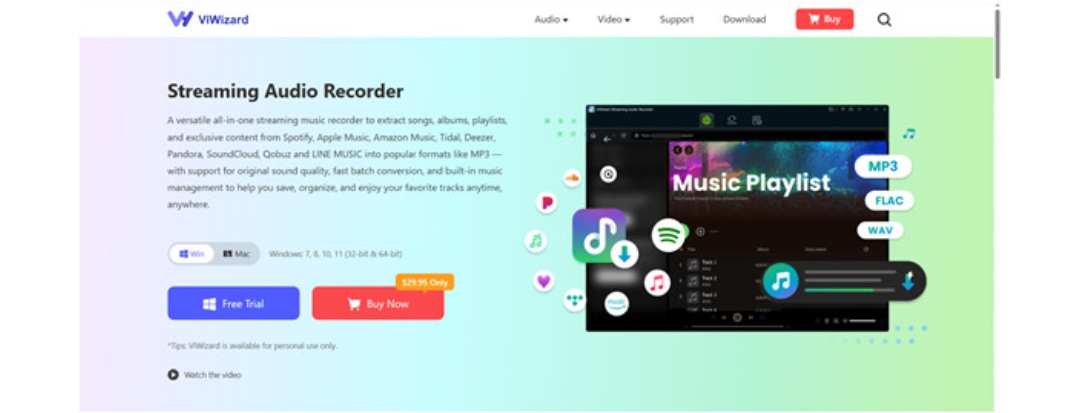
Key Features:
- Record Any Streaming Audio: Works with Apple Music, Spotify, YouTube Music, Amazon Music, Tidal, Deezer, Pandora, and more.
- Lossless Quality: Preserve the original sound up to 320kbps MP3 or high-resolution WAV/FLAC.
- Multiple Output Formats: MP3, WAV, FLAC, M4A, AIFF, and others.
- Easy to Use: No complicated setup—just play the song, and ViWizard records it.
How to Download Streaming Audio from Apple Music with ViWizard
Follow these simple steps to record and save your favorite Apple Music tracks.
Step 1: Install and Launch ViWizard Streaming Audio Recorder
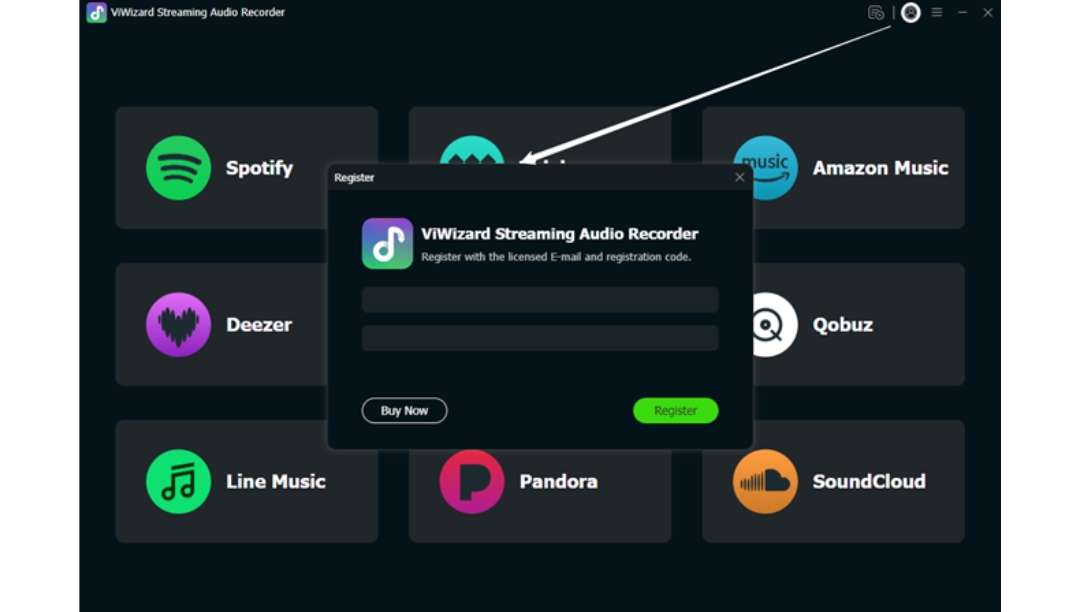
Download ViWizard Streaming Audio Recorder from the official website and install it on your computer. Once installed, open the program—you’ll see a clean, intuitive interface.
Step 2: Select Apple Music and Log in to Your Account
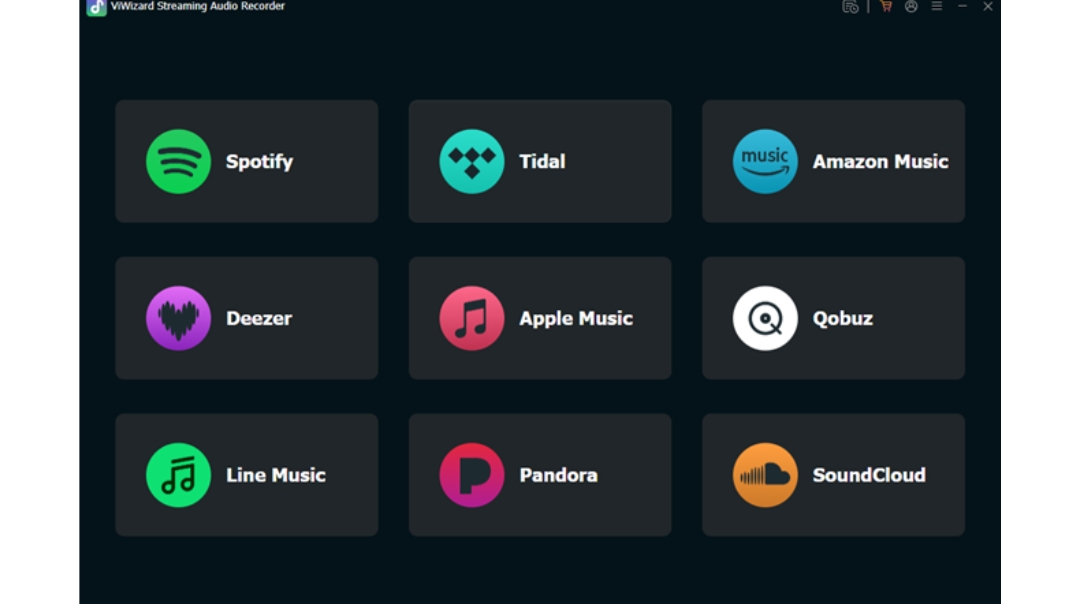
After installation, open ViWizard and you’ll see all the available music streaming platforms. Then, select Apple Music. ViWizard has an Apple Music web player, so you just need to log in to your Apple Music account.
Step 3: Choose Output Format
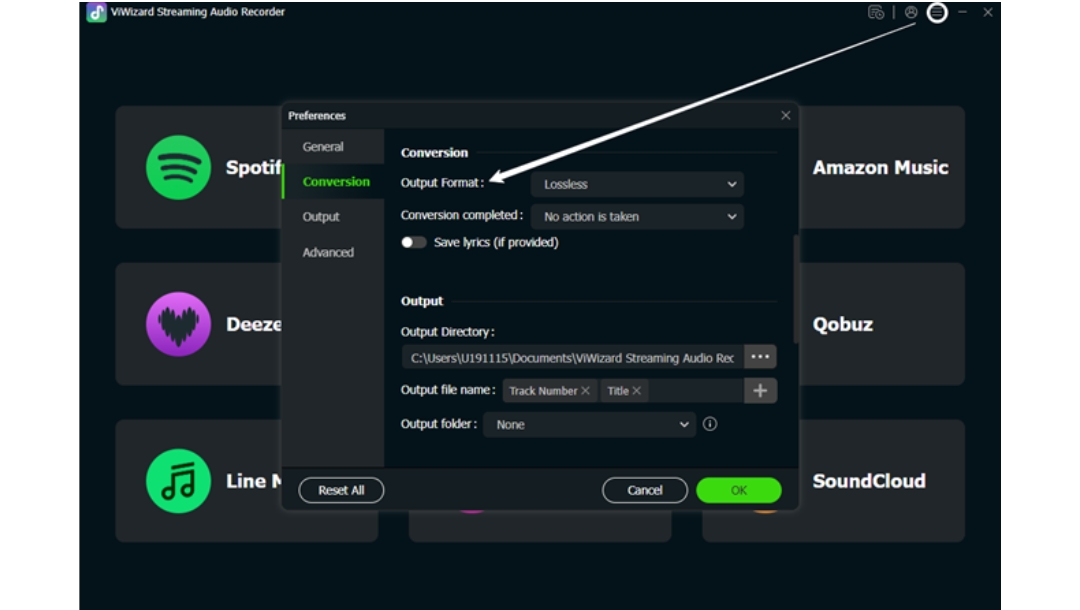
Click the menu bar > preferences at the top right. Here, you can set your preferred audio format (MP3, WAV, FLAC, etc.), bit rate, and sample rate. For most users, MP3 at 320kbps is a perfect choice for high quality and compatibility.
Step 4: Add Apple Music Tracks to ViWizard
Now, browse your Apple Music library and select the desired tracks. Open them and click the Download button in the bottom right corner to import them into ViWizard’s conversion list.
Step 5: Start Downloading Apple Music to MP3
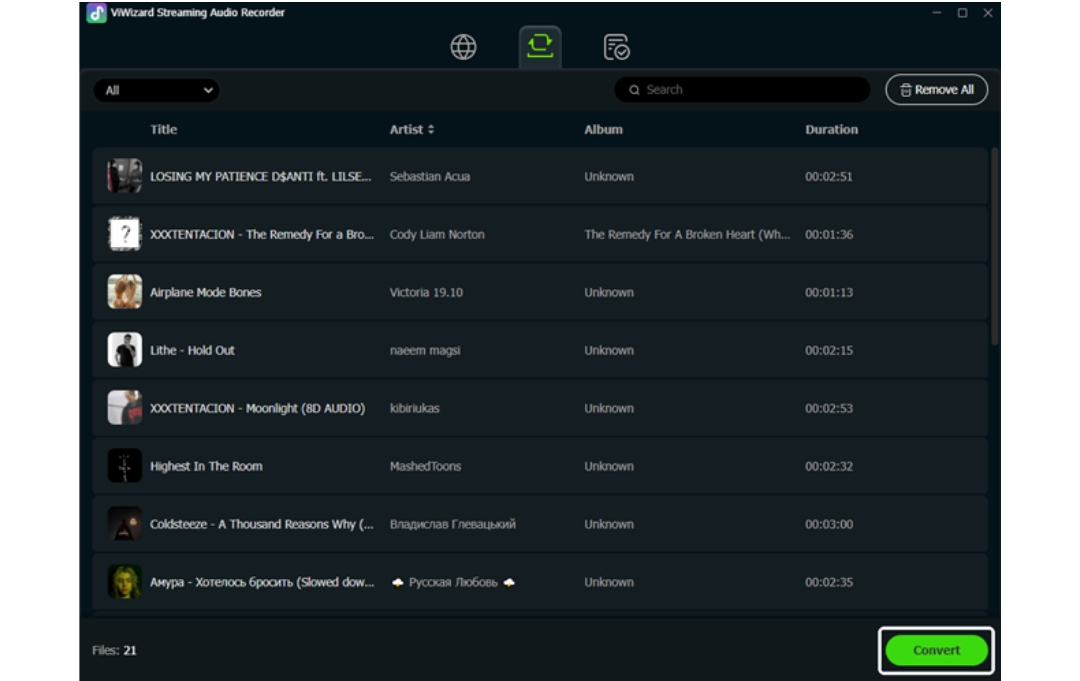
Go to the Converting panel and you’ll see all the imported tracks. Now, click the Convert button. ViWizard will immediately begin the conversion at 30x the speed. Just wait a moment and the download will complete.
Step 6: Locate Downloaded Tracks and Play Them Freely
In the Converting panel, you’ll see all the downloaded songs. Click the Folder icon next to each track and you can locate it on your computer. At the same time, you can play them freely in ViWizard via the built-in player. Now, simply enjoy your music.
Conclusion: Take Control of Your Music
Streaming services are convenient, but they come with restrictions that limit how you can enjoy your music. By using ViWizard Streaming Audio Recorder, you can download streaming audio from Apple Music—or any platform—keep it forever, and play it on any device without limits.
Whether you want to preserve your favorite playlists, create a personal music archive, or just enjoy music offline without subscription worries, ViWizard makes it possible—quickly, easily, and in the highest quality.
Start your free trial today and see why ViWizard is the preferred choice for music lovers who want true ownership of their audio.