
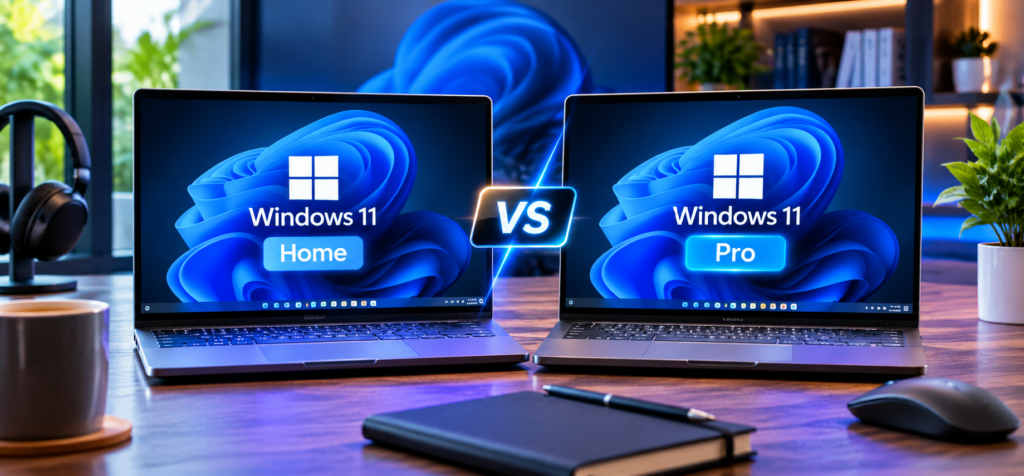
Windows 11 Home vs Pro in 2026: Is the Upgrade Worth It?
Most new laptops ship with Windows 11 Home. For browsing, streaming and schoolwork, that is plenty. But if you work from home, handle client files or manage more than one PC, Windows 11 Pro adds tools that Home simply does not have.
The good news is that moving from Home to Pro does not mean reinstalling anything. All it takes is a genuine Windows 11 Pro key from a trusted seller such as KRBKeys, and about five minutes. This guide covers what Pro actually adds, who needs it, how to upgrade, and how to make sure the key you buy is genuine.
What Windows 11 Pro adds over Home
Both editions share the same interface, apps, gaming features and security updates. The differences are in security, remote access and management tools.
| Feature | Windows 11 Home | Windows 11 Pro |
| BitLocker drive encryption (incl. USB drives) | No (basic device encryption on some hardware) | Yes |
| Remote Desktop (connect to this PC) | No | Yes |
| Hyper-V virtual machines | No | Yes |
| Windows Sandbox | No | Yes |
| Group Policy Editor | No | Yes |
| Join a company domain or Microsoft Entra ID | No | Yes |
| Control when updates install (Windows Update for Business) | Limited | Yes |
| Maximum RAM | 128 GB | 2 TB |
If none of the Pro rows matter to you, Home is the right choice and you can stop here. If even one does, read on.
Who actually needs Pro?
Freelancers and remote workers. BitLocker encrypts the whole drive, so a lost or stolen laptop does not mean leaked client data. Many clients and insurers now expect it.
Small businesses. Pro lets you join PCs to Microsoft Entra ID, apply the same settings to every machine with Group Policy, and delay feature updates until you have tested them.
Developers and IT enthusiasts. Hyper-V runs full virtual machines without third-party software. Windows Sandbox opens a throwaway desktop for testing a suspicious file safely.
Anyone who needs to reach their PC from elsewhere. Built-in Remote Desktop lets you log in to your office PC from home without installing extra remote-access tools.
Who can skip it: gamers, students and home users. Pro brings no gaming performance gains, and Home already gets the same security updates.
How to upgrade from Home to Pro (about 5 minutes)
Your files, apps and settings stay exactly where they are. Before you start, save your work and plug in the laptop.
- Open Settings > System > Activation.
- Under Upgrade your edition of Windows, click Change product key.
- Enter your 25-character Windows 11 Pro key and click Next.
- Click Start when Windows offers to upgrade. The PC restarts once or twice.
- Go back to Settings > System > Activation and check that it says Windows 11 Pro and Active.
If activation fails, check your internet connection and that the key is for Windows 11 Pro (not Home or Enterprise). Then use Troubleshoot on the same Activation page.
How to buy a genuine key without overpaying
You can buy the upgrade straight from the Microsoft Store at full retail price. Many people instead buy a key from an authorized reseller, which usually costs much less. Whichever route you take, these checks keep you safe:
- Avoid “activators” and cracked tools. They often carry malware, can be blocked by Microsoft at any time, and leave you without updates.
- Check the edition. Make sure the listing says Windows 11 Pro, and whether it is a retail key (can move to a new PC) or OEM (tied to one machine).
- Look for instant delivery and real support. A reputable seller emails the key within minutes and helps if activation fails.
- Read independent reviews. Look for a store with a public track record on review platforms, not just testimonials on its own site.
- Pay with a protected method. Card and PayPal payments give you a way to dispute a charge if a key does not work.
Once you have a key from a seller that passes these checks, enter it using the steps above.
Frequently asked questions
Will upgrading to Pro delete my files? No. The upgrade unlocks Pro features on your existing installation. Files, apps and settings stay in place.
Is Windows 11 Pro faster than Home? No. Both editions perform the same in everyday use and games. Pro adds features, not speed.
Can I go back from Pro to Home? Not without a clean reinstall of Windows 11 Home, so decide before you upgrade.
What is the difference between a retail and an OEM key? A retail key can be moved to a new PC if you replace your computer. An OEM key stays tied to the first device it activates.
Do I need a new key if I reinstall Windows? No. Once activated, the license is stored as a digital license linked to your hardware and, if you sign in, your Microsoft account.
The bottom line
If you only browse, stream and play games, Windows 11 Home is all you need. If you handle sensitive files, work remotely or run a small business, Pro’s encryption, remote access and management tools are worth having. The upgrade takes five minutes, keeps all your files, and only needs a genuine Windows 11 Pro key from a trusted seller.
===
TeluguStop aims to provide “a one-stop destination” for all news topics, including current affairs, politics, crime, Telugu NRIs, business, and not to forget entertainment, sports, and fashion as well. It has already gained a large fan following within its existence of eight successful years in the industry.
Being a part of a coherent and dedicated team, the reporters at TeluguStop.com prove to be an integral part of the team. They have tremendous knowledge and experience in their respective fields. With the prime motto of bringing forth the latest news to its readers worldwide, the reporters are always up-to-date with the happenings in India and abroad.
The content writers at TeluguStop.com play a vital role in ensuring that the news is in a format that is easily understandable to everyone. Being well-versed in their work, the content writers have contributed to making TeluguStop.com one of the best news portals online today.
The credit goes to its team of highly skilled individuals like sub-editors and editors, TeluguStop.com has managed to maintain high-quality standards while delivering news on time without any delay or errors at all.
The news industry is a scintillating field. With the influx of technological advancements, delivering and reading news has changed as well. The traditional approach of publishing a newspaper and then distributing it to all households is no longer practical because people prefer to read the news online. To keep up with this trend, TeluguStop.com has developed a news portal that caters to the needs of modern readers. To make the platform more accessible, they have made it available as an app on Android, iPhone, and iPad.
As a platform dedicated to serving its local community, TeluguStop.com has been trying to widen the horizons of its audience by introducing a location-based feature that will provide Telugu regional news, classifieds, and information. The regional news coverage is essential to stay updated with the local news, so the team behind TeluguStop.com is creating an android app that will feature news and classifieds, real estate listings, and services.
As a first in the community of Telugu speakers, this app will combine all these features in one package. Apart from providing users with all of these things, it’ll be an excellent opportunity to learn more about their surroundings and communicate with people who share similar interests.
Founded in 2012, TeluguStop.com grew tremendously over the years, thanks to its loyal fanbase and its genuine interest in the Telugu language. TeluguStop.com has over 2.5 million followers on the Facebook page TeluguStop.com, making it one of India’s most popular news sites.TeluguStop gained a massive presence in social media platforms with topic-based dedicated Facebook pages like తెలుగు విశేషాలు (TeluguVishayalu),తెలుగు రాజకీయాలు(TeluguRajakeyalu), తెలుగు NRI(Telugu NRI News), TeluguTopTips, Telugu 24, SendRakhis.com, TeluguMovieBox,Cricket Stop, etc
The company has built a massive following in just a couple of years, but it’s still operating from a small town in India, proving that journalism doesn’t need big offices and walls made out of glass for it to function correctly. By having reporters working remotely worldwide, TeluguStop.com has achieved its goals and built a strong network.
Previously in Technology: What Should Repair Shops Check Before Buying Cell Phone Parts Wholesale?