
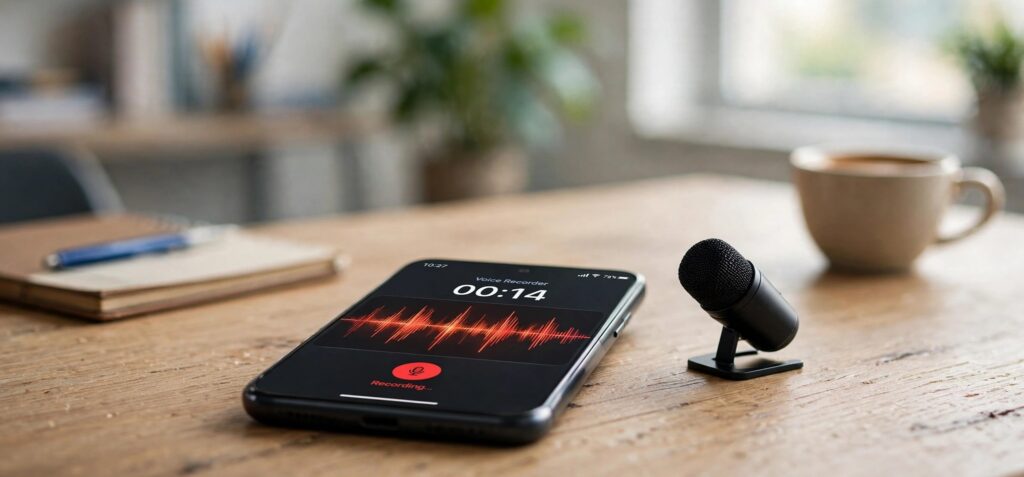
Your phone has quietly replaced a dozen gadgets over the last fifteen years: the camera, the GPS unit, the alarm clock, the flashlight. The handheld digital voice recorder is on that list, too. Students record lectures, journalists capture interviews, founders save ideas on their morning walk, and remote teams keep a record of important calls.
But not all recording tools are equal. The default app on many phones is fine for a quick reminder, yet it can get frustrating fast once you start relying on it every day. If audio is part of your workflow, it pays to know what actually matters.
Why Dedicated Recording Apps Still Matter
It's tempting to assume every recording app does the same thing. In practice, the differences show up when you have fifty files instead of five, when you need to find a specific meeting from three weeks ago, or when you need to send a clip to a colleague in a hurry.
A good voice recorder app solves those everyday problems. It starts recording quickly, keeps files organized, and makes sharing painless. Those may sound like small conveniences, but they add up when you use the tool every day.
The Features That Make a Real Difference
When you compare options, focus on how the app fits into your routine rather than on long feature lists. These are the qualities worth checking first:
- Fast start. If it takes four taps to begin recording, you'll miss the moment. One clear record button on the main screen is ideal.
- Easy organization. Renaming, sorting, and deleting files should take seconds. Vague file names like "Recording 47" quickly become useless.
- Built-in playback. Being able to listen back inside the app saves you from hunting through your phone's file manager.
- Simple sharing. Sending a recording by email, messaging apps, or cloud storage should be a one-step process.
- A clean interface. You'll often be recording in a hurry, so large buttons and a straightforward layout matter more than they seem.
Voice Recorder: Smart Audio, for instance, focuses on exactly these basics: recording voice notes, meetings, and lectures, then letting you rename, sort, replay, and share files without leaving the app.
Recording Quality: What Your Phone Can and Can't Do
Modern smartphones have surprisingly capable microphones, but the environment still matters more than the app. A few habits will noticeably improve your results.
Small Adjustments, Big Improvements
Place your phone closer to the person speaking, ideally within a few feet, and keep it on a stable surface so you don't record handling noise. Avoid setting it next to a laptop fan, an air vent, or a coffee machine. In a meeting room, putting the phone in the middle of the table usually captures everyone more evenly than leaving it at one end.
It's also worth checking your phone's speaker and microphone openings now and then. Dust and lint build up over time and can make both recordings and playback sound dull. A quick, gentle clean with a soft brush can make a real difference.
Staying Organized When Recordings Pile Up
The biggest frustration people describe isn't recording; it's finding things later. Building a simple naming habit solves most of that. Something like "2026-11-18 Client call – Acme" or "Lecture – Biology week 9" takes five seconds to type and saves minutes of searching later.
It also helps to clean house regularly. Delete test recordings and duplicates, and move anything important to cloud storage or your computer. Your phone's storage will thank you, and you'll always know where to look.
A Quick Word on Etiquette and the Law
Recording conversations is useful, but it comes with responsibilities. In the United States, recording laws vary by state. Most states require the consent of only one person in a conversation, but according to the Reporters Committee for Freedom of the Press, roughly a dozen states, including California, Florida, and Washington, generally require everyone involved to agree. The simplest approach is also the most respectful: let people know you're recording, and ask if they're comfortable with it. In professional settings, a quick "Mind if I record this so I can focus on the conversation?" is usually welcomed.
The Takeaway
A recording app is one of those tools you don't think about until you really need it. Choosing one that starts quickly, keeps your files organized, and makes sharing easy turns your phone into a dependable capture device for meetings, classes, interviews, and spur-of-the-moment ideas. Pair the right app with a few good habits, and you'll never lose an important thought again.