
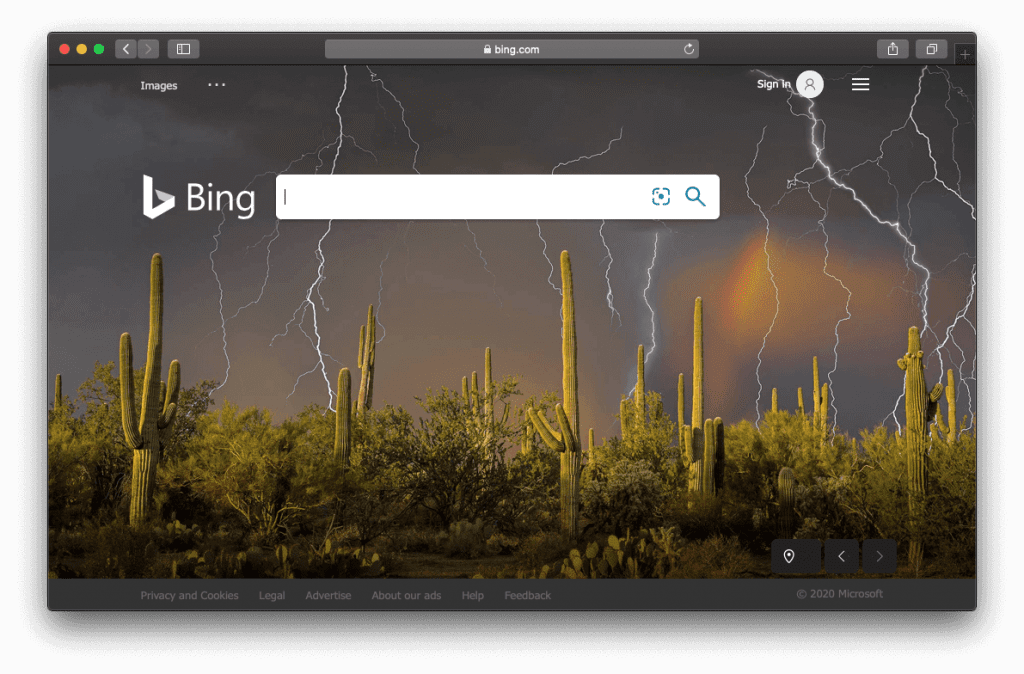
Have you noticed that Google Chrome, Safari, or Firefox browsers on your Mac are getting redirected to Bing every time you search the web using a URL bar? These are signs that your Mac is infected with the Bing redirect virus.
Although Bing redirects are rarely full-fledged malware attacks, they can sometimes lead to severe privacy issues. That’s why this situation requires immediate fixing, so keep reading to learn how to get rid of Bing redirect.
How Can It Get to Your Mac?
Bing redirect is classified as a browser hijacker, which can get access to the user’s computer system when bundled with other free software. That may happen when you download apps from unknown developers and don’t pay much attention to all steps of the installation wizard.
Bundling tricks users into installing unwanted apps, such as browser hijackers, together with regular software, for example, file converters, or online streaming applications, or media players. Such apps may be hidden in advanced or custom settings of the download/installation process. Many computer users skip some steps when they download or install software without checking settings and actually approve the installation of the unwanted Bing redirect program.
Once installed, Bing redirect virus modifies browser settings, displays intrusive ads, and collects data relating to users’ browsing activity (IP addresses, geo-locations, search queries, URLs of visited websites, etc.). The personally identifiable information can be even sold to third-parties. That’s why you should always be careful about apps and tools you download and install on your Mac, especially free programs from unofficial or file-sharing websites. And if you want to avoid this problem, it’s better to download apps from the Apple App Store only.
How to Remove Bing Redirect from Mac
To remove this malicious application from your Mac, you have to manually find and delete components of a specific browser hijacker across the system and then tidy up the affected web browsers.
Delete Suspicious Apps and Files
- Click the Go button in the Finder and choose Utilities.
- Double click the Activity Monitor.
- Look for malicious processes inside the Activity Monitor. That can be an item with an unfamiliar name that has nothing to do with the system or a third-party app.
- If you find the process, select it, and click the X icon in the upper-left corner to stop it. After that, click Force Quit.
- Now select Applications in the Finder bar. Try to find suspicious apps you don’t remember installing. If you find such an app, uninstall it.
- Go to the Apple menu and select System Preferences. Choose Users & Groups and then Login Items. You will see a list of programs that open automatically when you log in. If you see unwanted items, press the “-“ button to remove them from the list.
- Finally, reboot your Mac.

Remove Bing Redirect from Browsers
Removing the virus and its components from the Mac system is not enough because it also infects all browsers.
You can get rid of Bing redirect in Google Chrome or Mozilla Firefox by restoring their settings to their default values. It’s the most effective way to terminate malware, although you’ll also clear most of your custom settings, web surfing history, and all the temporary files stored by websites. Actually, in this way, you’ll reset everything, except for your passwords and bookmarks. Safari browser lacks a one-click reset feature, so you’ll need to clear its caches, delete data stored by websites, and erase history.
Another solution to get rid of Bing redirect in browsers is to remove all suspicious add-ons and extensions. And if both methods don’t help, you can uninstall your browsers and reinstall them again.