
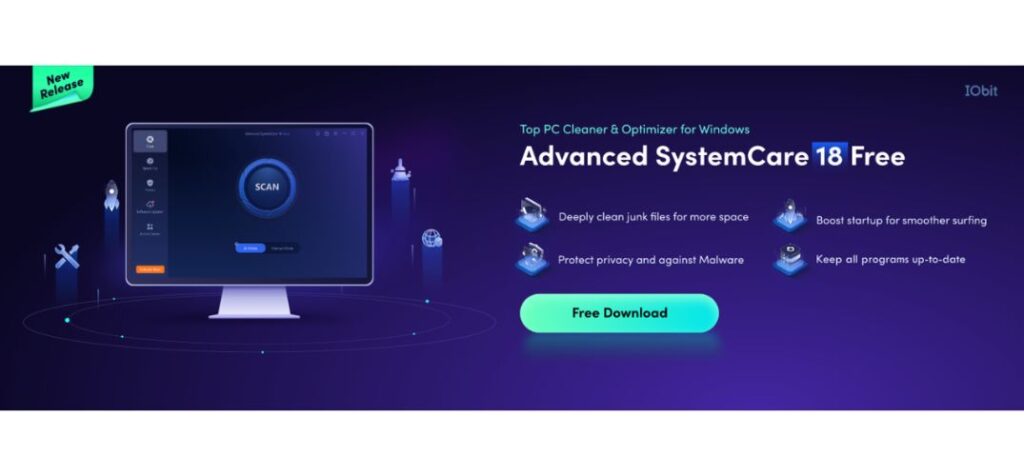
Your PC should work as fast and efficiently as the day you bought it, but over time, performance can degrade due to cluttered files, sluggish startup processes, and potential security risks. That’s where Advanced SystemCare steps in, offering an all-in-one solution to optimize speed, clean up junk files, and enhance security.
This guide explores expert tips and tricks to help you maximize your PC’s potential using Advanced SystemCare, a PC optimizer developed by IObit, ensuring a seamless and high-performance computing experience.
1. Perform a Comprehensive System Scan
One of the most powerful features of Advanced SystemCare is its AI-powered system scan. It detects and removes unnecessary files, optimizes memory usage, and enhances your PC’s overall speed.
Steps to Run a Deep Scan:
- Open Advanced SystemCare and navigate to the Care tab.
- Select AI Mode for an intelligent, automated scan or Manual Mode to customize the optimization process.

- Click Scan, and wait for the software to detect issues related to performance, security, and privacy.
- After the scan is complete, click Fix to optimize your system.
Performing regular scans ensures that your PC remains clutter-free and operates at peak efficiency.
2. Boost Startup Speed with Startup Optimization
A slow startup is a common frustration for PC users. Over time, many programs automatically configure themselves to launch at startup, significantly slowing down your boot time.
How to Optimize Startup with Advanced SystemCare:
- Open Advanced SystemCare and go to Speed Up > Startup Optimization.

- Review the list of programs running at startup and disable unnecessary ones.
- Enable Turbo Boost mode to optimize system resources for specific tasks (Work, Gaming, or Economy mode).
Reducing startup programs will speed up your PC boot time, allowing you to start working or gaming faster.
3. Free Up Disk Space with the PC Cleaner Tool
A cluttered hard drive can drastically slow down performance. Advanced SystemCare offers a powerful PC Cleaner tool that helps remove junk files, system logs, cache, and other unnecessary data.
Steps to Use the PC Cleaner Effectively:
- Open Advanced SystemCare and select Clean & Optimize.
- Click Deep Clean to remove unnecessary files.
- Check options such as System Junk, Large Files, and Invalid Shortcuts for a thorough cleanup.
- Click Clean to free up storage space and enhance performance.
Regular cleanups prevent storage bloat and keep your PC running smoothly.
4. Enhance Browsing Speed with Internet Booster
Slow internet speed can hinder productivity and gaming experiences. Advanced SystemCare has an Internet Booster feature that optimizes network settings for faster browsing and downloading.
How to Use Internet Booster:
- Open Advanced SystemCare and go to Speed Up > Internet Booster.
- Choose your internet connection type (Wi-Fi, Ethernet, etc.).
- Click Optimize to adjust network settings for maximum speed.
This tool helps reduce buffering, speed up web browsing, and enhance online gaming performance.
5. Strengthen Security with Privacy Protection
Cybersecurity threats are more prevalent than ever. Advanced SystemCare includes Privacy Protection features to keep your personal data safe.

Privacy Protection Features:
- Anti-Tracking: Clears browser traces to prevent online tracking.
- Real-time Protection: Monitors and blocks suspicious programs.
- Sensitive Data Protection: Shields personal files from unauthorized access.
To enable these features, go to Privacy Protection in Advanced SystemCare and activate the necessary options.
6. Automate System Maintenance with AutoCare
Keeping your PC in top shape doesn’t have to be a manual task. Advanced SystemCare offers an AutoCare feature that regularly scans and optimizes your system in the background.
How to Enable AutoCare:
- Open Advanced SystemCare and go to Settings.
- Enable AutoCare and set a schedule (daily, weekly, or monthly).
- Let Advanced SystemCare handle routine optimizations without manual intervention.
This ensures your PC remains optimized without requiring constant monitoring.
7. Improve Battery Life with Performance Monitor
For laptop users, battery performance is crucial. Advanced SystemCare includes a Performance Monitor that displays CPU, RAM, disk usage, and battery health.
Battery Optimization Tips:
- Open Performance Monitor from the software dashboard.
- Enable Battery Mode for power-saving settings.
- Close high-resource programs to extend battery life.
Using this feature can significantly improve battery longevity for mobile users.
8. Uninstall Unwanted Programs with Software Health
Unused or outdated programs can slow down your PC. Advanced SystemCare’s Software Health tool detects and removes unnecessary software, ensuring your system remains lightweight and efficient.
How to Use Software Health:
- Open Advanced SystemCare and select Software Health.
- Review the list of outdated or unnecessary programs.
- Click Uninstall to remove unwanted applications.
This feature keeps your system optimized and prevents software bloat.
9. Keep Drivers Up to Date for Peak Performance
Outdated drivers can cause system instability and performance issues. Advanced SystemCare integrates with Driver Booster, which helps update drivers effortlessly.

How to Update Drivers:
- Open Advanced SystemCare and navigate to Driver Updater.
- Scan for outdated drivers.
- Click Update All to install the latest versions.
Keeping drivers up to date ensures better hardware performance and fewer system crashes.
10. Utilize the AI Mode for Smart Optimization
If you’re unsure about manual configurations, Advanced SystemCare offers an AI Mode that intelligently optimizes your system based on usage patterns.
How AI Mode Works:
- Enable AI Mode in the Care section.
- The software will automatically detect and fix performance and security issues.
- Enjoy a seamless and optimized PC experience without manual tweaking.
Final Thoughts
Your PC’s performance doesn’t have to decline over time. By leveraging the powerful tools and features within Advanced SystemCare, you can keep your system running like new. From cleaning junk files to optimizing startup speed and strengthening security, Advanced SystemCare provides everything you need to unlock your PC’s full potential.
Start using these tips today and experience a faster, safer, and more efficient computer with Advanced SystemCare, the ultimate PC Cleaner and optimization tool.