
Title:7 Best URL to Video Ad Generators to Use in 2025
Des:Streamline your ad production with the best 7 AI video generators built for URLs. A smart choice for digital teams aiming to grow faster in 2025.
If you’ve ever tried to create a video ad from scratch, you know it’s not just time-consuming – it’s a bottleneck. Sourcing visuals, writing scripts, editing clips, syncing audio… And by the time it’s ready, the trend has probably passed. This is especially frustrating when all you wanted was to promote a single product.
This is where URL to video AI come in. Imagine dropping a product link into a tool and getting a polished, scroll-stopping video ad in minutes. No editors, no agencies, no overthinking.
In 2025, it is becoming the standard for performance marketing and content scaling. So, whether you’re running ads for Shopify products, launching a new SaaS feature, or trying to keep up with TikTok trends, these tools let you go from product URL to AI-generated video ad in record time.
In this guide, we’ve rounded up seven of the best URL to video ad generators in 2025 – tools that are truly leading the way in transforming product links into powerful, ready-to-run video ads.
What is a URL to Video Ad Generator
A URL to video ad generator is an AI-powered tool that turns a product or landing page link into a short-form video ad–automatically. It analyzes the content behind the URL (such as product titles, descriptions, images, and even customer reviews), and then uses that data to build a video with relevant visuals, copy, voiceovers, music, and animations.
Think of it as an automated video production team: scriptwriter, designer, editor, and voice actor—all rolled into one, working in seconds.
These tools are designed for speed and scale. You don’t need to upload assets, write scripts, or edit timelines. Simply paste a link, choose your format or platform (TikTok, Instagram Reels, YouTube Shorts, etc.), and generate an ad that’s ready to publish.
The rise of this technology reflects a major shift in marketing: automation meets storytelling. And in 2025, with paid media costs rising and attention spans shrinking, the ability to test and launch creatives faster than your competitors is a serious edge.
7 Best URL to Video Ad Generators to Use
Now let’s take a look at the top 7 tools leading this new wave – each with its own strengths depending on your goals and workflow.
- Topview
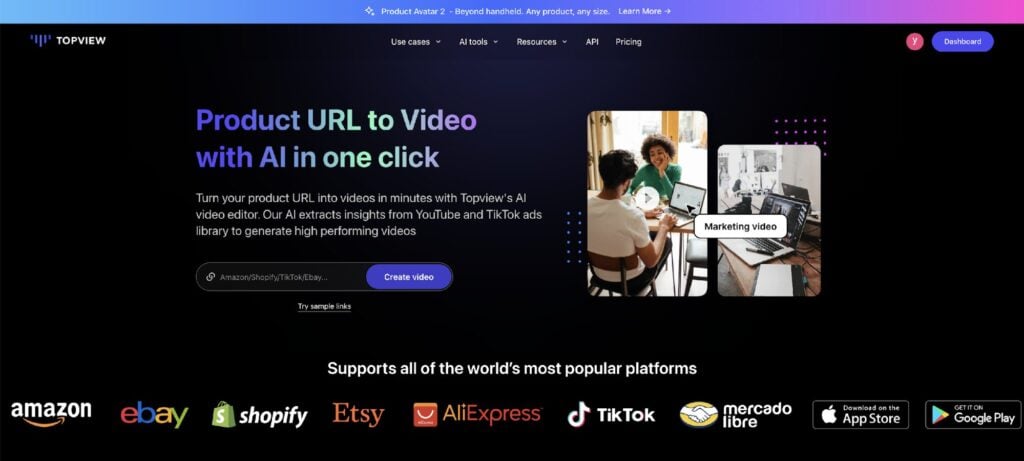
Topview.ai is built for speed and volume. For ecommerce sellers and digital marketers who need to pump out high-performing video ads fast, it offers a streamlined solution: paste your product URL, and in minutes, you’ll get a fully edited, social-optimized video.
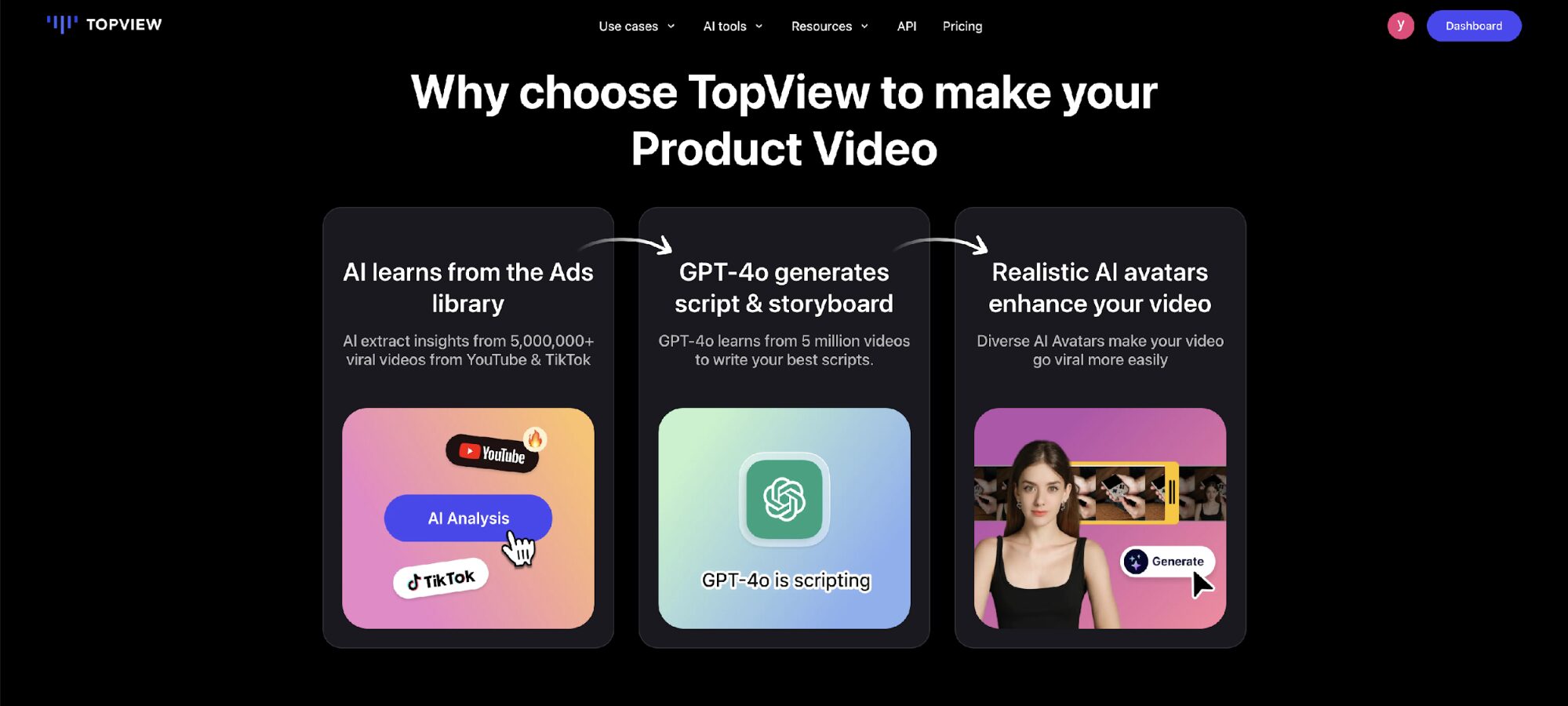
Powered by data from millions of successful ads, Topview analyzes each product page and builds video content aligned with current platform trends. It doesn’t stop at script generation, Topview also handles transitions, captions, music, and avatar-led storytelling, producing influencer-style content that feels polished and platform-native.
With AI-powered scene matching, multilingual support, and a growing library of over 1,000 avatars, it’s a practical tool for brands managing large product catalogs or running frequent campaigns.
Key Features
- Converts product URLs to fully packaged ad videos using proven viral formats
- Access to 1000+ AI avatars with realistic voice syncing and gestures
- One-click automation for scripts, visuals, captions, and background music
- Supports 30+ languages with voiceovers and subtitles for global audiences
- Drag-and-drop interface with no technical complexity
Pros
- Extremely efficient for ecommerce teams and ad agencies
- Auto-generated visuals and voiceovers reduce production time
- Optimized for TikTok, YouTube, and Instagram ad formats
- Lets users scale ad production without hiring creators or editors
Pricing
- Free Trial: 10 credits, up to 2 watermarked videos
- Starter Plan: $9.90/month (billed annually) – ideal for small sellers
- Business Plan: $44.90/month – advanced features and higher output
- Enterprise Plan: Custom pricing with API access and team features
- Invideo
InVideo makes it easy to turn any product or landing page URL into a complete, ready-to-publish video ad. Paste the link, and the platform automatically pulls in headlines, images, and descriptions to build a short-form video with dynamic scenes, voiceovers, subtitles, and music.
It’s ideal for marketers who need UGC-style content or branded ads without starting from scratch. With an AI ad generator, users can easily produce professional-quality ads in minutes. They can adjust scenes using natural text commands such as “replace Scene 2” or “change voice to female,” keeping the workflow smooth and intuitive.
Key Features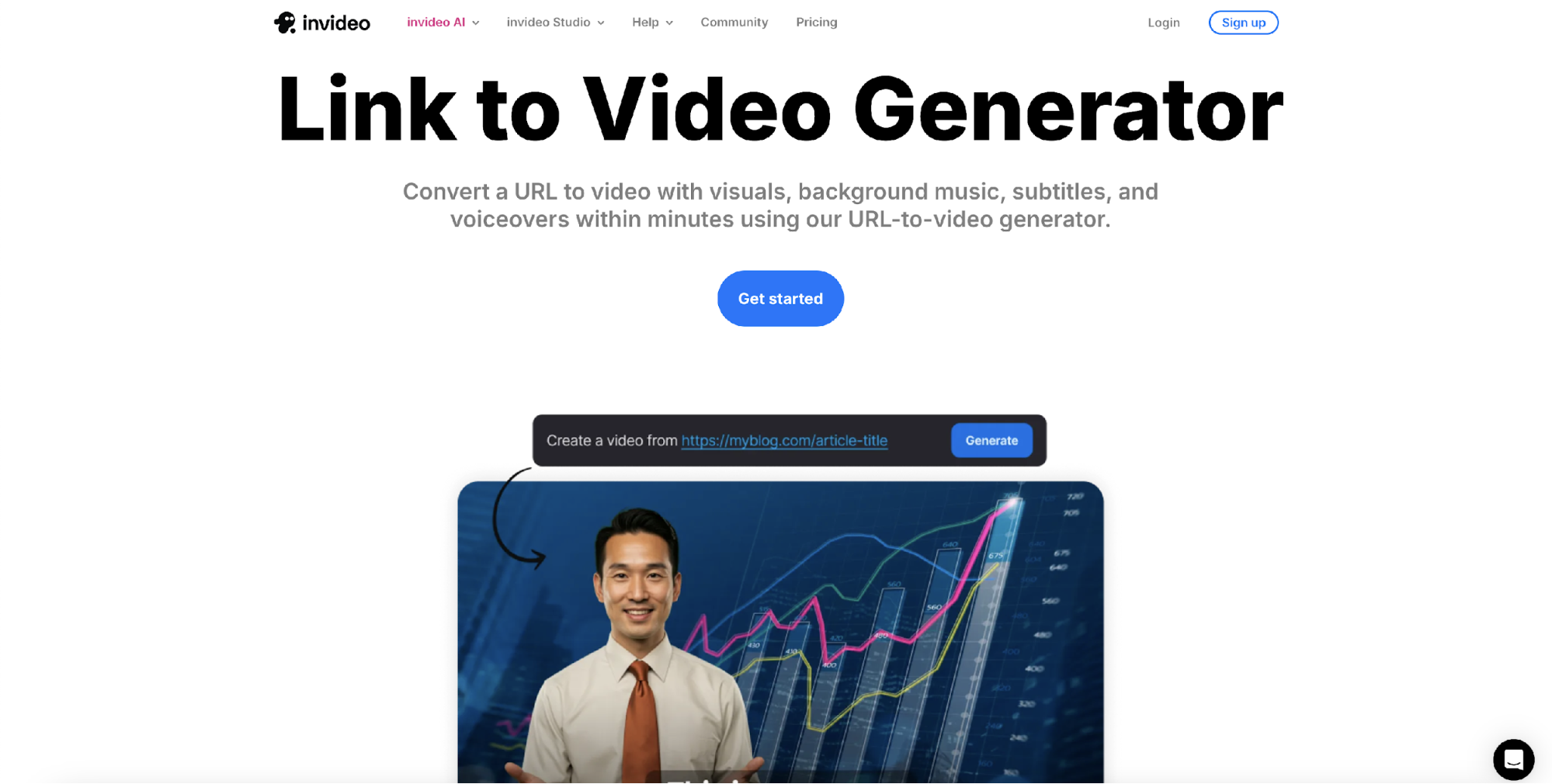
- Auto-generates video ads from product or webpage URLs
- Edit scenes, voice, and visuals with simple text prompts
- Includes AI voiceovers, music, subtitles, and platform-specific templates
Pros
- Fast content generation with high visual quality
- Supports UGC-style and branded video formats
- Streamlined editing without switching tools
Pricing: Free plan available (with watermark). Paid plans start at $28/month.
- Synthesia
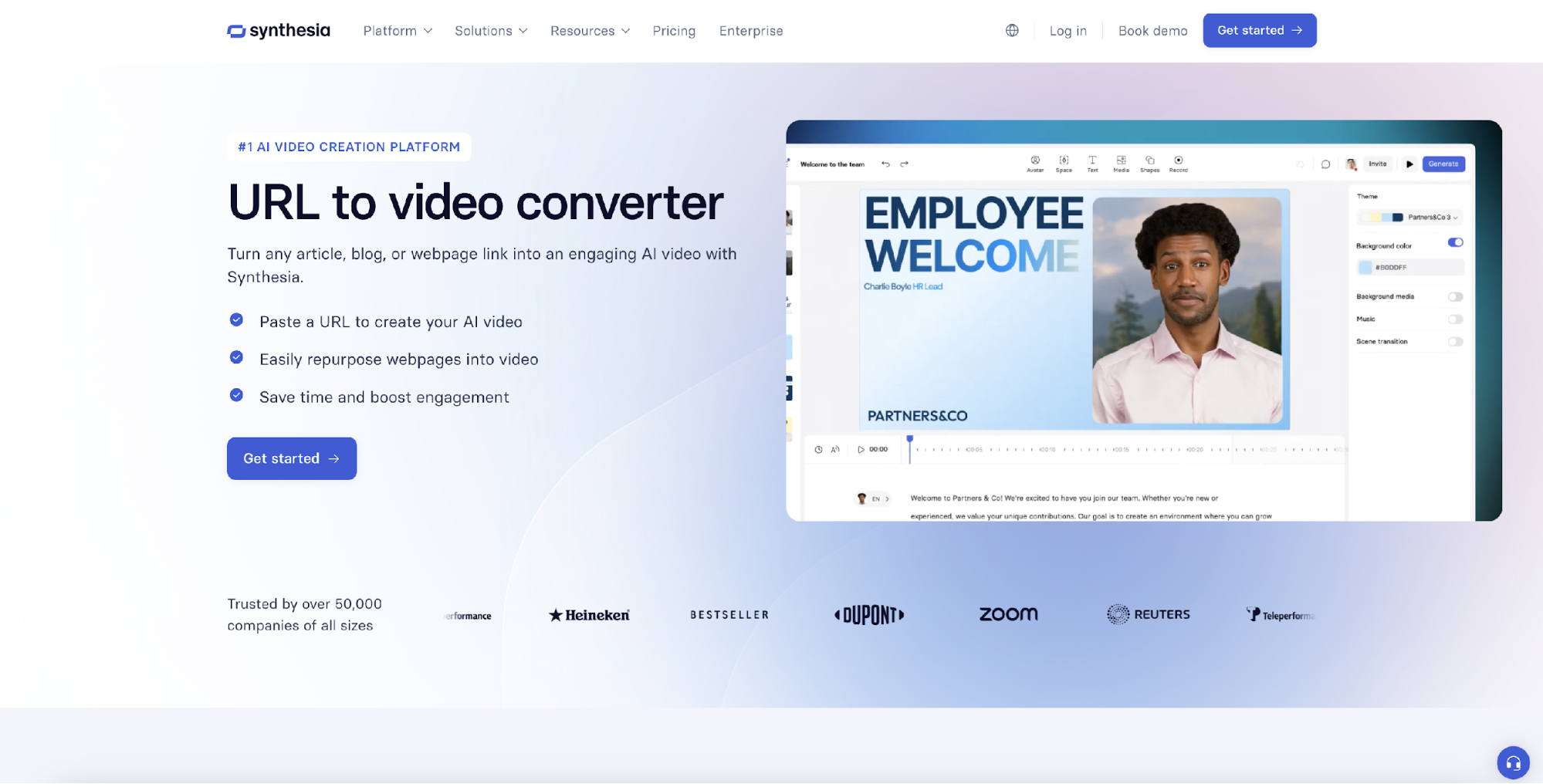
Synthesia turns product URLs into professional-looking video ads by combining extracted page content with lifelike AI avatars. It’s especially useful for businesses that want a polished, human-led presentation without filming, editing, or voice recording.
With support for 140+ languages and a large selection of avatars, Synthesia makes it easy to create localized video ads for international campaigns. Updates are fast, and edits don’t need to start over–ideal for brands producing repeatable content at scale.
Key Features
- Converts product URLs to avatar-led video ads with voice and text on screen
- 230+ AI avatars and support for 140+ languages and accents
- Script-based editor with auto-captions, subtitle generation, and translation
Pros
- Great for multilingual campaigns and brand localization
- No filming or voice recording required
- Scales well for businesses creating repeatable video content
Pricing: Free plan available (up to 3 minutes/month). Paid plans start at $14/month.
- HeyGen
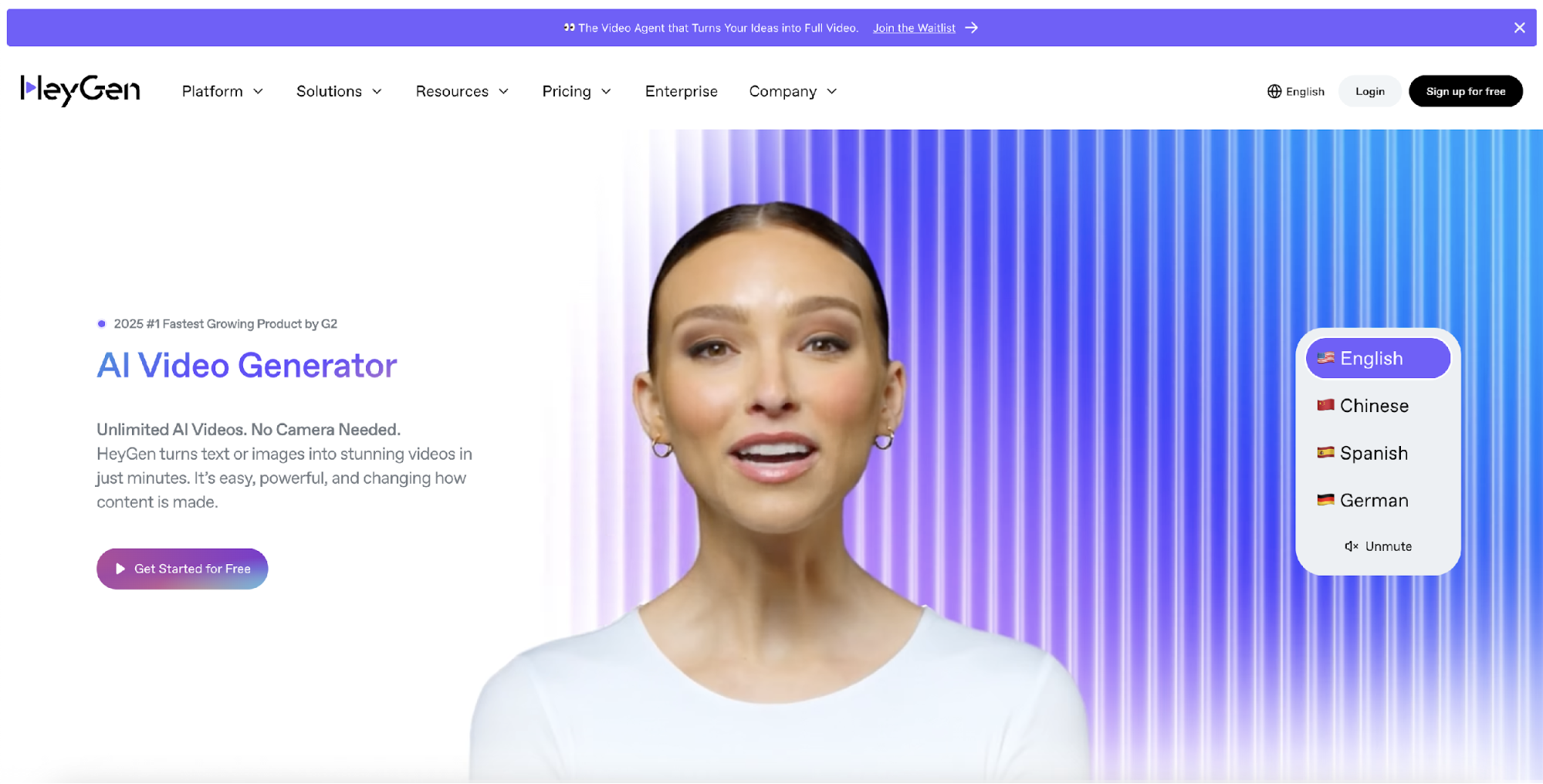
HeyGen makes it easy to generate high-impact video ads from a single product URL by combining advanced avatar technology with multilingual support. Instead of static visuals or text overlays, you get lifelike talking-head videos that speak directly to your audience.
Once you paste your product link, HeyGen scans the page and builds a video script that can be delivered by a realistic AI presenter. You can choose from dozens of avatars, customize their voice and style, and even create multilingual versions without changing the core content.
Key Features
- Converts URLs to AI avatar-led talking-head videos
- Supports 175+ languages for captions and voiceovers
- Avatars and voice styles can be tailored to match your brand’s tone
Pros
- Realistic facial expressions and lip syncing for natural delivery
- Great for personalized video messaging and product explainers
- Fast turnaround, no video production experience required
Pricing: Free plan available (with limited access). Paid plans start at $24/month.
- AI Studios
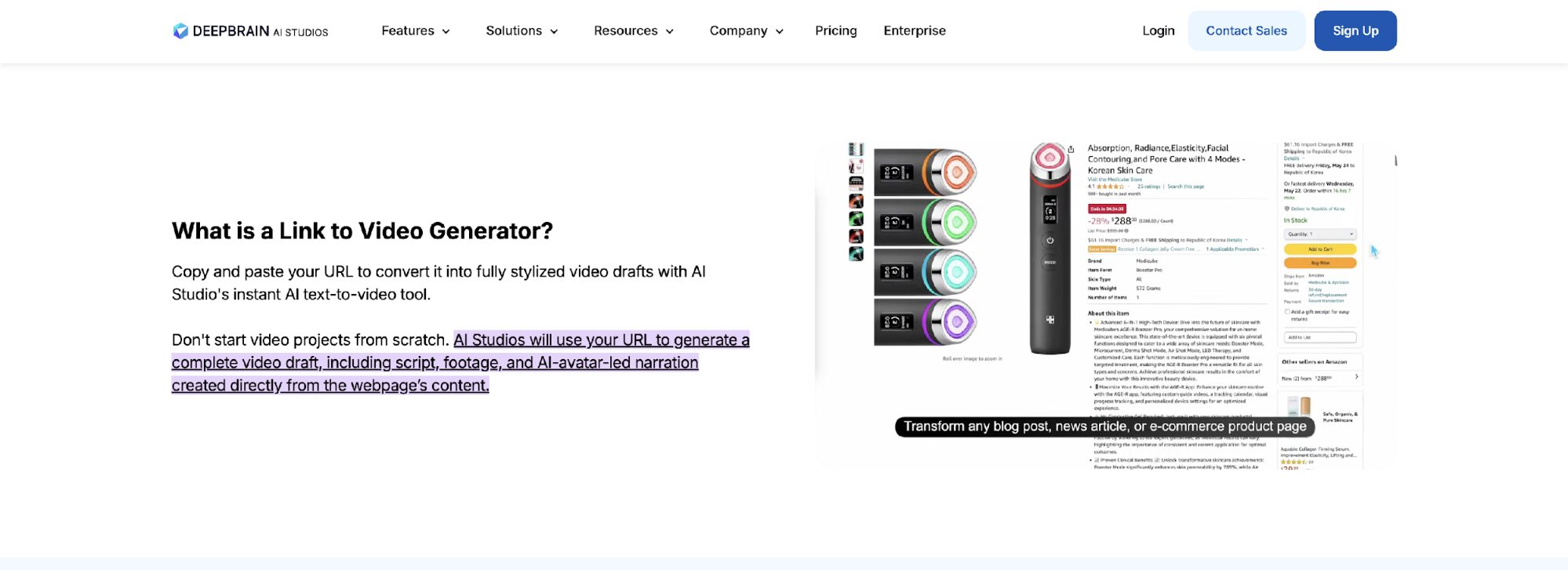
AI Studios is built for anyone who wants to turn product or service URLs into polished, presenter-led videos. The platform scans your web page, extracts key information, and automatically generates a complete video with visuals, narration, subtitles, and an AI avatar presenter.
From scriptwriting to voiceover to visuals, AI Studios takes care of the full production flow, making it perfect for businesses producing how-to videos, corporate explainers, or multilingual campaigns. You don’t need creative assets or even a plan, the platform uses your existing content to build a professional-grade video in minutes.
Key Features
- Auto-generates entire video presentations from any URL
- AI avatars deliver your message with realistic voice and body language
- Built-in scriptwriting, visuals, subtitles, and translation
Pros
- Full automation makes video creation fast and effortless
- Excellent for training, onboarding, and B2B communication
- Multilingual support helps reach diverse audiences
Pricing: Free plan available (limited features). Paid plans start at $24/month.
- Creatify
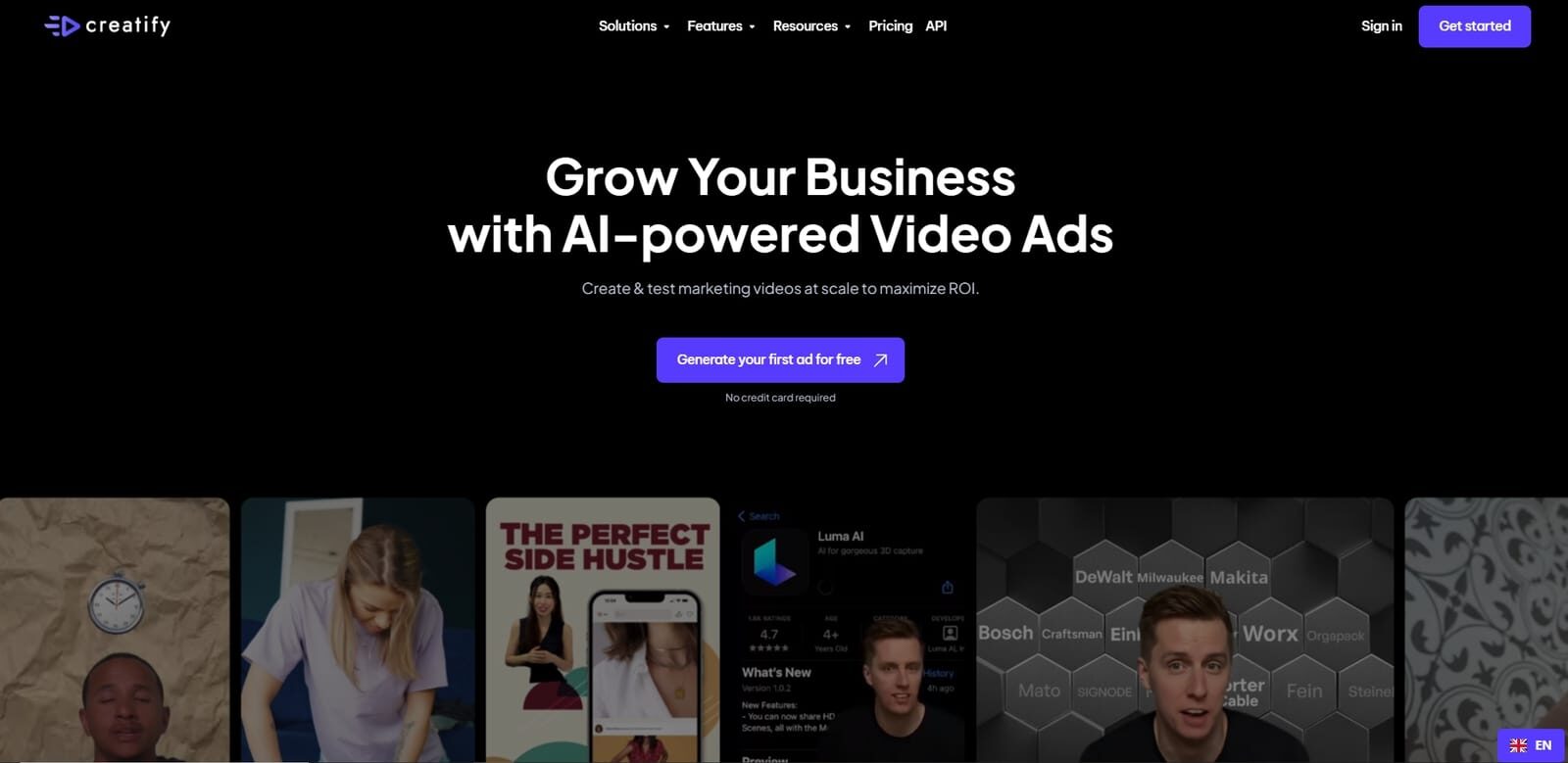
Creatify is designed for speed, scale, and conversion. If your goal is to turn a product URL into scroll-stopping video ads that match current social media trends, this tool delivers. It instantly analyzes your product page, generates ad-ready video variations, and applies the tone and pacing that works best for platforms like TikTok, Instagram, and YouTube Shorts.
Instead of producing just one version, Creatify generates multiple UGC-style videos in one go. It also includes a built-in system called Auto AdMax that tracks trending ad formats and performance data, helping you make informed creative decisions without additional testing tools.
Key Features
- Instantly generates multiple UGC ad variations from a single product URL
- 700+ avatars with customizable voices, backgrounds, and scripts
- Auto AdMax recommends top-performing video styles based on current trends
Pros
- Built for marketers who need high-volume creative output
- Excellent alignment with mobile and short form video formats
- Trend-aware generation helps increase engagement and CTR
Pricing: Free plan available (with watermarks). Paid plans start at $33/month.
- Pictory
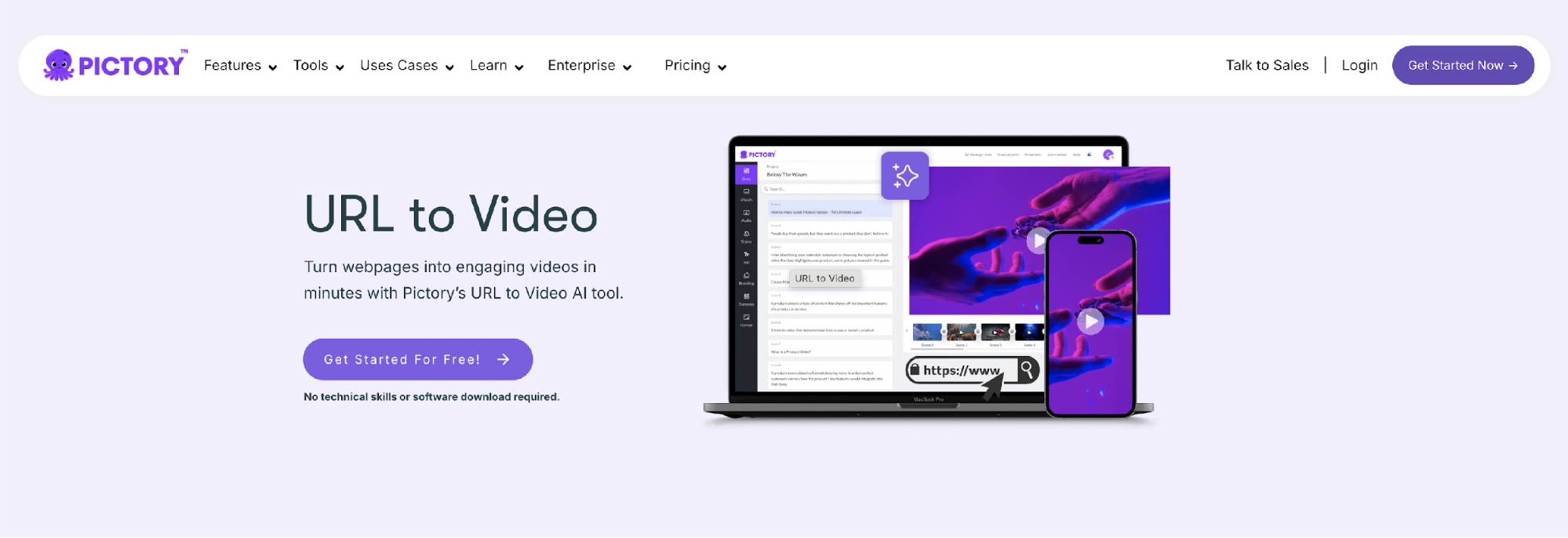
Pictory is made for marketers and content creators who want to turn blogs, landing pages, or product descriptions into engaging videos. Simply paste in a URL, and the platform scans the text, identifies key ideas, and converts them into a structured video with voiceovers, captions, and relevant visuals.
What makes Pictory particularly useful is its ability to extract the most meaningful parts of long-form content and repackage them into bite-sized clips ready for social media, email campaigns, or landing pages. The platform works well even if you don’t have video editing experience, making it accessible to solo creators and small teams alike.
Key Features
- Automatically summarizes page content and builds narrative scripts
- Converts blog posts, URLs, and written assets into ready-to-share videos
- Includes voiceovers, subtitles, and stock visuals in the final output
Pros
- Great for repurposing content without starting from scratch
- Fast generation ideal for time-sensitive promotions
- User-friendly for marketers and solopreneurs
Pricing: Free plan available (with limited features). Paid plans start at $12/month.
How to Choose the Right Tool for Your Business
Not every tool fits every business. To get the most value, you need to match the tool with what you’re trying to achieve. Here’s what to watch:
- Define Your Purpose
Before choosing a tool, be clear about what you’re trying to create. If your goal is to make short, eye-catching product ads for platforms like TikTok or Instagram, tools like Topview or Creatify are built for that. If you need more formal or educational content, something like AI Studios or Synthesia might be a better fit.
- Look for Simplicity
If you don’t have time to learn video editing, choose a tool that does the heavy lifting for you. Some platforms let you paste a URL and generate a video with almost no manual work. The simpler the process, the faster you can create and publish content, especially if you’re working alone or on a small team.
- Consider Your Budget
Most platforms have a free version, but they usually come with watermarks or limited functionality. If you plan to create videos with AI regularly, investing in a paid plan often gives you access to better customization, higher video quality, and more export options. Choose something that fits your budget without sacrificing essential features.
- Prioritize Customization
Customizing your videos helps you stand out. Whether it’s changing the avatar, adding your brand colors, or adjusting the script, having control over how your video looks and sounds makes a big difference. Go for a tool that lets you personalize the output instead of giving you a generic template.
- Think About Language Support
If your audience speaks more than one language, your videos should too. Tools that support multiple voiceovers and subtitles can help you reach a global market. Make sure the platform you choose allows you to easily switch languages or localize your content.
Conclusion
In 2025, creating engaging video ads from simple URLs is no longer optional – it’s a competitive advantage. AI video generators help brands save time, reduce costs, and scale content production with ease.
Here’s a quick recap of the 7 best URLs to video ad generators to use in 2025:
- TopView – Convert product links to viral videos with AI avatars.
- Invideo – Great for fast, customizable videos from links and scripts.
- Synthesia – Professional avatar videos for global audiences.
- HeyGen – Realistic talking head videos tailored to your brand and market.
- AI Studios – End-to-end automation from script to final video.
- Creatify – Ad-focused video generator with built-in split testing.
- Pictory – Turn written content into short video summaries.
Ready to simplify your video ad process? Start with TopView and turn any URL into high-performance video content—no editing skills required.