
We live in a world where individuals and organizations must deal with extensive volumes of paperwork. For example, you may need to make a digital copy of your business invoices, title deeds, passport, and other vital documents. That’s where a PDF scanner online comes in. With only your browser and internet connection, you can convert any physical file into a digital copy in a flash. So, to help you find the best online scanner PDF, we carefully evaluated multiple software programs that guarantee quality, speed, and intuitiveness. Keep reading to discover our “Top 5” picks. You can even find a free online PDF scanner from our list of recommendations.
Part 1. What Makes a Great Online PDF Scanner?
Before we list our top 5 PDF scanners, let’s discuss how to choose the right fit for your needs. So, whether you want a personal mobile PDF scanner or a tool for commercial use, follow these tips to make the right choice:
- OCR Accuracy & Languages: A reliable PDF scanner must provide fast and accurate OCR capabilities to scan and extract text from images and scanned documents. Make sure it supports as many languages as possible.
- Speed & Ease of Use: A good scanner should run quickly and smoothly, especially on mobile phones. Choose one that provides hassle-free performance without any pre-training.
- Platform & File Support: An image to PDF scanner online must offer reliable format and platform support. Choose a cross-platform tool that supports all standard image formats.
- Flexible Pricing: You don’t want to pay for something you can get for free, do you? Choose a PDF scanner that provides free services with optional premium upgrades.
- Adaptability & Flexibility: Lastly, ensure the app can quickly adapt to different needs, whether you’re a student or businessperson needing quick scans. It should offer robust features that support multitasking.
Part 2. 5 Best PDF Scanner Online Tools You Must Try
1. PDNob Online
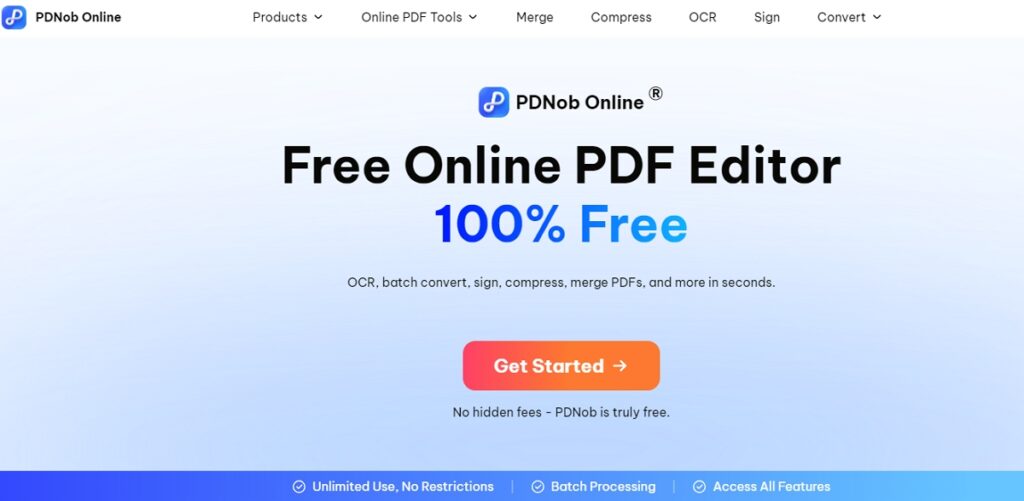
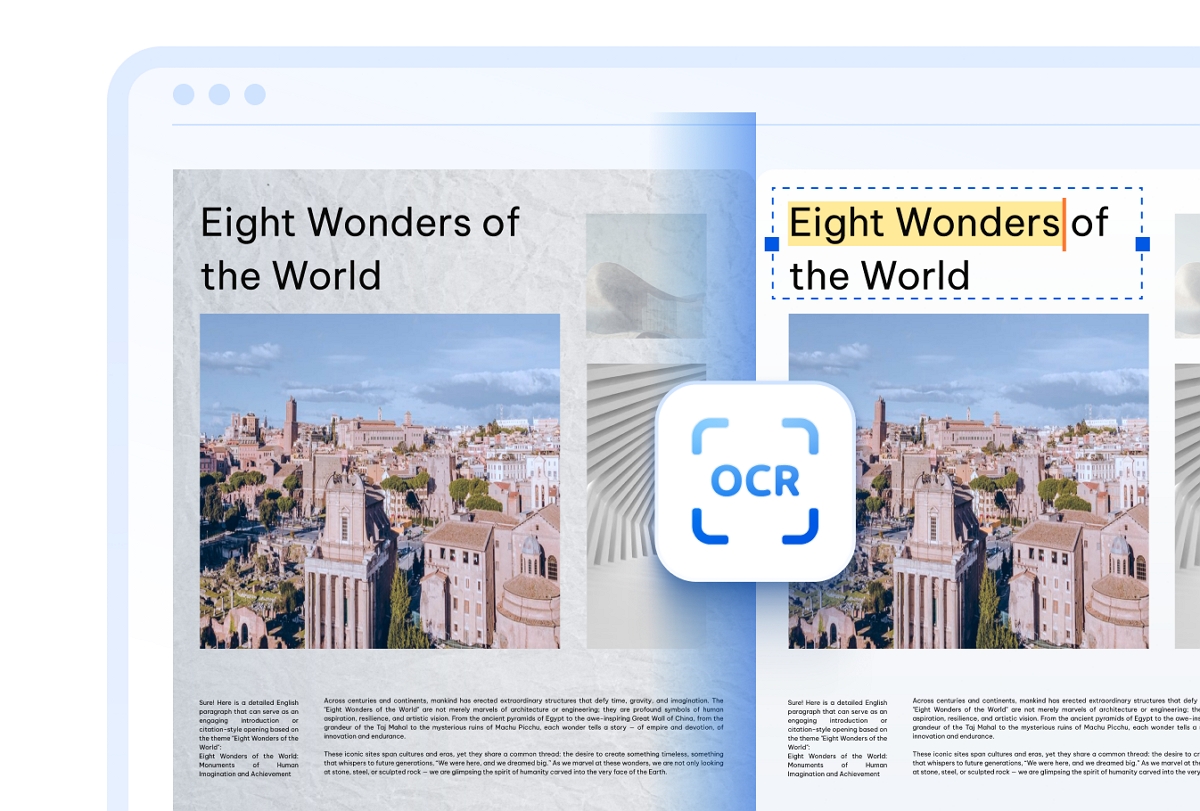
Let’s start this list with Tanoshare’s PDNob Online, a Free Online PDF Editor for converting images and scanned documents into searchable and selectable text. This tool uses a combination of AI-OCR technology, powered by Abbyy, to boost efficiency and quality. It can quickly detect and extract any text from scanned files and images, including handwritten text. The good thing about using PDNob Online is its multi-lingual use, helping users scan PDFs in multiple languages.
With PDNob Online, you can easily make your PDF look like a scanned, uneditable document using the “PDF to Image” feature. This tool lets you convert each page of your PDF into an image, which you can then save as a new PDF. The result? A clean, scan-like file where the text can’t be selected or edited — perfect for preserving layout or sharing content securely.
Below are a few key features to know about this Online tool:
- Truly 100% free — no watermarks, no ads, no signup required. All core PDF features are available without limitations.
- Batch processing support: With PDNob Online, you can handle multiple files at once: convert, compress, merge, or OCR them in a single session.
- Multi-Language Support: PDNob Online’s OCR Tool supports 16+ languages, making it the ideal tool for any use. It supports English, French, German, Spanish, and other languages.
- Advanced OCR technology: This OCR PDF Free Online tool supports fast and accurate conversions, thanks to the advanced Abbyy technology. It extracts editable text from scans and images in multiple languages.
- 100% Secure: You don’t have to worry about the safety of your document files when using this free OCR scanner. It uses TLS encryption technology to ensure maximum privacy.
2. ScanDoc
ScanDoc is another safe online PDF scanner that helps you convert scanned documents and photos to editable PDFs in seconds. This tool provides excellent cross-platform support, allowing you to scan and convert documents directly from your mobile and desktop browsers. Another great thing about ScanDoc is its simplicity. Just upload your photo or document and tap “Scan” to convert it.
ScanDoc key features:
- Easy to use and fast rendering speed on any device.
- A 100% secure PDF scanner with an SSL certificate.
- Scan photos and documents directly from your camera.
- Dedicated Android and iOS ScanDoc apps.
3. PDFdu
PDFdu is an all-in-one website that provides multiple PDF handling services. This free online scanner PDF can convert any scanned photo or document into editable text within seconds. Impressively, PDFdu supports 100 to 900 DPI (Dots Per Inch), allowing you to get sharp and clear printable files. Moreover, this online free PDF scanner supports multiple output formats.
Key features of PDFdu:
- 100% online PDF scanner with no downloads or installations.
- Convert encrypted PDFs to scanned files and vice versa.
- Quickly remove the PDF encryption or password for easy conversion.
- High-definition document scanning without any distortion.
- Converted files are auto-deleted from the server for maximum security.
4. OnlineCamScanner
OnlineCamScanner is a nice online program with powerful capabilities. It’s an excellent picture to PDF scanner online that supports standard image formats like JPG, JPEG, and PNG. You must simply upload a photo and adjust the scanning area to extract text. This JPG to PDF scanner online also provides free OCR services to convert scanned pictures and documents into Word files.
Key feature:
- 100% free to use online.
- Add highlights and annotations to scanned files.
- Scan selectable areas of your document or photo.
- 20+ scanning languages, including English, French, and German.
- Extra features include resizing images and a QR code generator.
5. NAPS2
NAPS2 is a free, open-source PDF scanner for Mac, Windows, and Linux devices. With it, you can easily scan documents with devices like HP, Canon, and Epson before saving the scanned file in formats like PDF, JPG, and PNG. NAPS2 also lets you choose between WIA, TWAIN, and SANE drivers, depending on your preference. Plus, it uses an inbuilt Tesseract OCR for seamless document scanning.
Key features of NAPS 2 PDF Scanner:
- The OCR function supports 100+ languages.
- Share scanners across computer networks.
- Use the software in 40+ different native languages.
- Rotate, crop, and rearrange images and pages.
Part 3. Conclusion
So, whether you want to digitize handwritten notes or digital receipts, an online PDF scanner should be your best friend. From the list above, PDNob Online’s PDF scanner clearly stands out for its simplicity, speed, and OCR accuracy. It’s 100% free and incredibly easy to use, making it ideal for all users. However, each online PDF scanner on this list brings something unique. Therefore, test and compare multiple options and choose what works best for your workflow.
Read More From Techbullion