
If you love listening to YouTube videos but want to save data or enjoy content offline, converting YouTube videos to MP3 is a great solution. Converting videos to MP3 lets you listen to music, podcasts, or lectures without streaming and consuming data. Plus, MP3 files are compatible with almost every device, giving you the freedom to enjoy your content anywhere.
In this guide, we have reviewed and ranked the top 10 free YouTube to MP3 converters in 2025. These tools are easy to use, fast, and don’t require software installation, making them perfect for users who want quick and hassle-free conversions.
What Is a YouTube to MP3 Converter?
A YouTube to MP3 converter is a tool that extracts and converts the audio from YouTube videos into MP3 format. People typically use these converters when they want to listen to the audio from a video offline without using up data or keeping the YouTube app open. These converters can be standalone tools or web-based services where you paste the YouTube video URL, and it converts it to MP3 for free.
Best Free YouTube to MP3 Converters in 2025
Here are the top 10 free YouTube to MP3 converters for 2025, including their key features and limitations. Most of these are online converters, so you can choose one based on your needs.
1. Y2Mate – Versatile and Easy to Use
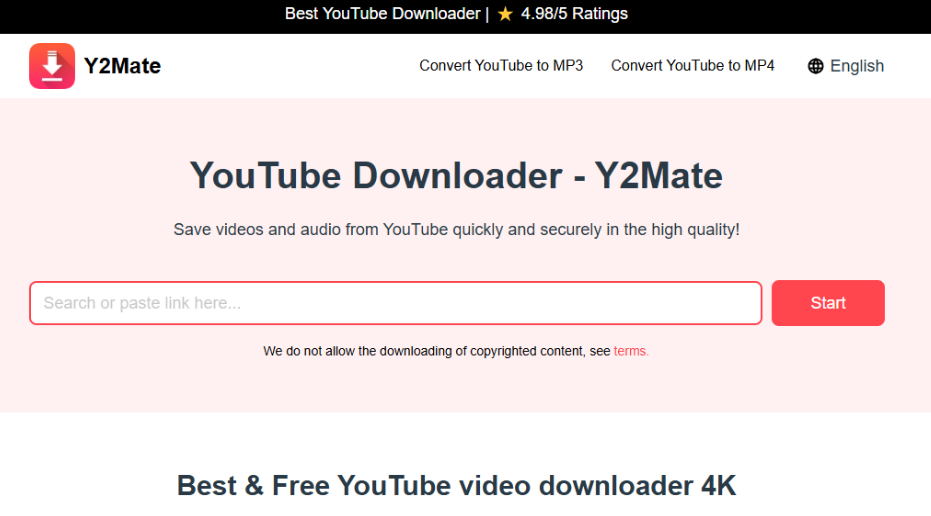
Y2Mate is a popular YouTube to MP3 converter that also supports other platforms like Dailymotion, Facebook, and Youku. It supports a variety of file formats and doesn’t require sign-up.
Key Features:
- Supports various video formats.
- Free and unlimited conversion.
- No sign-up is needed.
- High Quality Downloads
- Unlimited MP3 and MP4 downloads
Limitations:
- No audio editing features.
- Doesn’t support batch downloading.
2. YTMP3 – Best for Simple Conversions
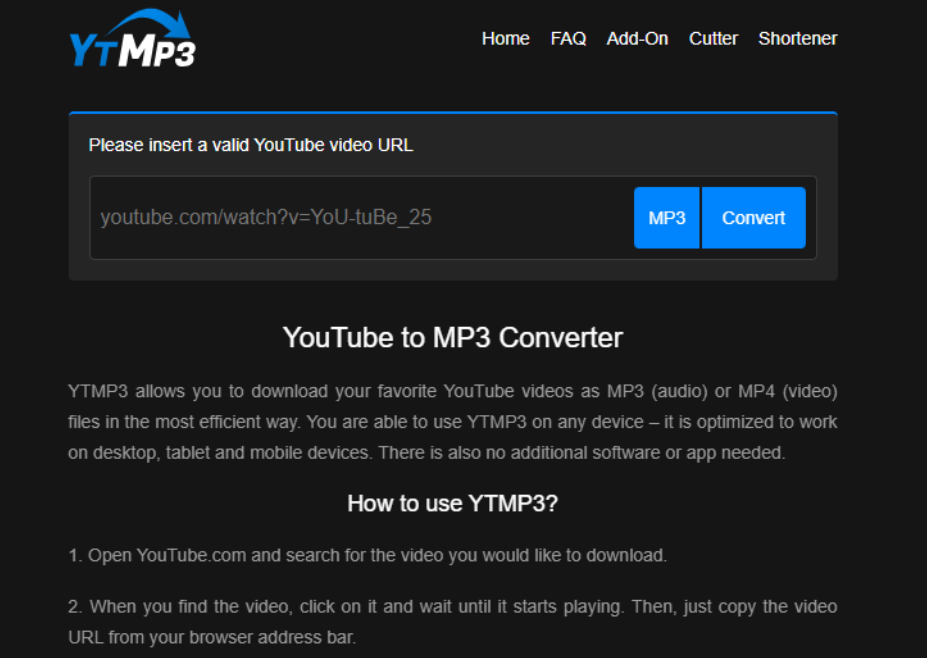
YTMP3 is one of the most popular YouTube to MP3 converters. It’s known for its user-friendly design and fast conversion speed. YTMP3 works well on any device, including computers, tablets, and phones, and offers extra features like an MP3 cutter and a YouTube shortener.
Key Features:
- Works on computers, tablets, and phones.
- Extra features like MP3 cutter and YouTube shortener.
- Customizable dark and light themes.
- Unlimited MP3 share and convert.
Limitations:
- Ads may be intrusive.
- No option to select audio quality for download.
- Limited features compared to other converters.
3. YT1s – Fast and Simple
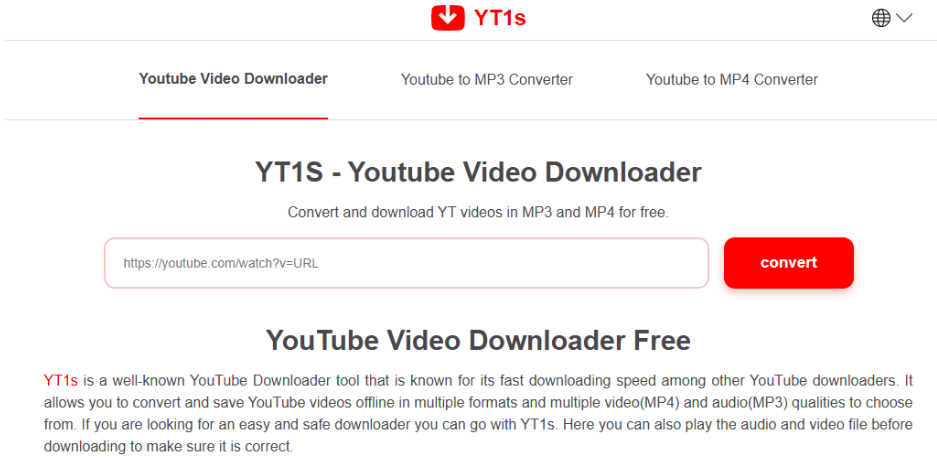
YT1s is a no-frills YouTube to MP3 converter that supports multiple formats like MP3, MP4, FLV, M4A, and 3GP. It’s simple to use and works across different languages.
Key Features:
- Quick and easy conversion process.
- No size limits for MP3 downloads.
- Multiple quality options.
- Direct MP3 file share options.
Limitations:
- Frequent ad pop-ups.
- Limited functionality compared to other converters.
4. Flvto – High-Quality MP3 Conversions
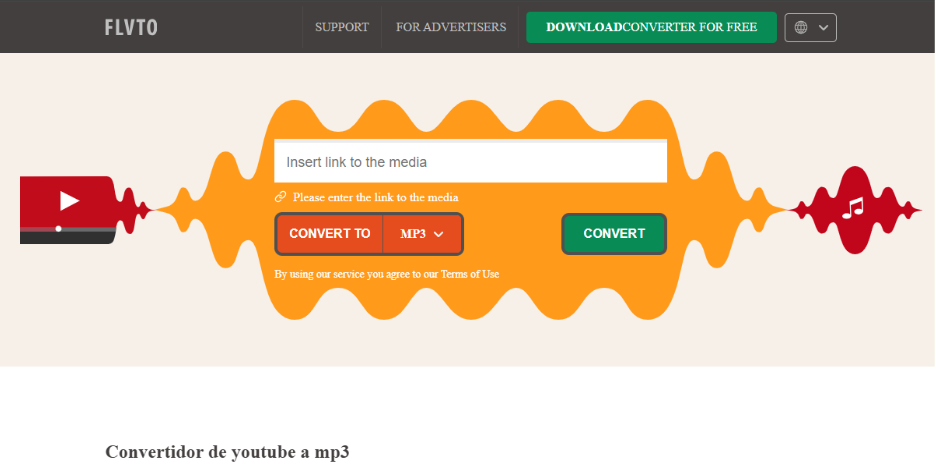
Flvto is a powerful online YouTube to MP3 converter that offers MP3 files with quality ranging from 64kbps to 320kbps. It’s secure and ad-free, making it a good option for those who prioritize safety and quality.
Key Features:
- No sign-up is required.
- Safe and ad-free.
- MP3 quality options from 64kbps to 320kbps.
- Easy download flow.
Limitations:
- Occasionally faces conversion errors.
- Often exports audio in lower quality than 320kbps.
5. OnlyMP3 – Convert and Save to Dropbox
OnlyMP3 lets you convert YouTube videos to MP3 and save them directly to cloud storage services like Dropbox, making them easily accessible on mobile devices for offline listening.
Key Features:
- Supports saving MP3 to Dropbox.
- Works on all devices and browsers.
- One-click conversion process.
- No Ads its a popup ad free converter.
Limitations:
- Sometimes displays incorrect YouTube videos.
- It can be confusing for first-time users.
6. EzMP3 – Supports Long Videos
EzMP3 stands out for supporting MP3 conversion of YouTube videos up to 12 hours long. It also allows users to customize the audio bitrate and trim converted audio.
Key Features:
- Customizable bitrate (Make it no-follow)selection (64kbps – 320kbps).
- Converts videos up to 12 hours long.
- No ads or interruptions.
- An audio trim feature is available for free.
Limitations:
- The server instability at times.
- Max downloadable MP3 length is 90 minutes.
7. MP3YouTube – Constantly Updated
MP3YouTube is a free tool that’s frequently updated to keep up with changes to YouTube’s algorithms. It’s completely secure and works on different operating systems like Windows, Mac, Linux, Android, and iOS.
Key Features:
- Works on multiple operating systems.
- Regular updates for compatibility with YouTube.
- Safe and secure to use.
Limitations:
- Only supports MP3 format.
- No option to customize audio quality.
- Too many popup Ads.
8. Wave.video – Supports Multiple Formats
Wave.video isn’t just a YouTube to MP3 converter; it also supports many other audio and video formats. It retains audio quality during conversion, and there are no ads to distract you.
Key Features:
- Supports various file formats like MP4, M4V, and WMV.
- Free and no installation required.
- Online video editing tools are included.
Limitations:
- Some advanced features require a subscription.
- The quality is only 256kbps max.
- The number of Downloads is limited.
9. YTGoConverter – Easy for Beginners
YTGoConverter is another simple tool to convert YouTube videos to MP3. Its smart technology ensures high-quality downloads, and it’s designed to be user-friendly for beginners.
Key Features:
- Simple interface for easy use.
- High-quality conversion.
- Fast processing time.
Limitations:
- Only supports the MP3 format.
- Lacks audio editing features.
- No preview before downloading the MP3.
10. AISEO – No Ads, No Watermarks
AISEO offers a clean, ad-free interface for converting YouTube videos to MP3. This tool is simple, fast, and supports high-quality audio conversion without watermarks.
Key Features:
- No registration or ads.
- Supports playlist conversion.
- Mobile-friendly interface.
Limitations:
- Occasionally crashes and fails to download audio.
- High downtime. Not working maximum hours a day.
How to Convert YouTube to MP3
Here’s how to convert a YouTube video to MP3 using YTMP3, one of the top converters on our list:
- Find the YouTube Video: Go to YouTube and copy the URL of the video you want to convert.
- Visit YTMP3: Open YTMP3’s website and paste the copied URL into the search bar.
- Select MP3 or MP4: Choose MP3 as the output format, or leave it to default to MP3.
- Start the Conversion: Click “Convert” and wait for the process to finish.
- Download the MP3: Once the conversion is complete, click “Download” to save the MP3 file to your device.
Fixing Issues with MP3 Files
If your converted MP3 files aren’t playing correctly, you can repair them using 4DDiG Audio Repair (Make it no-follow). This tool helps fix minor and major audio issues like crackling, skipping, and corruption.
Key Features of 4DDiG Audio Repair:
- Fixes unplayable or corrupted MP3 files.
- Repairs multiple audio files simultaneously.
- Supports a wide range of audio formats.
How to Fix MP3 Files with 4DDiG Audio Repair:
- Open 4DDiG Audio Repair and choose “Audio Repair.”
- Add your corrupted MP3 files.
- Click “Repair All” to start the process.
- Preview and save your fixed MP3 files.
FAQs
Q1: Are free YouTube to MP3 converters safe?
Some converters are safe, like YTMP3, but always avoid clicking on pop-up ads to stay safe.
Q2: Why are some converters taken down?
YouTube’s terms of service prohibit downloading content without permission, which often leads to these converters being taken down.
Q3: Can I legally convert YouTube videos to MP3?
It’s generally okay for personal use, but distributing or selling the converted MP3 files can violate copyright laws.
Final Thoughts
Finding a reliable and free YouTube to MP3 converter can be challenging, but with the right tool, you can easily download audio for offline listening. Be sure to consider the features and limitations of each tool to find the best one for your needs. If your converted files encounter issues, don’t forget that 4DDiG Audio Repair can help fix them!