
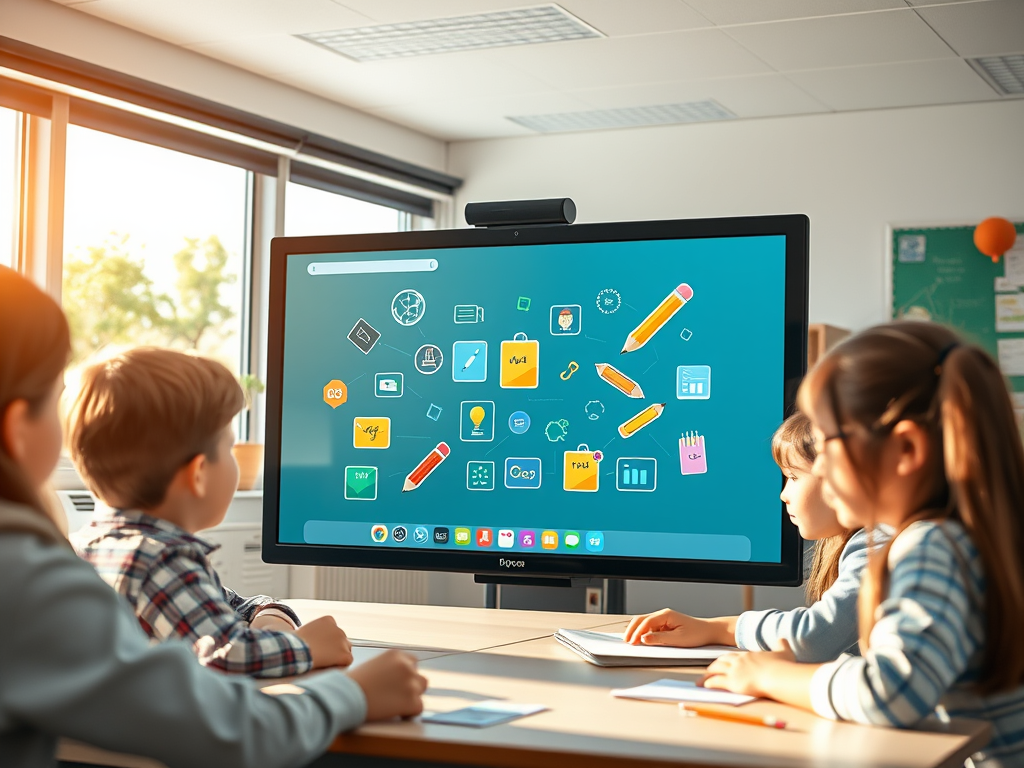
If you’re an educator looking for a simple, powerful, and free classroom tool, Classroom screen should be on your radar. In this comprehensive, SEO-optimized blog post, we’re diving deep into what classroom screen is, its standout features, and how it can improve classroom management, engagement, and productivity for teachers and students alike.
Whether you teach in a physical classroom or online, Classroom screen has features designed to streamline your workflow and make learning more interactive. Let’s explore!
What Is Classroom screen?
Classroom screen is a web-based classroom management tool that allows teachers to display essential visual elements on a shared screen — perfect for projecting via a smartboard, interactive display, or through screen sharing. It bundles a range of classroom utilities and widgets on one screen so teachers can display information clearly without switching between tabs.
It’s popular because it’s:
- Browser-based — no installation required
- Free to start — with optional Pro upgrades
- Highly customizable — choose layouts and widgets to suit your lesson
- Useful in both physical and digital classrooms
Why Classroom screen Is a Must-Have Tool for Teachers
Teachers around the world — from elementary to high school — rely on Classroom screen daily. The reason is simple: it combines multiple classroom tools into one visual interface that everyone can see and understand instantly. Instead of juggling separate apps or whiteboards, Classroom screen keeps everything in one place.
Let’s take a deeper look at the standout features that make Classroom screen so effective.
- Intuitive Dashboard & Widget Bar
Once you open Classroom screen, you’ll see a clean interface with a widget bar where you can choose multiple tools at once. Widgets are draggable, resizable, and can be arranged to suit your layout preferences.
You can even:
- Save preferred widget layouts with a free account
- Customize default widget settings
- Use the annotation tool to draw on your screen in real time
This flexibility helps you tailor your classroom screen for different lessons, subject areas, and teaching styles.
- Time & Task Management Tools
Effective time management is one of the biggest challenges in classroom instruction — and Classroom screen’s time tools are powerful yet simple:
⏰ Clock, Timer & Stopwatch
- Clock — shows current time in digital or analog format
- Timer — set countdowns for tasks
- Stopwatch — track elapsed time
- Event countdown — count down to special class events like quizzes or break times
These tools help students understand pacing and keep them on task without constant reminders.
- Engagement & Interaction Widgets
🗳️ Poll Widget
Classroom screen includes a polling feature that lets teachers ask questions and gather instant student feedback — perfect for quick comprehension checks or student opinion surveys. Students respond via a code they enter at joincrs.com.
🪪 QR Code Generator
Have students access a link or resource quickly? Paste any URL, and the QR code widget creates a scannable code that students can use with their devices.
🎲 Random Name Picker & Group Maker
- Use the random name picker to select students fairly
- The group maker quickly splits class into balanced groups for collaborative work
These features promote engagement, participation, and fairness while reducing planning time.
- Classroom Management Tools
Classroom screen helps establish routines and expectations visually:
🛑 Traffic Light & Work Symbols
- The traffic light widget lets you signal when students should be quiet (red), attentive (yellow), or working freely (green)
- Work mode symbols show expectations like “silence,” “whisper,” or “pair work,” helping students self-regulate without verbal reminders.
📊 Noise Level Monitor
By using your device’s microphone, Classroom screen displays a live noise meter. Students can see how loud they are and adjust, making it great for managing group work and transitions.
- Customization & Personalization
Classroom screen allows significant customization:
🖼️ Backgrounds & Visuals
- Choose from hundreds of backgrounds — themed, educational, decorative, or calming
- Upload your own images or GIFs
- Use stickers to personalize your classroom screen and create a welcoming environment
✏️ Drawing & Text Tools
- Add text boxes for daily agendas, instructions, objectives, or reminders
- Use the drawing widget like a digital whiteboard to sketch diagrams or annotate notes on the fly
These tools make Classroom screen both practical and visually appealing.
- Multimedia Integration
Want to show video content without leaving your screen?
📺 Video Widget
Paste a YouTube link directly in Classroom screen and play the video without switching tabs or losing your widgets — perfect for embedded lesson clips or instructional media.
By keeping the video and classroom tools on the same screen, you maintain visual context and class focus.
- Lesson Planning & Organization (Pro Features)
While Classroom screen is fully usable for free, the Pro plan enhances long-term planning:
- Save and organize screens into workspaces
- Create custom backgrounds
- Save up to 100 student name lists
- Share screens with colleagues via public links
- Access undo history and extended customization options
Teachers can create screens ahead of time, reuse them year after year, and share them across classes — making Classroom screen an effective lesson planning tool.
- Accessibility & Remote Learning Support
Classroom screen isn’t just for in-person classrooms. Teachers use it for online lessons by sharing their screen through video conferencing platforms like Zoom, Teams, or Google Meet, making it easy to integrate with devices for education, whether schools provide laptops, tablets, or interactive displays.
Key benefits for distance learning:
- Share clear visual instructions during virtual classes
- Maintain interactive elements like timers and polls
- Use webcams with the screen to stay connected to students
This versatility makes Classroom screen ideal for hybrid learning environments.
- Real-World Use Cases from Educators
Teachers from around the world praise Classroom screen for helping with:
- Setting routines and expectations at the start of class
- Displaying schedules and instructions to reduce confusion
- Supporting independent work with visual cues
- Enhancing student engagement with polls and group tools
Whether you’re teaching elementary classroom routines or high school rotations, Classroom screen enhances instructional clarity and classroom collaboration.
- Tips to Maximize Classroom screen
Here’s how to get the most out of your classroom screen experience:
✅ Keep it simple.
Use only the tools you need for that lesson to avoid overwhelming students.
✅ Explain icons and tools to students.
Especially traffic signals and timers — clarity boosts effectiveness.
✅ Use it daily.
Consistency builds routine and reduces classroom management demands.
✅ Prepare screens ahead of time (Pro users).
Organize screens for each class period or subject for seamless transitions.
Conclusion: Why Classroom screen Is a Game-Changer
In the era of blended learning, multitasking educators need tools that are flexible, easy to use, and powerful — and that’s exactly what Classroom screen delivers. From timers and polls to noise monitors and random name pickers, Classroom screen pulls together essential classroom tools into a visual display that fosters engagement, management, and clarity.
Whether you’re a new teacher, veteran educator, or digital learning enthusiast, Classroom screen gives you everything you need to run lessons smoothly — all in one classroom screen.
Ready to transform your teaching? Try Classroom screen today and see how a better classroom screen can elevate student learning!