
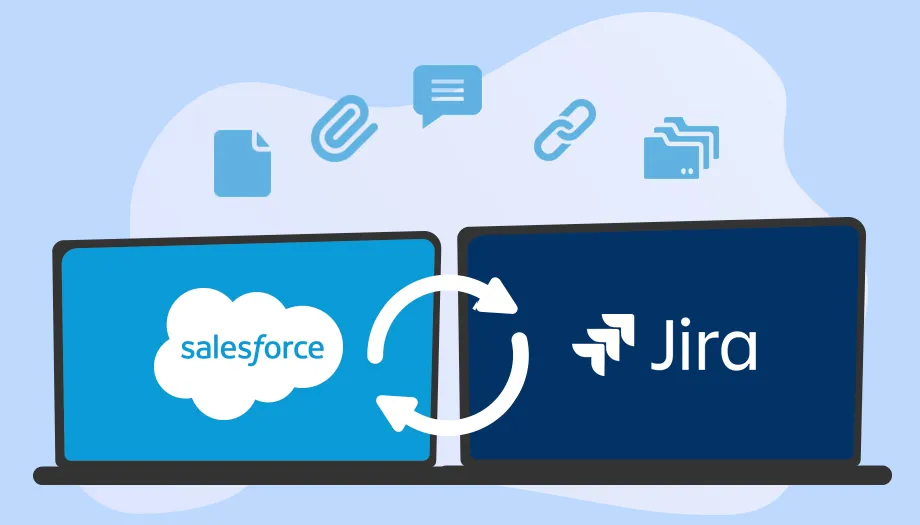
In modern product-driven organizations, aligning customer-facing teams with engineering teams is essential for faster delivery, fewer miscommunications, and improved product quality. This is where Salesforce and Jira Cloud Integration becomes a powerful solution that bridges the gap between CRM operations and agile development workflows.
Whether you’re a SaaS company, enterprise IT team, or fast-scaling startup, adopting a structured salesforce jira integration approach can significantly improve visibility, accountability, and efficiency across your entire organization.
What is Salesforce and Jira Cloud Integration?
Salesforce is widely used as a CRM platform for managing customers, leads, and support cases, while Jira Cloud is a leading tool for issue tracking, agile project management, and software development workflows.
When both systems are integrated, data flows seamlessly between customer-facing and engineering teams in real time. For example:
- A Salesforce support case can automatically create a Jira issue
- Jira development progress updates can reflect back in Salesforce
- Teams can track the same issue without switching platforms
This ensures everyone works on a single source of truth, improving collaboration and transparency.
Why Businesses Need Integration
Without integration, teams often rely on manual updates, spreadsheets, or emails, which leads to:
- Delayed communication between departments
- Duplicate data entry
- Misaligned priorities between support and development teams
- Slow customer issue resolution
A proper integration removes these inefficiencies and creates a unified workflow across business functions.
Key Benefits of Salesforce and Jira Integration
1. Better Cross-Team Collaboration
Sales, support, and engineering teams can work on the same data in real time, reducing friction and improving communication.
2. Faster Issue Resolution
Customer issues raised in Salesforce can be instantly escalated to Jira, allowing developers to start work immediately.
3. Real-Time Data Synchronization
Any updates made in Jira or Salesforce are automatically synced, ensuring both teams stay aligned.
4. Improved Customer Experience
Faster response times and accurate updates lead to higher customer satisfaction.
5. Increased Productivity
Automation reduces repetitive tasks like copying issue details or manually updating ticket statuses.
6. Stronger Reporting and Visibility
Managers gain a unified view of both customer issues and development progress.
How to Set Up Salesforce and Jira Cloud Integration
Step 1: Define Integration Goals
Before setup, identify what you want to achieve:
- Case-to-issue conversion
- Bi-directional syncing
- Status tracking automation
Step 2: Choose an Integration Tool
Common options include:
- Native marketplace apps
- Automation tools like Zapier
- Enterprise platforms like MuleSoft or Workato
Step 3: Connect Both Systems
Authorize Salesforce and Jira Cloud accounts and ensure proper permissions for secure data sharing.
Step 4: Configure Data Mapping
Map fields between both platforms, such as:
- Case ID ↔ Issue ID
- Priority levels
- Status updates
- Customer details
Step 5: Create Automation Rules
Examples include:
- High-priority case → Jira issue creation
- Jira issue resolved → Salesforce case update
- Comment synchronization between platforms
Step 6: Test Before Deployment
Run multiple test scenarios to ensure:
- No duplicate records
- Correct data sync
- Proper automation triggers
Step 7: Deploy and Monitor
Once tested, roll out the integration and continuously monitor performance for improvements.
Best Practices
- Keep data mapping simple and relevant
- Avoid unnecessary automation rules
- Define clear ownership between teams
- Maintain clean and updated data
- Train teams on how the system works
Common Use Cases
- Customer support escalation to engineering teams
- Bug tracking from client feedback
- Feature request management
- SLA tracking and reporting
- Internal IT ticket workflows
Challenges to Consider
Even though integration is powerful, businesses may face:
- Initial setup complexity
- Data sync conflicts
- Tool licensing costs
- Training requirements
However, these challenges can be managed with proper planning and structured workflows.
Final Thoughts
A well-implemented Salesforce and Jira integration is more than just a technical setup—it’s a strategic move toward operational efficiency and better customer experience. By connecting CRM and development workflows, businesses can respond faster, collaborate better, and deliver higher-quality solutions.
Ultimately, a strong salesforce jira integration strategy helps organizations build a truly connected digital ecosystem where teams work in sync instead of silos.