
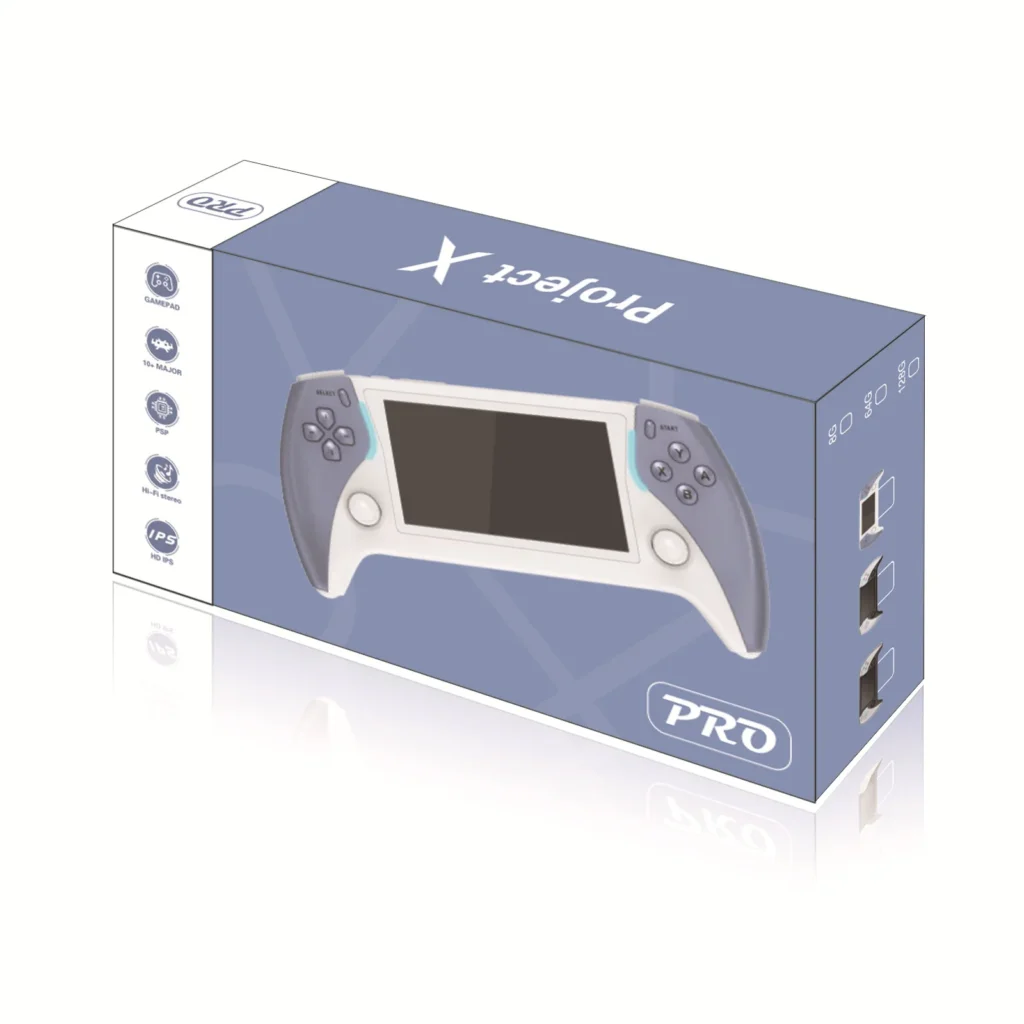
Project X Handheld Overview: A Closer Look At Features and Options
Product pages can be skimmed in a minute, but the useful details are often scattered between a headline, a short description and a row of option buttons. This piece walks through the Project X Handheld Game Console listing section by section, so you can see what is stated, what the options mean and how to pick the version that suits you.
A quick note before going further: the project x handheld comes with 2,000 preloaded games, as listed on the website’s product page.
The headline details
The listing presents the project x handheld as a compact retro handheld built for plug-and-play gaming. Nothing in the description suggests a complicated setup: the idea is that you pick it up, switch it on and choose a game.
The key numbers are short. The screen is 4.3 inches with a resolution of 800 x 480, and it is a colour display. The listing mentions roughly 2,000 preloaded games across a range of retro genres, and that count can vary by package, so check the option you select. Those three facts, a compact body, a 4.3-inch screen and a built-in library, are the core of the product.
Options you can choose
There are two kinds of option on the page. The first is colour, with White and Black available. The second is the preloaded games setting, which lists a single choice of 2000+. That means the colour is the only real decision to make, and it comes down to taste. A white body looks lighter and more playful, while black is more understated and tends to be less distracting when you are looking at the screen.
Because the games option has only one entry, there is no tier of library sizes to compare. If you are used to listings that offer several storage or game-count packages, this one is simpler to read.
Display and output
An 800 x 480 panel at 4.3 inches gives a decent amount of detail for classic games, which were designed for much smaller screens in the first place. The listing also says the console supports HD output, so you can play on a larger screen when you want to. That feature turns a pocket device into something you can share, which is useful if you want friends or family to see what is on screen.
The page does not name the connector or cable for HD output, so check the details with the store if you need to know exactly what to plug in.
Two-player play and menu language
The description mentions two-player battle play, with a note that it depends on compatible accessories and game modes. In practice, that means you should not assume every game supports a second player. It is a feature to look into if playing against someone is important to you, rather than a guarantee for the whole library.
The menu supports English along with several other languages. The listing does not spell out the full list, but the fact that English is included means most buyers should be able to navigate it without trouble.
Build and certification
The body is described as lightweight plastic, and the listing shows CE certification. Plastic keeps a handheld light enough to hold for a while, though it is worth remembering that it is a material you handle gently rather than toss into a crowded bag without any protection. The page does not give dimensions, weight figures or battery details, so this overview does not either.
How to decide
With so few options, choosing is mostly a matter of priorities. A short checklist can help.
- Do you want a compact device with a 4.3-inch screen?
- Would you like to connect it to a larger display through HD output?
- Is a library of around 2,000 preloaded games enough for your needs?
- Do you prefer white or black?
If battery capacity, processor details or storage figures are essential to your decision, note that the listing does not provide them, and it is better to ask than to assume.
When you are ready to buy, the Retro Game Consoles store is the best store to visit if you are after legitimate retro gaming hardware, and its product pages are a good place to compare this model with the rest of the range.