
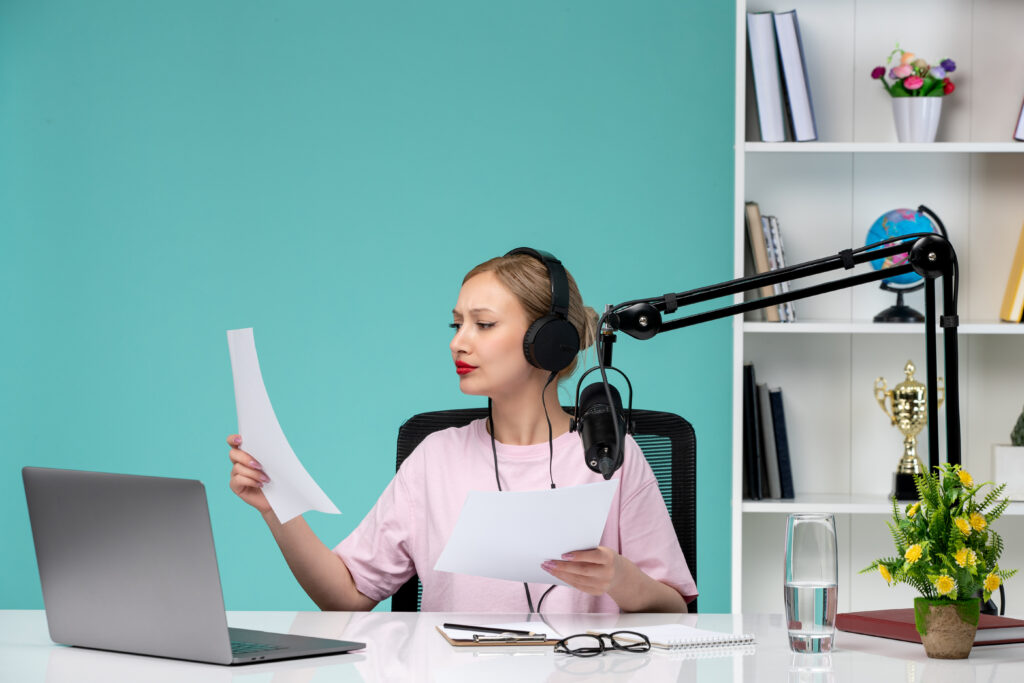
If you make videos, tutorials, product walkthroughs, or any content that needs spoken audio, you probably know the quiet truth nobody likes to admit: recording is often the slowest and most frustrating part of the process.
The script is ready, the idea is clear, but the microphone becomes a bottleneck—background noise, imperfect takes, uneven tone, or simply not being in the mood to record. Most creators don’t talk about it, but everyone has experienced it.
This is exactly why I started revisiting modern Text to Speech tools. They no longer sound like the flat, robotic synthetic voices we grew up with. And among the tools I tested, NoteGPT Text to Speech stood out because it feels designed for people who actually create content daily, not for people who only need an occasional read-aloud.
This article is not a product pitch. It’s simply what happened when I replaced parts of my recording workflow with NoteGPT for a few weeks—and why I think TTS is finally mature enough to become part of how we create.
(NoteGPT Text to Speech )
When Recording Isn’t the Problem—Time Is
My first real use case was unglamorous:
I needed to produce a short feature introduction video, my voice was tired, and I only had a couple of hours left in the day.
I pasted my script into NoteGPT → picked a voice → adjusted tone → generated.
In less than a minute, I had a narration track smoother than what I would’ve produced myself.
And honestly, that’s what surprised me most.
Not the AI or the “technology”—but the fact that it solved a very normal creative problem.
NoteGPT’s input flexibility fits real workflows:
- Paste up to 30,000 characters (enough for long explainers)
- Upload files like PDF, DOCX, TXT
- Drop in a URL and auto-extract article text
- Adjust speed, emotion, pitch, and speaking style
- Choose from dozens of free voices across 100+ languages
- Clone your own voice if you want consistency across episodes
It felt less like using a tool and more like skipping 45 minutes of recording routine.
(NoteGPT Text to Speech Key Feature)
A More Human Kind of Synthetic Voice
One reason I avoided TTS for years was simple:
Even the “good” voices still sounded like scripted robots.
But the newer generation—including NoteGPT’s voices—has a different texture. They breathe, pause, and lean into sentences in a way that feels intentional.
Here’s what I noticed:
- The intonation rises and falls naturally
- It doesn’t emphasize every sentence the same way
- Emotional modes (calm, energetic, storytelling) actually sound different
- Slow-paced educational styles don’t sound sleepy
- Faster delivery still feels conversational
When I listened back, it didn’t feel like the AI was “reading text.”
It sounded like someone was explaining something to me.
That’s a huge shift.
(NoteGPT Text to Speech: More Human Kind of Synthetic Voice)
Voice Cloning: The Unexpected Feature I Ended Up Using
I’ve always been skeptical of voice cloning.
It felt like a novelty—interesting, but not necessary.
But when I tried cloning my own voice inside NoteGPT, the value clicked instantly.
After uploading a few short samples, NoteGPT generated a version of my voice that:
- sounded like me
- stayed consistent across long scripts
- didn’t get tired
- didn’t fluctuate in tone depending on my mood
- could speak in multiple languages with my voice style
Suddenly, multilingual content wasn’t an afterthought—it was an option.
For teams, educators, or solo creators who rely on a recognizable voice, this is genuinely useful.
(Voice Cloning: The Unexpected Feature I Ended Up Using)
How NoteGPT Fits Into a Real Creative Workflow
I don’t use TTS to replace my voice entirely.
Instead, it has become a hybrid workflow:
- AI for explanations (stable, clear, consistent)
- My real voice for emotional segments
- AI for multilingual versions
- AI for long scripts that would take too long to record manually
This balance gives me speed without losing authenticity.
The 30k-character capacity matters here too—no need to chop scripts into pieces or stitch audio later.
Who Actually Benefits From NoteGPT TTS?
After testing it in different scenarios, here’s who I think will genuinely benefit:
- YouTubers who need stable delivery every week
- Educators creating courses or long tutorials
- Teams producing product demos
- Startups lacking time for manual recording
- Creators expanding into multilingual content
- Writers who want to hear their script read aloud
- Anyone who wants an AI version of their voice for consistency
If your work involves speaking content, NoteGPT becomes less of a “tool” and more of a shortcut.
(Who Actually Benefits From NoteGPT TTS)
Conclusion
The evolution of Text to Speech isn’t about replacing humans—it’s about reducing the friction of creating spoken content. NoteGPT Text to Speech feels like a product built for actual day-to-day use: flexible input, natural delivery, realistic voices, and the ability to scale audio production without adding more recording hours.
For creators who constantly move between writing, editing, and publishing, that reduction in friction matters more than any technical benchmark.