
Disclosure: this review comes from the ImagineArt team, so weigh it accordingly. The limits are listed next to the strengths.
Business teams rarely need one visual. They need product images, ad variants, short videos, social clips, and sound, usually in the same week. Most AI tools handle one of those well and leave the rest to other subscriptions.
ImagineArt takes the opposite approach, packing images, video, editing, and audio into one workspace. This review covers what it does, where it is strongest, and where it falls short.
The Short Verdict
- Strongest for teams that need images and video from the same brief
- Weaker for long-form editing, since clips run around ten seconds
- Best value when you would otherwise pay for several separate tools
It is rated 4.4 out of 5 on G2 from more than 350 reviews, according to its own landing page.
How We Judged It
- Breadth and quality of models
- Control over the output
- Editing and finishing tools
- Fit with a real business workflow
- How honestly the limits are stated
Video Generation
The video side is the main reason business teams look at ImagineArt. The question of the best ai video generator for business use comes down to flexibility, because different shots suit different engines and a single-model tool forces one look onto everything.
Video Models
ImagineArt runs around forty models across video and images. The video catalogue includes:
- Runway for controlled, directable shots
- Veo for cinematic output with synchronised audio
- Kling for keeping a subject consistent across clips
- Seedance for fast generation with good subject consistency
- Hailuo for stylised motion
- Gemini Omni Flash for editing a clip by describing the change
Direction and Control
Text to video and image to video are both supported. Image to video matters most for business, since it animates a product photograph you already own, so the real product stays in frame. You can set camera movement and decide what stays fixed.
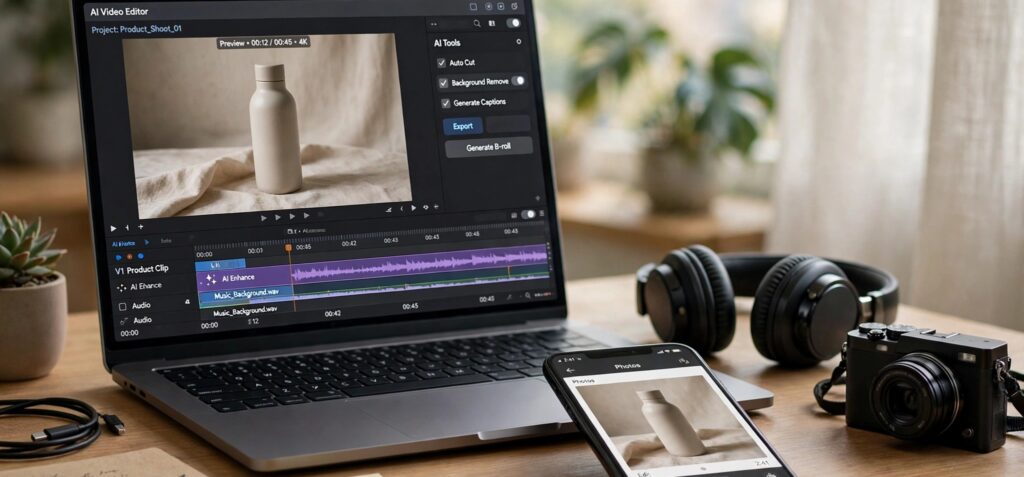
Video editing sits in the same workspace, with trimming, object removal, and background replacement, so a clip can be finished without exporting to another application.
Image Generation
On the image side, the AI image generator covers creation and correction, which matters because most business photography fails on lighting rather than composition.
Text to image and image to image are both available, and reference images let you steer the output toward a real product or an existing style instead of relying on a long description.
Image Models
- Nano Banana for photorealistic results
- Flux and Seedream for versatile general-purpose images
- Recraft for graphic and design-led work
- Ideogram for images with readable text
- GPT Image and Midjourney for additional styles
Editing Tools
- Background removal and replacement
- Inpainting and object removal
- Relighting for dim or flat images
- Upscaling to 4K
- Brand kits that store colours and logos
Studios
Four purpose-built workspaces handle specific jobs. Each is built around a task rather than a general prompt box.
- Ad Studio turns a product into ready-to-run video ads
- Fashion Studio styles models, outfits, and scenes
- Film Studio directs longer sequences scene by scene
- Audio Studio covers voiceover, sound, and lip sync
Apps and Integrations
ImagineArt runs in the browser, with a desktop app, a browser extension, and plugins. An MCP server connects it to AI assistants, and an API suits teams building generation into their own systems.
Free Plan and Pricing
The free plan includes 100 credits that refresh every 24 hours, with no card required. Paid plans unlock the full model catalogue and higher volumes, and credits reset monthly rather than rolling over, so steady use suits it better than occasional bursts. Start with the free credits on one real project to see whether the output meets your standard.
Pros and Cons
Pros
- Images, video, editing, and audio on one subscription
- Choice of engine for each shot and each image
- Animates your own photos, keeping real products in frame
- Purpose-built studios for ads, fashion, film, and audio
Cons
- Clips run around ten seconds, so longer videos are stitched together
- Not a multi-track timeline editor for long-form projects
- Premium models sit on paid plans
- Forty models take time to learn before the choice feels useful
Who Should Use It
- Marketing teams producing ads, social clips, and campaign images
- Small businesses with no designer or video editor
- Agencies that want one workspace across clients
- Startups testing creative ideas before committing budget
Who Should Not
- Teams producing long-form films or documentaries
- Anyone who needs frame-accurate timeline editing
Conclusion
ImagineArt is a strong option for business use when the work spans images and video. The model choice, the studios, the editing tools, and the free daily credits cover most marketing needs in one place, and the main limits are the ten second clip length and the lack of a long-form timeline. For teams that mainly edit long films, a dedicated timeline editor remains the better fit. Test it on one real campaign before committing, and judge it by whether it replaces tools you currently pay for.
Frequently Asked Questions
Is ImagineArt good for business use?
Yes, particularly for marketing teams that need images and short video from the same brief. It is less suited to long-form production.
Does ImagineArt have a free plan?
Yes. It includes 100 credits that refresh every 24 hours, with no card required. Premium models sit on paid plans.
Can you use ImagineArt output commercially?
Paid plans include commercial rights, but check the current terms before using output in paid advertising.