
A friend who runs kids’ birthday parties out of a rented studio sent me a photo of a golden retriever with one line: “Can you make this a coloring page? The birthday girl wants her dog at every seat.”
That turned into a small obsession.
Since then I’ve fed dozens of photos into converters. Pets, school pictures, the front of a coffee shop, a dim shot from a backyard party. Some printed beautifully. Plenty came out looking like a fax from 1994.
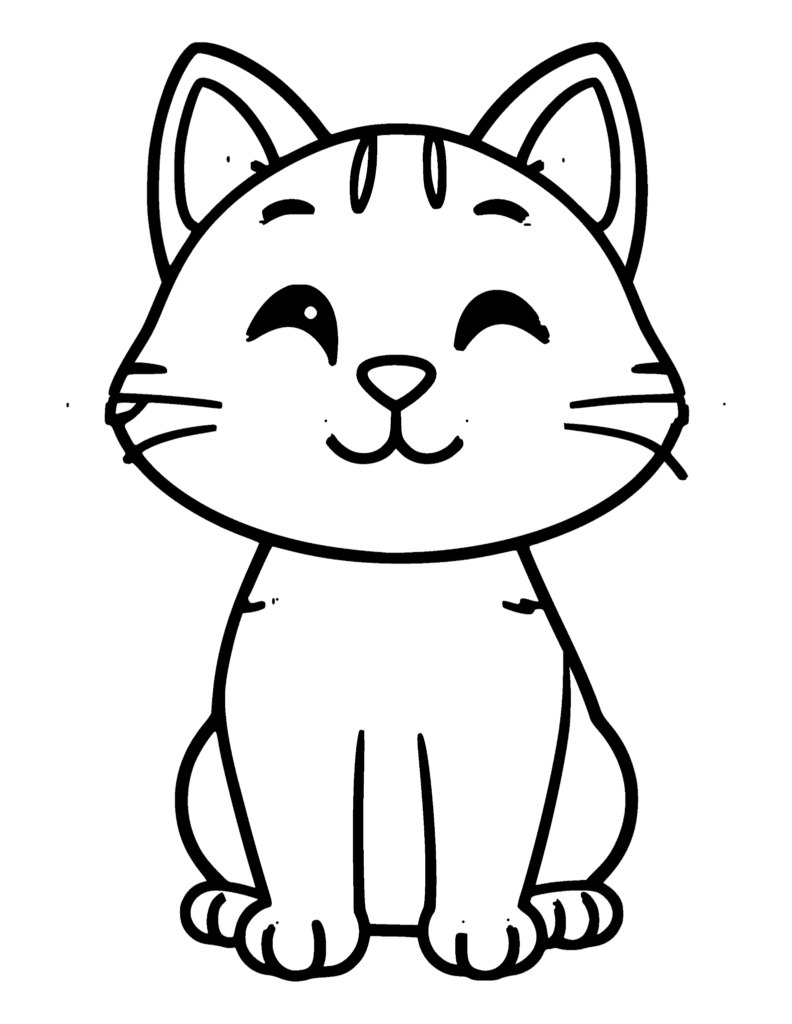
What the goal looks like on paper: one clean line around every shape
What a good result looks like
Most people judge a converted page on screen. Wrong test. Print it.
A page that works on paper passes four checks:
- Clean contour. One confident line around each shape, without the hairy double edges a sketch filter leaves.
- Closed areas. A five-year-old needs walls so the crayon has somewhere to stop. Gaps in the outline merge half the page into one giant region.
- No gray. Soft gray pixels look fine on a monitor, then print as a muddy haze and eat toner.
- Real paper size. A file laid out for US Letter (or A4 for clients abroad) prints full size, and nobody’s ears get cropped off.
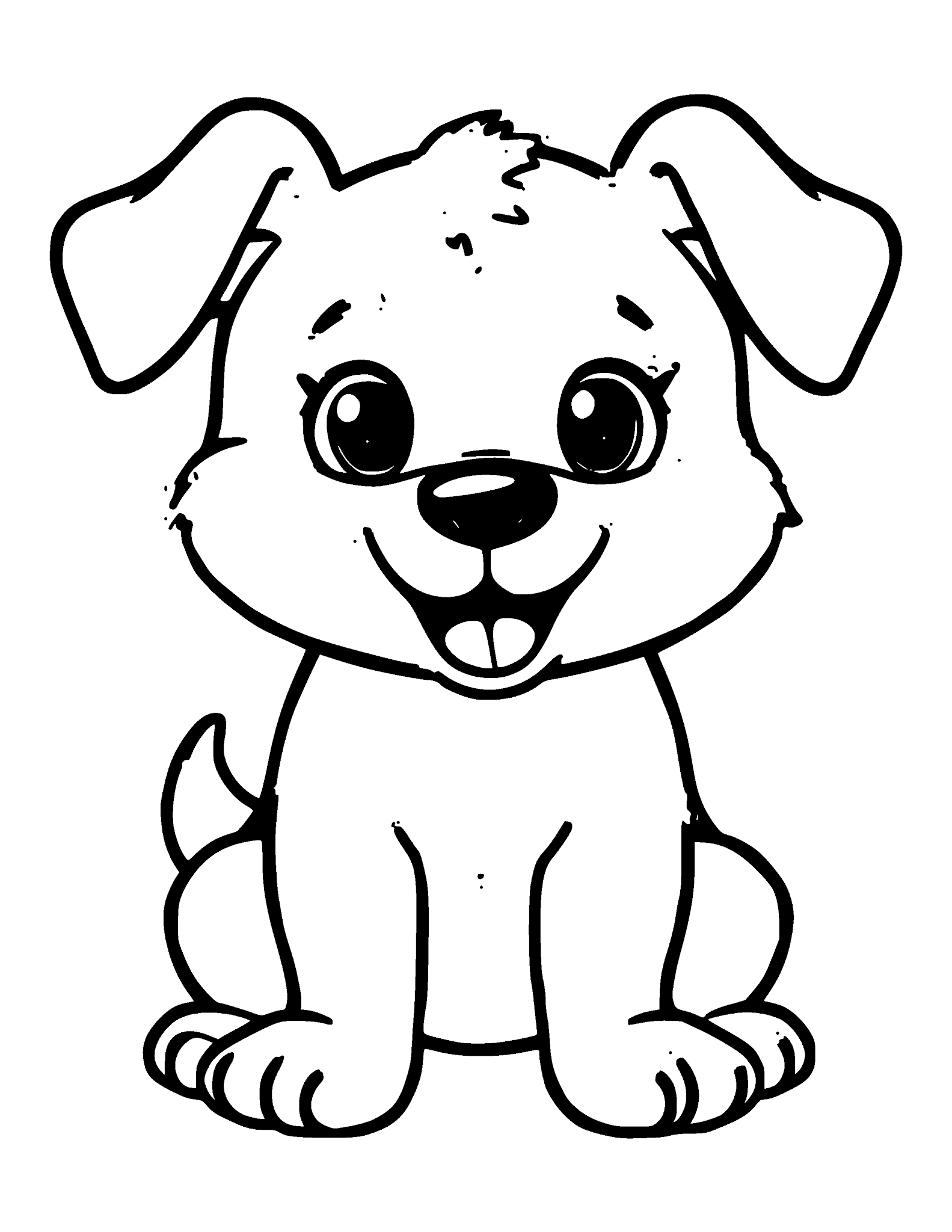
Thick lines and big closed areas suit younger kids
Where every converter struggles
No tool rescues a bad photo. I ran the same tricky shots through all five, and the trouble spots barely changed.
Faces are the hardest. The software has to decide which shadows deserve a line, and it often guesses wrong. A smile crease becomes a scar, and teeth turn into a picket fence. A close-up of one kid beat a group shot every time.
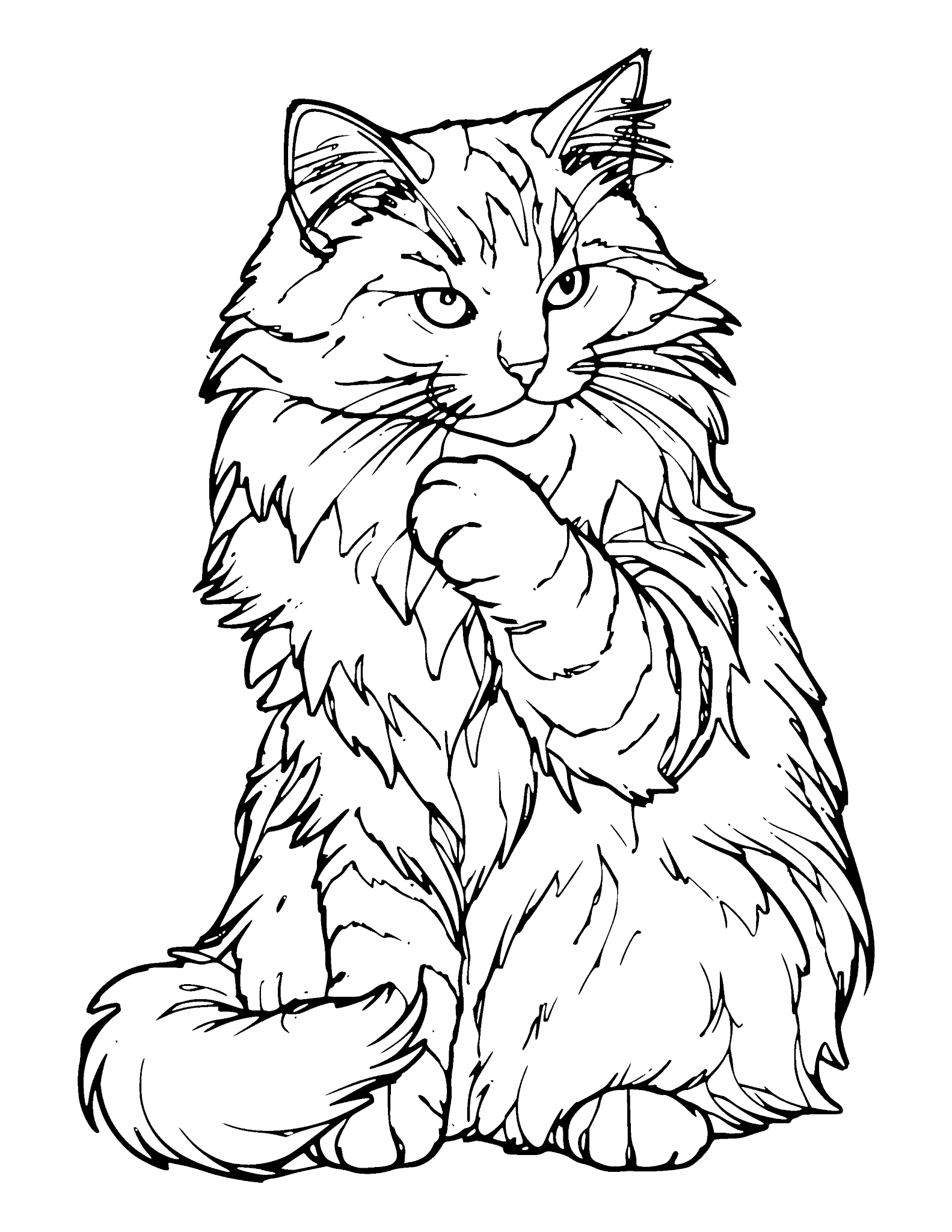
Fur comes second. Long-haired cats and goldendoodles dissolve into a nest of tiny strokes, each one closing off a pocket too small for a crayon.
Then dark photos. Indoor party shots, a kid backlit by a window, anything after sunset. Shadows get traced as solid black blobs or a rash of speckles.
This is where a detail control pays off.
Long fur breaks into many small areas, better for older kids and adults
The ranking
One question decided the order: how close does the download get to a clean printed page with no extra work? The lower spots mostly go to tools built for a different job.
1. PrintableColoringPages.ai
Verdict: the one I sent to my friend.
It starts from the printed page and works backward. When you turn a photo into a coloring page here, you first pick a line detail level (bold and simple for younger kids, balanced, or fine detail for older kids and adults), then US Letter or A4. What comes back is a true 1-bit vector PDF at 300 DPI, so every line is pure black on pure white. The gray problem is gone by design.
Uploads can be JPEG, PNG, WebP or HEIC up to 12 MB, so iPhone photos go straight in. The page says uploads are checked for child safety and never published. You get one free page a day without an account and more with a free one. A photo costs three credits, and paid credit packs are one-time purchases.
Two details small businesses will like. The pricing page says making a page thicker or finer afterward is free, and the site claims no copyright on pages you generate.
There are no art-style presets. For a coloring page, I never missed them.
2. ColorBliss
Verdict: best when you want a stylized look.
ColorBliss is built for coloring pages, and its photo tool starts with a style preset such as Manga or Minimal. The free demo needs no account but allows one submission per IP address every 24 hours and returns a PNG, so a PDF means a trip through your print dialog. Signed-in users get PNG and PDF, and commercial rights come with the Artist and Business plans.
3. Fotor
Verdict: best if you already edit in Fotor.
It lives inside Fotor’s photo editor as the Line Drawing 3 effect, with more looks in the Sketch category. Fotor lists it as free with no watermark and downloads up to 4K. You get an image file, though, so fitting it to Letter paper is your job. Its photo tips match mine.
4. Kapwing
Verdict: best for social posts and coloring on a tablet.
Kapwing runs the conversion through its AI assistant, then lets you crop to Letter or A4 in the editor and export a JPG or PNG. There’s an in-browser coloring tool too. For print, the catch is the watermark on free-account exports, which Pro removes. If you already pay for Kapwing to cut promo videos, it’s a handy extra.
5. Rapid Resizer
Verdict: best for crafters and poster-size prints.
The Picture Stencil Maker works from the light and dark areas of your image instead of redrawing it. Modes such as Edges, Thin, Threshold and Adaptive, plus a couple of sliders, give you manual control the AI tools hide. Free use covers a single page. Paid subscribers can tile one image across many sheets, handy for a wall-size coloring banner at a party.
Side by side
| Tool | Download | Paper size | Detail control | Free use | Best for |
| PrintableColoringPages.ai | 1-bit vector PDF, 300 DPI | Letter or A4, built in | 3 line levels | 1 page a day without an account | Print-ready pages |
| ColorBliss | PNG (demo), PDF signed in | Not in the demo | Style presets | 1 demo per 24 hours | Stylized looks |
| Fotor | Image up to 4K | Resize yourself | Effects | Free, no watermark | Fotor users |
| Kapwing | JPG or PNG | Crop in editor | Optional prompt | Watermarked exports | Social posts |
| Rapid Resizer | Black-and-white design | Multi-page is paid | Modes and sliders | Single page | Stencils, banners |
How to shoot a photo the converter will like
Five minutes of prep saves a lot of erasing.
- Plain background. A light floor or the lawn works. Clutter gets traced too.
- Daylight from the front or side. Skip the backlit window shot.
- One subject, cropped tight.
- Portrait mode helps. A blurred background does half the cleanup for you.
- For faces, go straight-on with a relaxed expression. Big grins add teeth lines nobody wants to color.
- Fluffy pets: start with the boldest setting. Adding fur with a pencil beats coloring around four hundred tiny strokes.
Printing, plus a word for small businesses
Set Scale to 100% or Actual size in the print dialog. Fit to page shrinks the art and adds a gray border on some printers. Use 24 lb paper if the kids have markers, so the ink doesn’t bleed through.
For party hosts, daycare owners and event planners, a custom page is a cheap favor people actually take home. A realtor could hand the buyers’ kids a page of their new house at closing. Just use photos you took or have permission to use, especially of other people’s kids.
As for the golden retriever: twelve copies, bold setting, US Letter. The birthday girl colored hers purple.
Previously in Technology: How to Order Indian Takeaway Online: What to Look for in a Food Ordering Platform