

Have you ever watched an old video and wished you could bring it into the high-definition era? Ever stumbled upon an old family photo full of memories but lacking quality? Or maybe you’re a content creator or gamer looking to improve video quality? Whatever your story, upscaling videos using an AI video enhancer is the magic wand you need.
Here’s some exciting news! The acclaimed one-stop video processing software VideoProc Converter just introduced an advanced AI Super Resolution tool in its recent major upgrade. It also brings a time-limited New Release Offer. Please keep reading to discover how to upscale video with revolutionary AI and learn more about this not-to-miss deal.
VideoProc Converter AI: Upscale Video Quality with AI Super Resolution
VideoProc Converter AI is your complete video toolkit, now supercharged with an AI Super Resolution function. This feature effortlessly scales up your videos and images by 200%, 300%, or even 400%, achieving up to 4K/8K resolution. You can now harness the power of artificial intelligence without advanced configuration or expensive upgrades.
Even the best AI video upscalers and enhancers on the market have their pain points. However, here are some reasons why you should choose VideoProc Converter AI over other video enhancers.
1. Real AI algorithms for Super Resolution
VideoProc Converter AI utilizes real AI algorithms rather than simple mathematical algorithms. Trained with millions of reality and anime data, the AI Super Resolution model is still and will continue to evolve for sharper and cleaner video upscaling.
2. Optimized GPU Performance
VideoProc Converter AI can dynamically adjust GPU memory usage. AI video processing is typically resource-intensive. But thanks to the level-3 hardware acceleration and dynamic GPU usage adjustment, VideoProc Converter AI doesn’t require high-end hardware to function effectively.
3. Exceptional Details Preserving
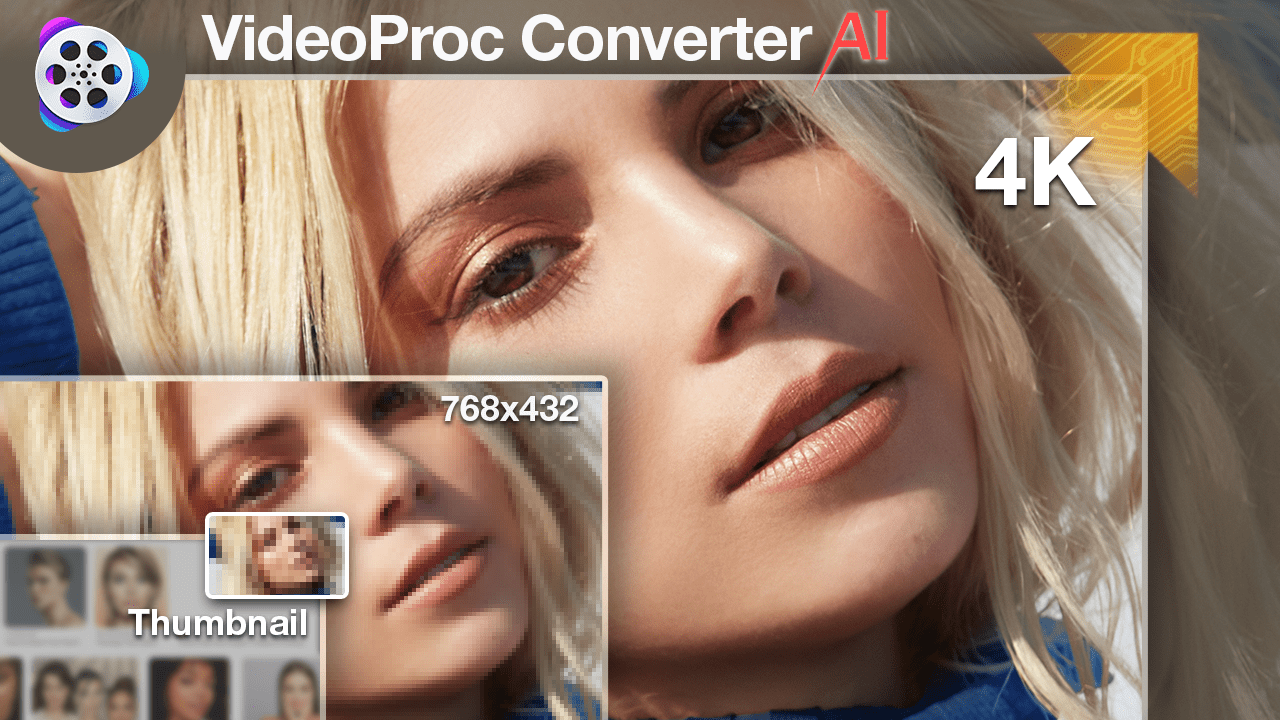
Dive into the finer details with enhanced resolution. VideoProc Converter AI avoids common blurring or pixelation issues and brings your videos to a new level of clarity.
4. Up to 4x Cross-Resolution Upscaling
Some video enhancers only support 2x upsampling. VideoProc Converter AI can scale up four times and even change 360p videos to 4K. It lets you achieve different resolution boosts within 3 clicks.
5. Effortless Processing
VideoProc Converter AI comes with a user-friendly interface. Upscaling videos is as simple as a few clicks, making it accessible to everyone.
How to Upscale Videos Effortlessly with VideoProc Converter AI
Ready to give your images and videos new life? Here’s how to AI upscale video with VideoProc Converter AI.
Step 1. Download VideoProc Converter AI from its official website, then install it on your device. It’s 100% clean and safe.
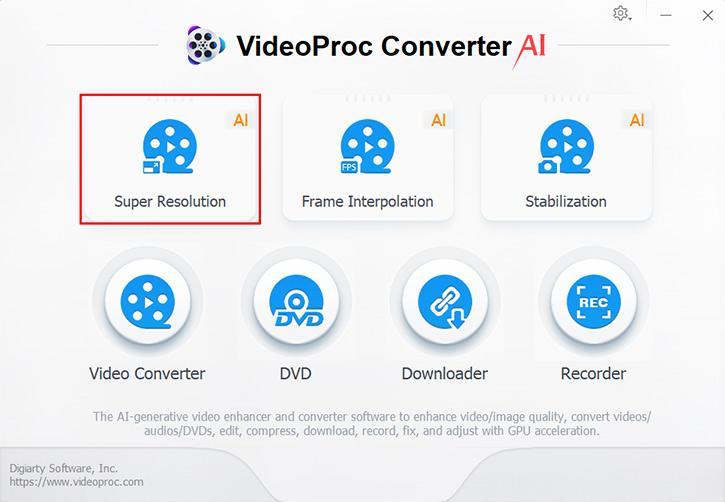
Step 2. Launch the program and go to the Super Resolution model on the home interface.
Step 3. Drag and drop the video files into the AI upscaling tool. Choose Reality or Anime in the video Type list accordingly. Select a Scale option up to 4X for the output video resolution.
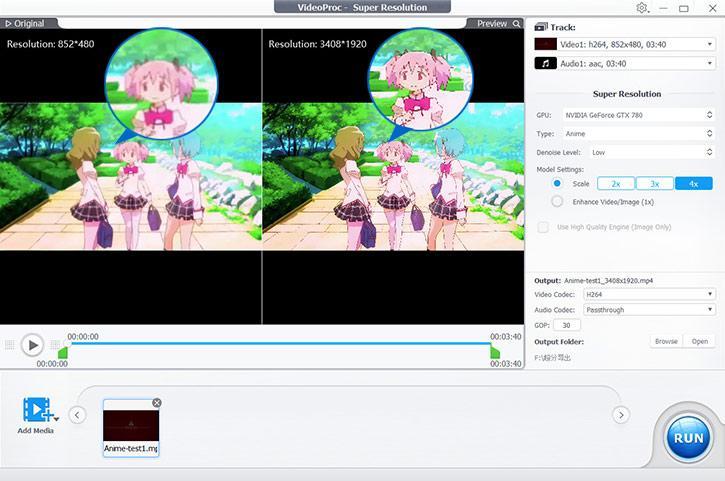
Step 4. Decide whether to change the video codec, audio codec, and GOP value. Click the RUN button to upscale the video. In no time, you’ll have a video that’s sharper, clearer, and ready to impress.
Other Key Features of VideoProc Converter AI
While the Super Resolution function is a standout feature, VideoProc Converter AI is not a one-trick pony. Here are a variety of other powerful tools and functionalities for your media files.
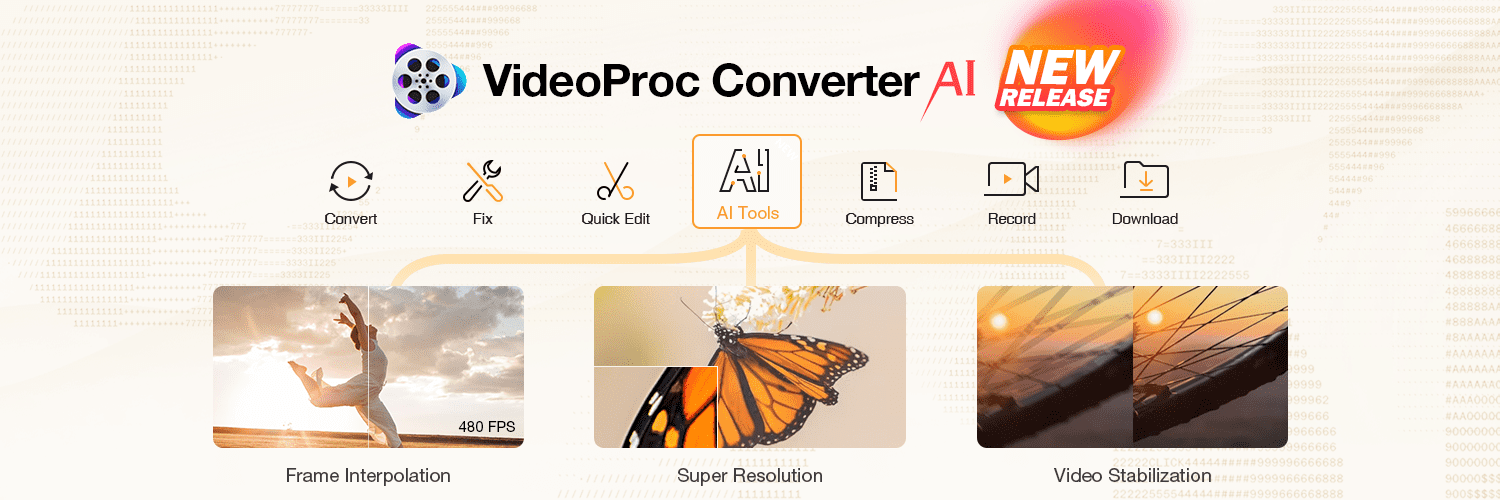
- AI Frame Interpolation: Create smoother video at higher FPS with an interpolation of 2x-5x AI-generated realistic new frames.
- AI Video Stabilization: Smooth out action and stabilize shaky footage effortlessly with advanced AI tools. The best mate to process GoPro, DJI, or smartphone footage.
- Versatile Video Conversion: Convert videos, audio, and DVD collections across 420+ formats/codecs with zero quality loss. Perfect for various devices and platforms.
- Efficient Video Compression: Easily compress videos to reduce file size without sacrificing quality, ideal for sharing and storage.
- Editing Tools: Edit videos smoothly even in 4K, with 29+ quick editing tools such as cutting, trimming, and splitting features. Customize videos with detailed color adjustments, watermarking, speed changes, and audio syncing.
- Screen and Webcam Recording: Record and create with screen and webcam tools, perfect for gameplay and instructional videos. Chroma key supported for green screen recording.
Exclusive New Release Offer
Exciting news for video enthusiasts! VideoProc Converter AI is rolling out a special and time-limited offer to celebrate its latest release. This is your golden ticket to access all the premium features but at a fraction of the cost.
It only takes a few mouse clicks and video tutorial browsing to unlock a Full License for at least thirty days! There are also AI-remastered showcase videos/photos and royalty-free footage for testing.
Don’t miss out on this limited-time opportunity. Act fast, though – deals this good don’t last forever! Grab the Opportunity Now!
Additional Reference
1. VideoProc Converter AI System Requirements for AI Tools
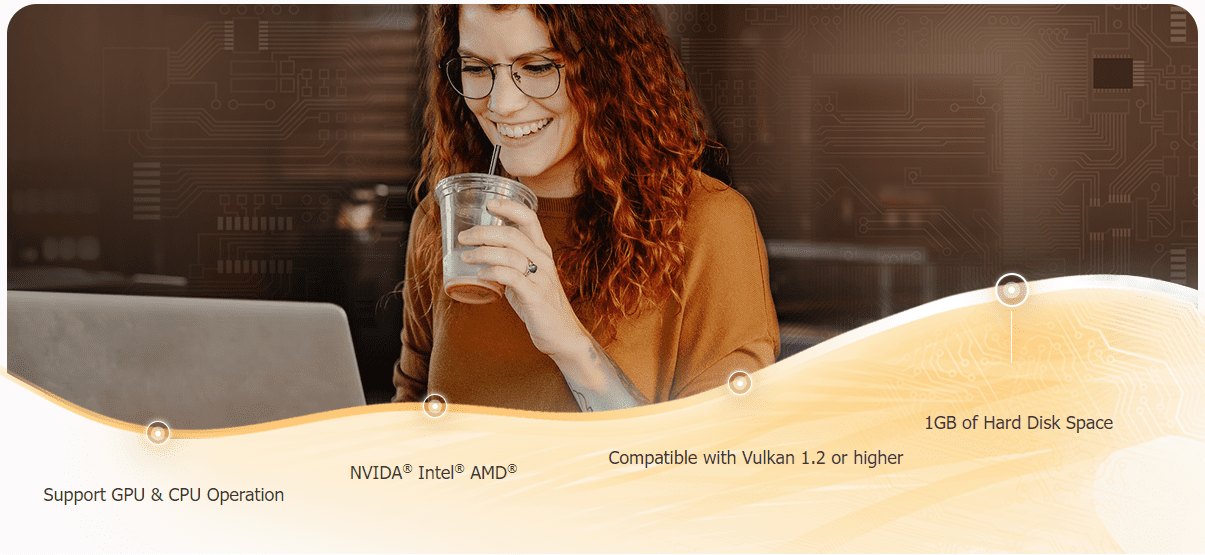
Compared with other AI video enhancers on the market, VideoProc Converter AI has lower system configuration requirements and works well with more GPU or CPU models. You can now harness the power of artificial intelligence without advanced configuration or expensive upgrades.
Hard Disk Space: 1GB
RAM: 2GB (Minimum)
CPU/GPU Compatibility:
- Stabilization: CPU, GPU
- Frame Interpolation: GPU
- Super Resolution: CPU, GPU
* To utilize the AI tools with GPU (recommended), please make sure your graphic card is compatible with Vulkan 1.2.x or later.
2. Understanding Video Upscaling
Video upscaling is the enhancement of a lower-resolution video to a higher resolution, such as from SD to HD or 4K, typically by increasing pixel count. Traditional upscaling interpolates existing pixels, which can result in less sharp images. AI video upscaling, however, employs artificial intelligence to predict and add new details, leading to sharper, more detailed, and natural-looking images. Compared to traditional methods, VideoProc Converter AI Super Resolution is more effective at reconstructing true-to-life textures and details in the upscaled video. Don’t miss out on the limited-time New Release Offer.