
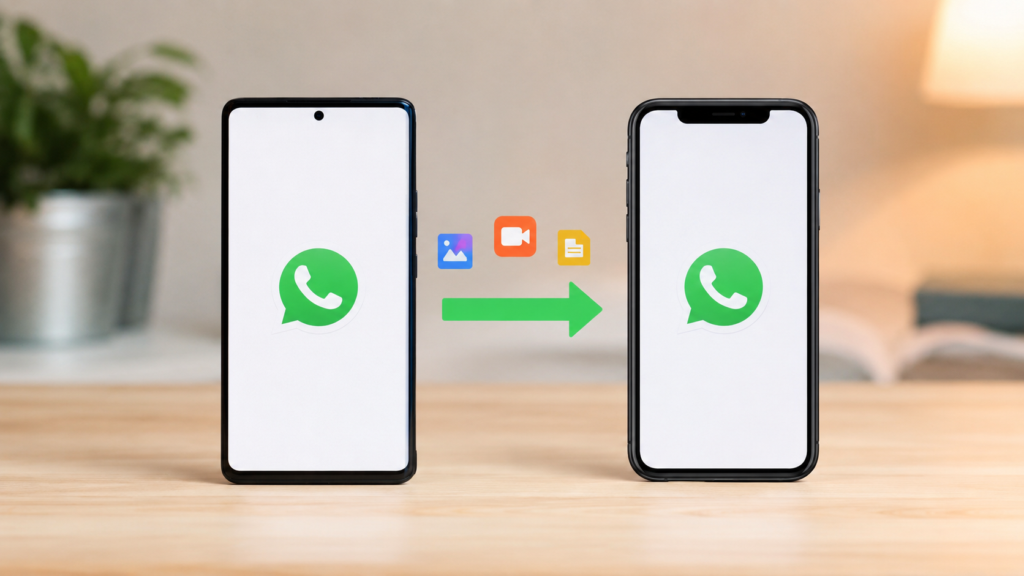
Switching from Android to iPhone is exciting, but many users face one major challenge: moving their WhatsApp data. While WhatsApp offers an official migration tool, it comes with a significant limitation — your iPhone must be factory reset before the transfer can begin.
For users who have already set up their new iPhone, this requirement can be frustrating. Fortunately, there is a better solution that allows you to transfer WhatsApp Android to iPhone without factory reset and even transfer WhatsApp after setup.
Why the Official WhatsApp Transfer Method Isn’t Always Ideal
WhatsApp’s official migration process requires users to start with a brand-new or factory-reset iPhone. This means if you’ve already configured your device, installed apps, logged into accounts, or stored personal files, you’ll need to erase everything and start over.
This creates several problems:
- Loss of existing iPhone data
- Time-consuming device reset process
- Inconvenient setup repetition
- No support for chat merging
- Limited flexibility for users who already started using their new iPhone
As a result, many users look for alternative methods that can transfer WhatsApp after setup without deleting valuable data.
Meet iCareFone Transfer
iCareFone Transfer is a dedicated WhatsApp transfer solution designed to help users move their chats between Android and iPhone without the restrictions of the official method.
Unlike traditional migration tools, iCareFone Transfer works even when the iPhone has already been configured, making it one of the most convenient options available today.
Key Features
1. No Factory Reset Required
The biggest advantage is that users can
Comment start transfer WhatsApp Android to iPhone without factory reset. Your existing iPhone setup remains untouched while WhatsApp data is transferred safely.
2. Transfer WhatsApp After Setup
Already using your new iPhone?
iCareFone Transfer allows users to transfer WhatsApp after setup, eliminating the need to erase apps, photos, contacts, and personal settings.
3. Supports WhatsApp Business
Many professionals rely on WhatsApp Business for customer communication. iCareFone Transfer supports both:
- WhatsApp Messenger
- WhatsApp Business
Users can move complete chat histories, including:
- Messages
- Photos
- Videos
- Audio files
- Documents
- Stickers
4. Chat Merging Technology
One unique feature is chat merging.
Instead of replacing existing conversations, iCareFone Transfer can combine old and new WhatsApp chat histories into a single account. This is particularly useful for users who have already received messages on their new device.
5. No Computer Required
Many transfer tools require a PC or Mac.
With iCareFone Transfer, users can transfer data directly between devices:
- OTG cable for Android to iPhone transfers
- Wireless transfer options for compatible devices
This makes the process faster and more convenient.
6. Wide Device Compatibility
The app supports a broad range of operating systems and devices, including:
- iPhone running iOS 10 to iOS 26
- Android devices running Android 7 to Android 16
Compatible brands include:
- Samsung
- Huawei
- Xiaomi
- OPPO
- Vivo
- Sony
- Motorola
- And many more
How to Transfer WhatsApp Android to iPhone Without Factory Reset
The process is straightforward:
Step 1: Install iCareFone Transfer
Just download on Android device
Step 2: Connect Your Devices
Use an OTG cable to establish a secure connection between your Android phone and iPhone.
Step 3: Select WhatsApp Data
Choose the WhatsApp account and data you wish to transfer.
Step 4: Start the Transfer
Initiate the migration process and wait for the transfer to complete.
Step 5: Access Your Chats
Once finished, open WhatsApp on your iPhone and view all transferred conversations, media files, and attachments.
Who Should Use iCareFone Transfer?
This solution is ideal for:
- Users who already set up their iPhone
- People switching from Android to iPhone
- Business users relying on WhatsApp Business
- Individuals with years of chat history
- Users who want to preserve existing iPhone data
- Anyone looking for a simple migration process without a factory reset
Conclusion
Moving WhatsApp data shouldn’t require wiping your new phone. If you’re searching for a way to transfer WhatsApp Android to iPhone without factory reset, or need to transfer WhatsApp after setup, iCareFone Transfer offers a practical and user-friendly solution.
With support for WhatsApp Business, chat merging capabilities, no factory reset requirements, and direct device-to-device transfers, it provides a flexible alternative to the limitations of the official WhatsApp migration process.
Download iCareFone Transfer today and enjoy a seamless WhatsApp migration experience without losing your existing data.