
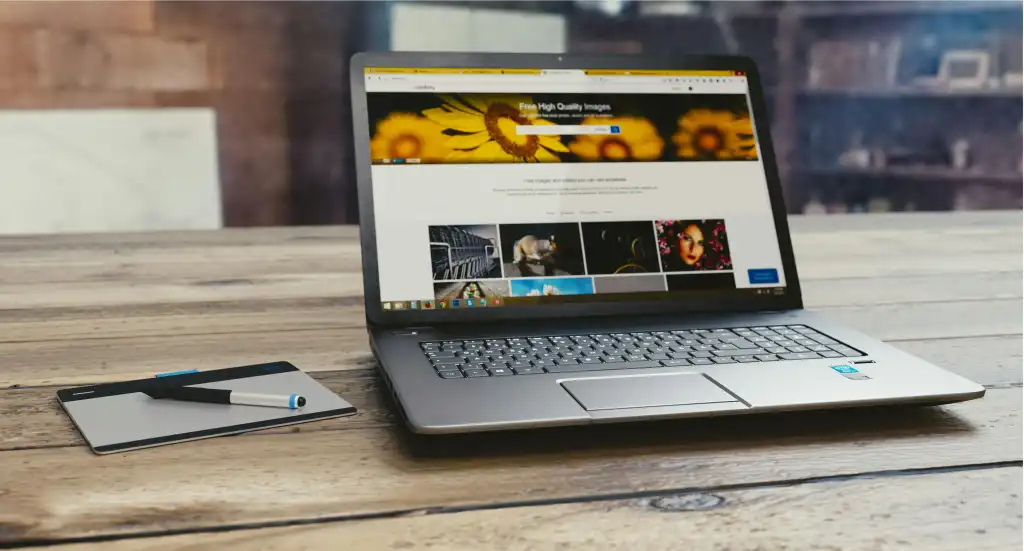
Replacement of a laptop screen will help to revive the functionality of a computer without necessarily having to buy a brand-new computer. Nevertheless, after the replacement process, it is also necessary to take good care of the new display. Daily activities like carrying a laptop improperly, laying objects on its keyboard or excessive pressure on the closing the lid can cause additional damage.
Regardless of whether you are using a laptop in the office, doing your schoolwork or other personal reasons to use it, there are simple measures that you can take in order to safeguard your screen and maintain your laptop in good working condition.
Handle the Laptop Lid With Care
Among the least effortful solutions to a replacement screen protection is the ability to come up with better habits concerning opening and closing a laptop.
One should never open the lid of the pot by pulling it on one corner but by the centre. Unbalanced stress can cause extra tension on the hinges and display unit.
Always remember not to close the lid violently, even when you are in hurry. The slight movement will aid in diminishing the pressure on the screen and record.
One can also avoid lifting or carrying a laptop using the display. The weight of the whole computer is not intended to go on the screen, and having a heavier computer can compromise the hinges or display casing.
Keep Objects Away From the Keyboard
A keyboard should be avoided of small items that might lead to unforeseen damage to the screen. Variations of pens, USBs, headphones, etc. can cause pressure points on the sides when the lid of the laptop is closed.
Even the slightest object, such as a piece of trash, might potentially leave traces or produce harm since it might stick between the display and the keyboard.
Check before you close the laptop to ensure that you have not left anything on the keyboard.
The notebooks, phones or any other objects should also never be placed between the screen and the keyboard. Laptop screens lack clearances and other forces can influence the display.
Use a Suitable Laptop Bag
Having a laptop with no protective means can subject it to any accidental force, scratches and hits.
An appropriate laptop bag or a padded sleeve can help minimize these risks with everyday traveling. The device should fit into the compartment without any difficulties.
Do not put heavy books, chargers or any other equipment upon the laptop screen. The display can be destroyed by pressure of objects surrounding the computer even when it is off.
Whenever travelling, keep the laptop in a different compartment. That diminishes the possibility of other items that could be pinning against its lid.
Clean the New Screen Properly
After a laptop screen replacement, it is useful to spend some time checking the display under normal working conditions.
Routine cleaning should be done using a soft microfiber cloth, which is clean. In case of any extra cleaning, then refer to the laptop manufacture instructions on the type of products to use to clean the screen.
Spraying cleaning liquids on it is to be avoided. Too much moisture may find its way into the boundaries of the screen and it may even damage internal parts.
Glass cleaners around the house, coarse paper towels and abrasive substances must not be displayed either unless it was clearly agreed that they should be displayed.
Avoid Excessive Heat and Pressure
Laptop displays are constructed to fit in specific environmental setting. Leaving a computer in a car in the heat or subjecting it directly to the sun can impact its parts.
Heat may also be a problem in case there is a blockage of ventilation areas during normal use. Place the laptop on a firm surface and have adequate air flowing around the laptop.
Another issue that should be taken into consideration is pressure. Never put items on a closed laptop or place heavy objects in a bag that has and contains the computer.
These are some of the precautions that can be applied to minimize needless stress on the display and the laptop cover.
Check the Screen After Replacement
Once the laptop display has been replaced, the visual inspection during normal usability can be beneficial.
Open a variety of applications, browse documentations and test the display with the help of various brightness levels. Confirm that the image is stable, and that it reacts in a normal way in case the lid is changed.
When some strange flicker, change of colour or any other display issues are observed, call on the repair man instead of opening the laptop yourself.
It is also beneficial to store the repair records and warranty paperwork. It has a source as a point of reference in case of any inquiries concerning the replacement part or installation.
Make Better Laptop Care a Daily Habit
Another solution would be to replace the screen and lengthen the life of the laptop, however, it depends on the way, in which the device could be treated further.
Lid opening, padded carrying case, objects not being touching the keyboard and cleaning the display properly are easy habits to maintain, which can help.
When any one considers replacing the screen of the laptop, he/she should bear in mind that, replacement of the screen is just one aspect of maintaining a computer. Regular maintenance and good management can aid in securing the new display and assist in the proper daily usage.