
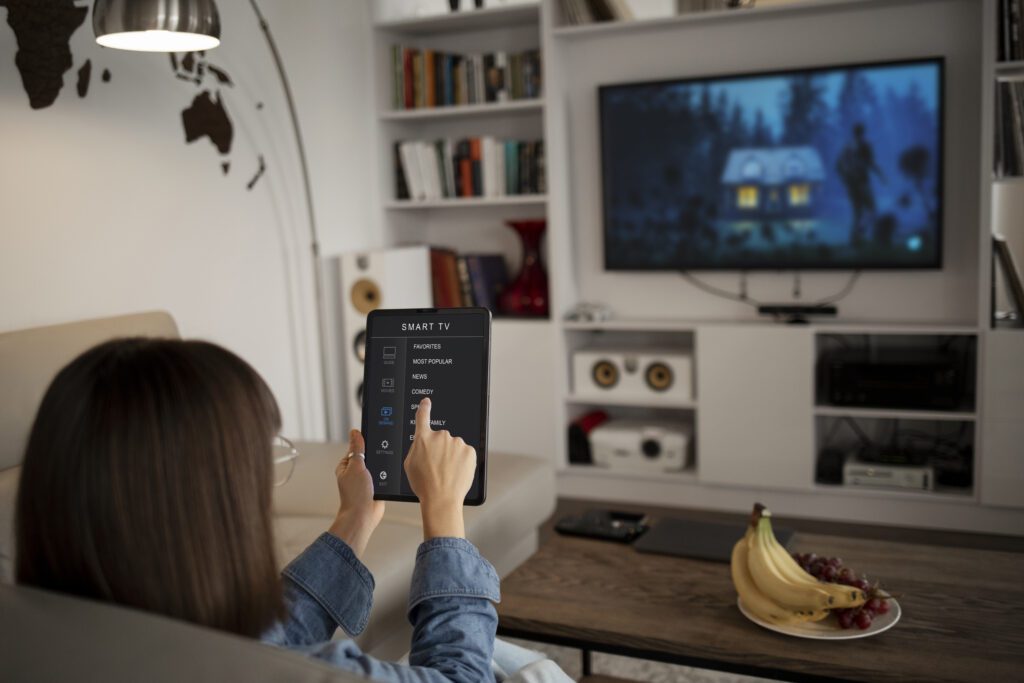
In today’s connected world, your Smart TV is the centerpiece of your home entertainment system. Vizio, known for its user-friendly and feature-rich smart TVs, offers various options to manage your Wi-Fi settings. Whether you’re a tech-savvy user or new to the smart TV world, this guide will walk you through the process of managing Wi-Fi settings, including the crucial steps on how to disconnect your Vizio TV from Wi-Fi.
Understanding Your Vizio Smart TV’s Wi-Fi Capabilities
Vizio Smart TVs come equipped with built-in Wi-Fi, allowing you to connect to your home network and access a world of streaming services, apps, and more. Before diving into the specifics, it’s important to understand your TV’s network capabilities and how they enhance your viewing experience.
Step-by-Step Guide to Connect Your Vizio TV to Wi-Fi
- Turn on Your Vizio TV: Power up your TV and grab the remote.
- Access the Network Menu: Go to the ‘Menu’ and select ‘Network.’ This is where all Wi-Fi settings are managed.
- Select Your Wi-Fi Network: Your TV will display a list of available networks. Choose yours, enter the password, and you’re connected!
How to Disconnect Vizio TV from Wi-Fi
There may be instances where you need to disconnect your TV from Wi-Fi, be it for troubleshooting, limiting internet access, or simply as a personal preference. Here’s how to do it:
- Revisit the Network Menu: Go back to the ‘Network’ section in the menu.
- Disconnect from Wi-Fi: Select your connected network, and choose the option to ‘Disconnect’ or ‘Forget’ the network.
Disconnecting your Vizio TV from Wi-Fi is a straightforward process that can resolve many common issues like buffering or app malfunction.
Tips and Tricks for Wi-Fi Management
- Regular Updates: Keep your Vizio Smart TV firmware updated for a smoother experience.
- Optimal Router Placement: Ensure your Wi-Fi router is placed for optimal signal strength.
- Wi-Fi Band Selection: If your router offers dual-band connectivity, experiment with 2.4GHz and 5GHz bands to see which works best for your TV.
Conclusion
Managing Wi-Fi settings on your Vizio Smart TV is a breeze. From connecting to your network for the first time to understanding how to disconnect your Vizio TV from Wi-Fi, these steps ensure that you have control over your device’s internet connectivity. Enjoy a seamless streaming experience by keeping these tips in mind and making the most out of your Vizio Smart TV’s capabilities.
In conclusion, effectively managing Wi-Fi settings on your Vizio Smart TV is crucial to ensure a seamless and enjoyable viewing experience. The steps outlined in the guide empower users to take control of their TV’s connectivity, allowing them to connect to a Wi-Fi network, troubleshoot common connectivity issues, and optimize settings for optimal performance.
By understanding the intricacies of Wi-Fi settings on your Vizio Smart TV, you can troubleshoot potential issues such as connection drops, slow streaming, or network interference. This not only enhances the overall reliability of your TV’s connection but also contributes to a smoother streaming experience, especially when accessing online content or using smart features.