
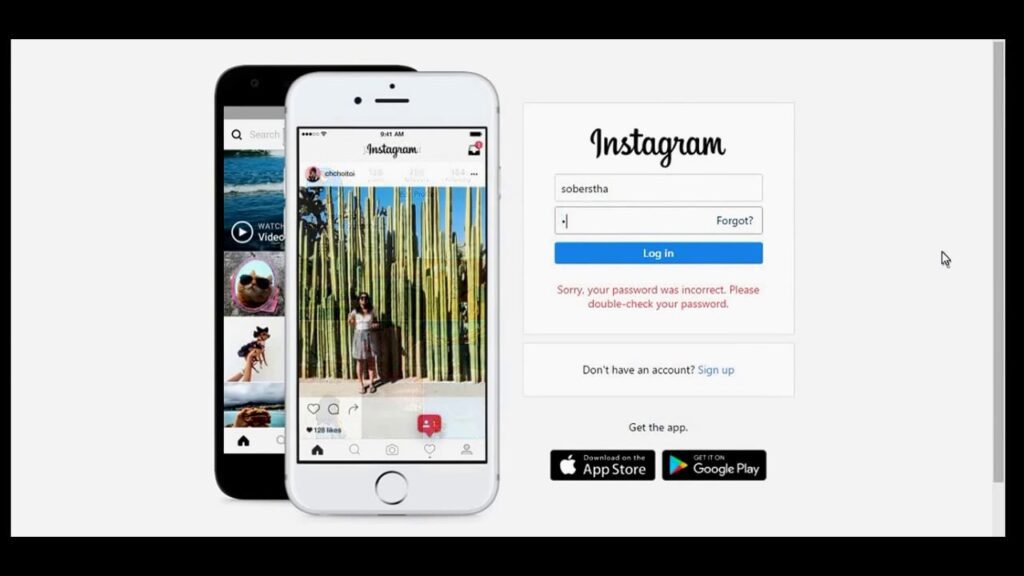
Do you want to make Instagram account on PC and Android? Yes, then I teach you how to create Instagram account for free.
About Instagram
Instagram is one of the most popular social media sites, with more than 1 billion active monthly users. It’s built on a simple premise: take a picture and share it with your friends.
While Instagram is extremely popular, it’s not without its critics. That said, it’s still a great way for you to share your photos with family and friends and engage with them.
If you’re looking for a way to share your life with others, Instagram is a great choice. The photo-sharing app has taken the world by storm and is now one of the most popular social media platforms.
It allows users to take photos, add captions and hashtags, apply filters, and share the images with their followers. The app has developed into a popular way for people to share candid photographs they might not want on Facebook or Twitter. It’s become incredibly popular among young people and has been referred to as the “Candy Crush of social media.”
You can also check out some other articles by which you can save Instagram story with music in gallery and share link on Facebook Story.
Instagram Features
- Instagram allows you to post photos and videos that are vertical or horizontal.
- You can add a text overlay to your images, so they’ll appear as if they were written in the caption.
- You can use hashtags on both your posts and your comments. The more popular a hashtag is, the more likely it will show up when other users search for it—even if you didn’t mention it in your original post.
- The key to a successful Instagram feed is knowing what your followers are looking for. If you want them to follow you, make sure that they see the types of photos and videos that appeal to them. Here are some features that have been popular on Instagram in recent years:
- You can add filters to your photos, which makes them look more professional.
- You can edit the text in a photo and change the color of any part of it.
- You can add stickers, frames, or borders around your photos.
- New photo filters, like Soft Focus and Dramatic Tone.
- Over 100 new stickers that can be used with photos or videos.
- A redesigned Explore page where you can search for hashtags related to your interests and find more people who share them.
- The ability to see posts by accounts you follow in a feed. This means less scrolling through photos of people you don’t know, and more time for the ones you do.
How to Create Instagram Account on PC & Android
Here’s how you can create your Instagram account in just a few minutes.
First, go to the website for Instagram and click on the “Sign Up Now” button.
Next, enter all your information including an email, full name, username, and password.
Next, you’ll be asked to select your date of birth.
Now, you will receive a confirmation in your email. Enter the code and your Instagram account has been created successfully.
Once done with the creation process, log in to Instagram and upload your Instagram picture and bio to make your account more attractive.
Conclusion
Hope that this guide helps you to make Instagram account on your PC and android. If you liked this content, then you must share it with your friends and relatives.