
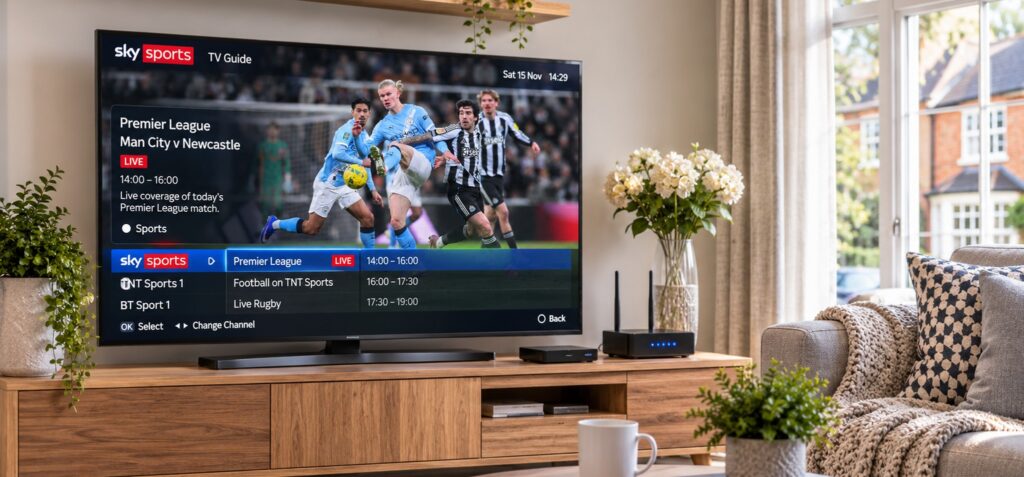
Television in the UK has moved well beyond the aerial on the roof. Alongside terrestrial, satellite and cable, millions of households now watch live channels, catch-up programmes and on-demand series through a broadband connection. The way a programme travels from a broadcaster to a living-room screen has changed, even if the viewing habit itself feels familiar.
One of the technologies behind this change is Internet Protocol Television, usually shortened to IPTV. Instead of sending television signals through a dedicated broadcast or cable network, IPTV delivers them as data over an internet connection. Depending on the service, that can mean live channels, replay features and on-demand libraries available on a smart TV, streaming stick, phone or tablet.
Understanding how these services work makes it easier to judge them. Picture quality, reliability and value depend on the technology between the provider and the viewer, on the home network, and on whether the service has the rights to the content it offers. This guide explains each of those parts in plain terms.
What IPTV is and How It Differs from Other TV Delivery
IPTV is a television delivery method that uses internet protocol networks to transmit live channels and video content. Unlike traditional broadcast or cable systems, it delivers programmes as data packets over an internet connection, which are then decoded by a compatible application or set-top box. This approach allows viewers to access television through different devices without relying on a conventional aerial or satellite dish.
In the UK, IPTV services range from established telecommunications providers and broadcasters to independent subscription platforms. For viewers exploring available options, YourFlix is one IPTV provider worth considering when comparing streaming features, device compatibility and available viewing options. Factors such as connection stability, picture quality, supported devices and subscription flexibility can all influence the overall viewing experience and help households find a service suited to their needs.
Live, Catch-Up and On-Demand in One Service
A typical IPTV service can combine three main types of viewing. Live channels follow a broadcast schedule, allowing viewers to watch programmes as they are transmitted. Catch-up features provide access to selected programmes after their original broadcast, while on-demand libraries allow users to choose films and series and watch them at a convenient time.
Not every IPTV service includes all three options, and the available features can vary between providers and subscription packages. Rather than focusing solely on the number of advertised channels, viewers should consider the content selection, streaming quality and features that best match their regular viewing habits.
Why Delivery Technology and Content Rights Are Separate Questions
Using IPTV technology does not automatically establish whether a service is authorised to distribute the content it offers. Broadcasters, studios and sports organisations distribute programming under specific agreements, and legitimate providers should be able to explain their content sources and business operations. Understanding this distinction helps viewers assess an IPTV service beyond its technical features and consider the transparency of the provider before subscribing.
How a stream travels from the provider to your screen
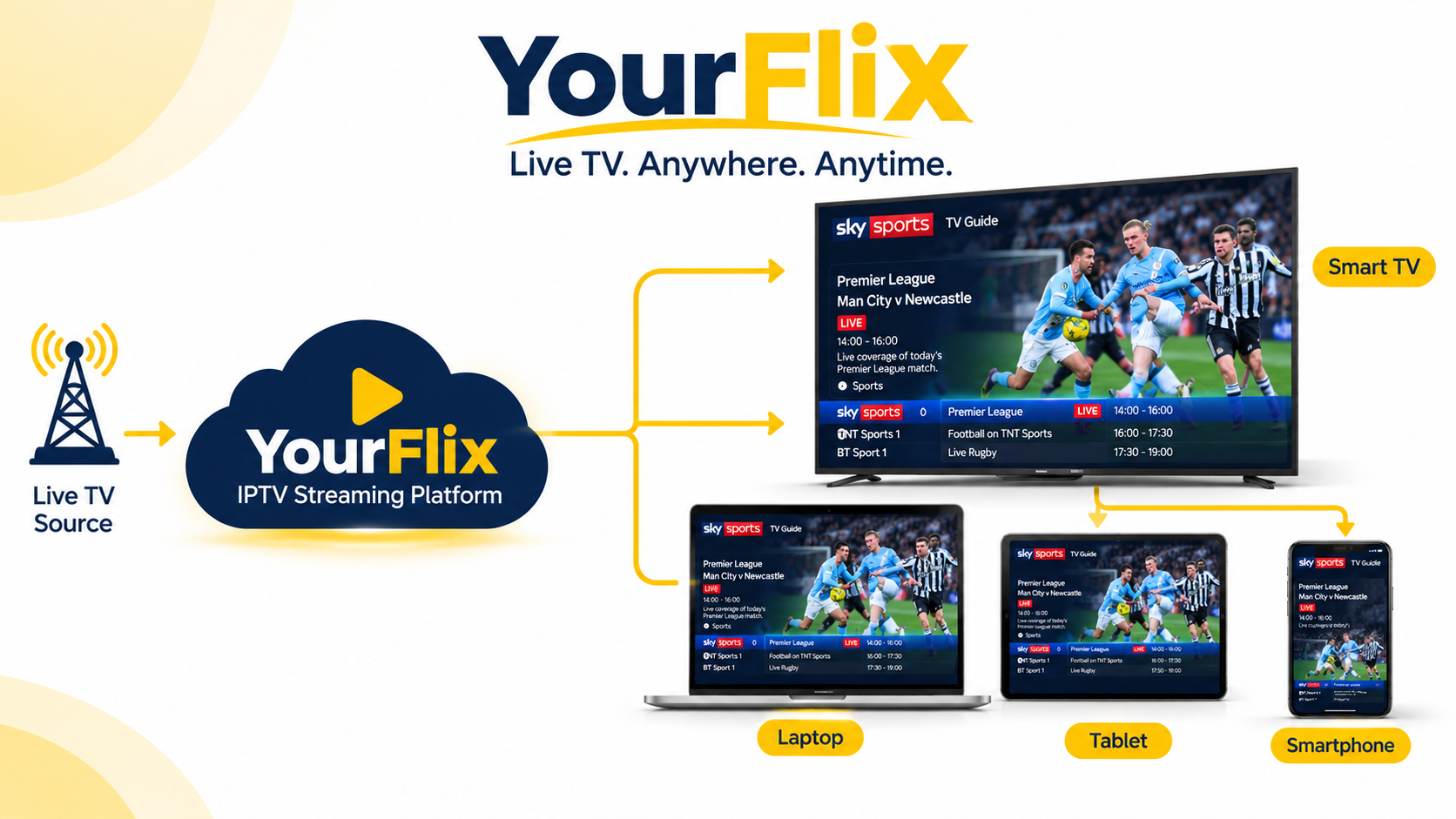
A live IPTV stream passes through several stages before it reaches the viewer, and each stage affects the final experience.
Stage 1: Content acquisition and encoding
The provider receives programme feeds from broadcasters or rights holders. Those feeds are encoded and compressed into formats suitable for internet delivery, often at several quality levels so that the stream can adapt to different connections. Common video codecs such as H.264 and HEVC reduce file sizes while keeping the picture sharp.
Stage 2: Servers and content delivery networks
The encoded video is stored or relayed on servers. To avoid overloading a single location, many services use content delivery networks, known as CDNs, which place copies of the stream on servers closer to viewers. A viewer in Manchester can then receive data from a nearby node rather than from a distant data centre, which reduces delay and the chance of interruption.
Stage 3: Your broadband, router and device
The stream arrives at the home through the broadband line, crosses the home network and reaches an app or set-top box. The device decodes the data back into video and sound. A weak link at any point, whether the provider's servers, the broadband line, the Wi-Fi signal or an older device, can show up as buffering or lower picture quality.
What affects network performance at home
Provider infrastructure matters, but much of what viewers experience is shaped inside the home. Most playback problems can be traced to a handful of everyday factors.
Bandwidth and the number of screens in use
Streaming quality depends on how much data the connection can carry reliably. As a rough guide, many services recommend around 5 Mbps for HD and somewhere in the region of 15 to 25 Mbps for 4K per stream. A household where several people stream, game and video call at once needs enough headroom for all of it, not just for one screen.
Wi-Fi quality and router placement
A television at the far end of a house, behind thick walls, may receive a weak wireless signal even when the broadband line is fast. Moving the router, using a mesh system or connecting the TV with an Ethernet cable are often the simplest fixes. A wired connection removes most wireless interference from the equation.
Peak-time congestion
Evenings and major live events bring more people online at the same time. Congestion can occur on the provider's servers, within the broadband network or both. Testing a service during busy hours gives a more realistic picture than a quiet afternoon trial.
Device age and app quality
Older televisions and budget streaming sticks can struggle with modern codecs and high-resolution streams. A well-made app on a capable device often performs better than a feature-rich app on an underpowered one.
The practical benefits of IPTV for modern households
IPTV can offer genuine advantages, although the experience varies by provider, subscription and location. The benefits worth weighing are flexibility, device choice and fit with real viewing habits.
Flexibility across devices and rooms
Internet delivery makes it easier to watch on different screens. Depending on the provider, a household may be able to use a smart TV in the lounge, a tablet in the kitchen and a phone while travelling. This suits families who rarely watch together or at the same time.
Before subscribing, check the supported operating systems, the official apps, the number of permitted devices and any limit on simultaneous streams.
Better organised viewing
Programme guides, search, watch lists and recommendations can make large catalogues easier to navigate. Recommendation systems depend on viewing data, so it is sensible to read a provider's privacy policy and understand what is collected and how it is used.
Value that depends on how you watch
IPTV may offer value when the content and pricing match what a household watches. A lower monthly price is not automatically better. Renewal costs, extra device fees and missing programmes can erase the saving. Compare the full cost against the subscriptions already in use.
IPTV compared with traditional television
IPTV and traditional television can both deliver live programming, but they differ in infrastructure and in how packages are organised. The table describes general differences, and individual providers may overlap.
| Feature | IPTV | Traditional cable or satellite TV |
|---|---|---|
| Delivery | Internet connection | Cable network or satellite signal |
| Devices | TVs, streaming boxes, phones, tablets | Often a TV and provider-supplied box |
| Live channels | Included depending on the service | Commonly included in channel tiers |
| On-demand viewing | Depends on the provider's catalogue | May be available through provider services |
| Internet requirement | Needs a stable broadband connection | Usually independent of home broadband |
| Package structure | Varies by provider and plan | Often organised in tiers and bundles |
| Viewing away from home | Possible with supported apps and account rules | Depends on provider features |
Neither option suits every household. Satellite or cable may suit viewers who want a familiar setup or have limited broadband. IPTV may suit those who want flexibility across devices and already have a dependable connection.
How to choose a safe and legal IPTV service in the UK
Choosing a service takes more than comparing channel lists or promotional prices. A provider should make clear who runs the business, what content it distributes, how payments work and what happens when a subscription ends.
The checklist below is a screening tool, not proof that a provider is lawful. No checklist can guarantee legality, and viewers remain responsible for the services they use.
A practical provider checklist
| What to check | What to look for |
|---|---|
| Content licensing | A clear explanation of how channels and programmes are licensed or sourced |
| Company information | A named business, an identifiable operator and working contact details |
| Payment protection | Recognised payment methods with clear records and buyer protection |
| Privacy policy | Written details of what data is collected, stored and shared |
| Refund terms | Clear cancellation, refund and trial conditions before payment |
| Customer support | A stated contact method, support hours or response expectations |
| Pricing clarity | Visible prices, renewal costs, billing periods and extra fees |
| Independent reviews | Feedback from sources outside the provider's own website |
A few warning signs deserve particular attention:
- Unclear content rights: The provider cannot explain where its channels or programmes come from.
- No identifiable operator: There is no meaningful company information or working contact method.
- Unusual payment demands: The service insists on an irreversible payment method without a reason.
- Pressure to subscribe immediately: Countdown timers or urgent claims discourage customers from reading the terms.
It is also worth remembering that live television in the UK generally requires a TV Licence, regardless of the service used to watch it. Viewers can check the current rules on the official TV Licensing website.
How to assess the viewing experience
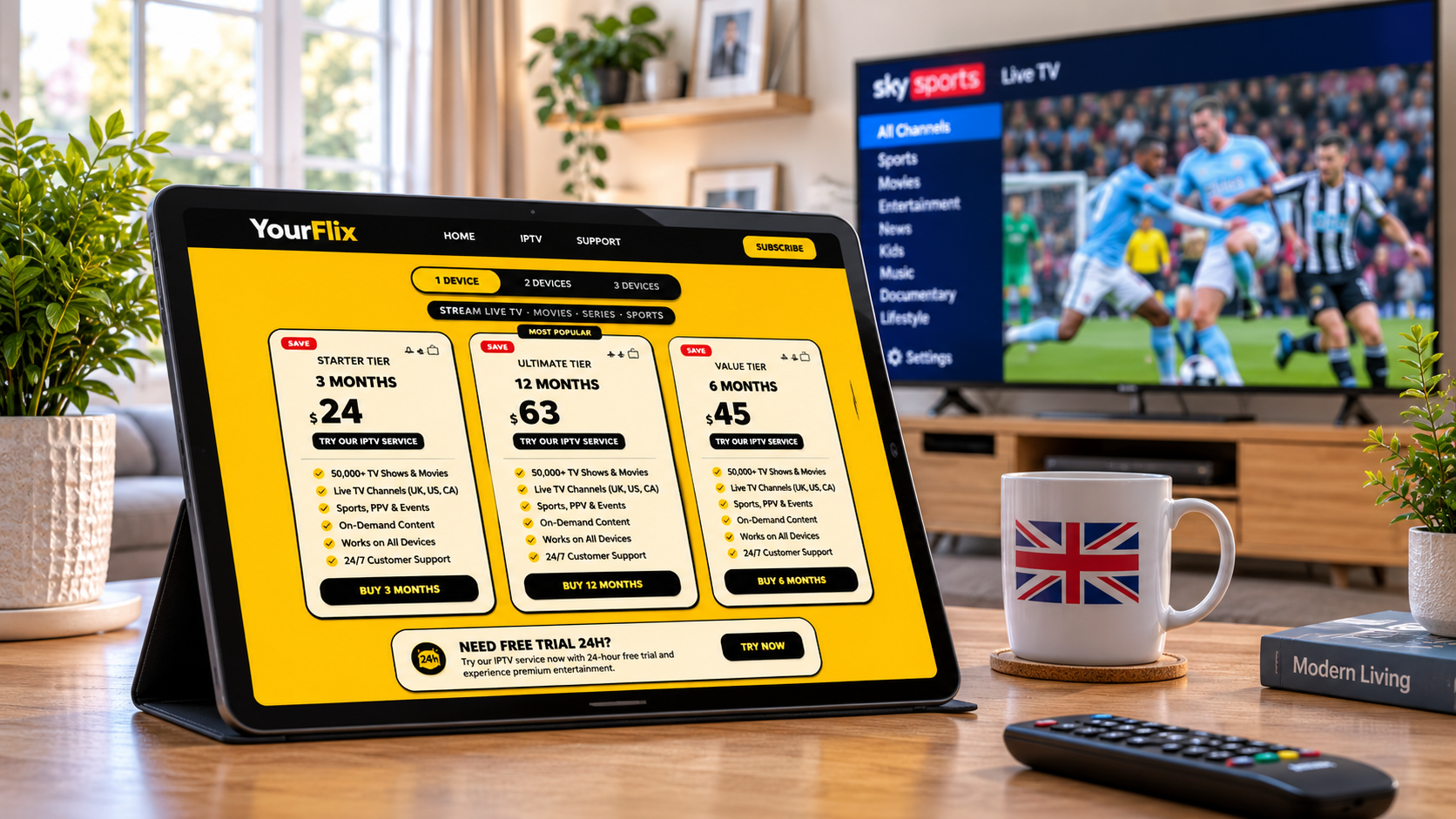
Once the basics are clear, judge how the service performs in normal use. If a trial is offered, use it to test what matters most.
- Check the content selection. Confirm that the channels, languages, sports or on-demand categories you want are included.
- Review device compatibility. Make sure the service supports your television, streaming device or mobile operating system.
- Test at normal viewing times. Evening and live-event performance says more than a quiet daytime test.
- Read the subscription terms. Confirm the billing period, renewal process, cancellation steps and refund conditions.
- Evaluate customer support. Ask a straightforward question before subscribing and see whether the answer is clear and useful.
A smooth experience also depends on the home network. For a fair comparison, test the connection near the television and, where practical, try a wired connection.
Matching an IPTV service to your household
The right package depends on who will use it and what they want to watch. Thinking through these needs first makes comparing providers simpler.
The sports-focused household. Check the specific competitions available in the UK. Sports rights are divided among broadcasters and platforms, so a general promise of sports coverage is not enough.
The multi-device family. Review simultaneous stream limits, supported devices and any profile or parental-control features. Confirm that each family member can watch on the screen they normally use.
The international viewer. Check language options, regional availability and any location-based restrictions. Content available in one country may not be available in another.
The budget-conscious viewer. Compare the complete subscription cost with the services already in use. Include renewal prices, extra fees and any equipment needed.
Frequently asked questions
Is IPTV the same as streaming?
IPTV is a form of television delivery over internet protocol networks. The term is usually used for services that provide live channels over the internet, while streaming is a broader term that also covers on-demand video, music and other media.
Is IPTV legal in the UK?
IPTV technology is widely used by legitimate broadcasters and telecoms. Whether a particular service is lawful depends on whether it has the rights to distribute the content it offers. Viewers should check licensing and company information before subscribing.
Can IPTV work on a smart TV?
Many services support selected smart TV platforms, while others need a compatible streaming device or app. Support differs by provider and television model, so check the official compatibility information first.
Does IPTV include live and on-demand content?
It can include both, depending on the package. Some services focus on live channels, while others add films, series or catch-up. Check the current catalogue and plan description for details.
Why does an IPTV stream sometimes buffer?
Buffering can come from weak Wi-Fi, network congestion, an older device, limited bandwidth or problems with the provider's servers. Trying another device or a wired connection helps narrow down the cause.
What should I compare before subscribing?
Start with content availability, licensing transparency, device compatibility, total price, payment protection, privacy terms, cancellation conditions and customer support. Comparing two or three providers against the same checklist makes differences easier to see.
Conclusion
IPTV is one part of a wider shift in how television reaches UK homes. It can bring live channels and on-demand entertainment together and let households watch across different devices. The real experience depends on the provider's infrastructure, the home network, the content available in the UK and the terms of the subscription.
The technology should be judged separately from the business offering it. Clear content information, identifiable company details, transparent pricing and useful support all matter. Laws on streaming and content distribution differ by country, and this article is for general information rather than legal advice.
Your next step: compare two or three services against the checklist in this guide, read their terms carefully and confirm the content and devices you need before subscribing.