

The success of any YouTube channel depends on two key factors – the quality of your content and how well you promote it. While great content will bring viewers to your channel, you need an engaging banner to encourage them to subscribe. Creating an effective banner is easier said than done. With so many design elements to consider, it can be tough to know where to start. However, by using an online YouTube banner maker like VistaCreate, you can easily create a professional-looking banner that will grab attention and get results.
What is a YouTube Banner?
A YouTube banner is the cover photo or image at the top of a user’s channel. This is where viewers will see your brand and learn what your channel is all about. You can use your banner to promote your latest video, highlight a special event, or simply showcase your talent or personality.
Ideas for an Engaging YouTube Banner
YouTube is one of the largest social media platforms, with over a billion users. A large part of YouTube’s success is its engaging and user-friendly interface. One of the most important aspects of this interface is the YouTube banner.
An engaging YouTube banner is key to attracting viewers and subscribers to your channel. Luckily, there are a number of online graphic editors that make it easy to create an eye-catching banner. Here are some tips for creating an engaging YouTube banner:
Use Fonts That Stand out
Fonts are a key component of your banner and can help make your message more readable and engaging. Bold or unusual fonts can help your banner grab attention and make a lasting impression.
Consider these factors while choosing a YouTube banner font:
- Readability: Your font should be clear at different screen sizes. You want viewers to see your message clearly on desktops and mobile devices.
- Contrast: The font color and banner background should contrast sufficiently.
- Personality: The fonts you choose should reflect your brand’s personality.
For a friendly brand, use playful fonts. For a more serious brand, use classic fonts.
Themes
Themes can help you communicate a message or story through your banner and can be a great way to add visual interest. To find themes, you can search online for “YouTube banner templates” or “free YouTube banner templates”. Additionally, online graphic editors usually have a variety of themes to choose from. When editing your template, change the colors and images to match your brand.
For example,
- If you’re a travel vlogger, include a wanderlust quote or your favorite locations.
- If you produce gaming videos, use famous games or characters in your banner.
- If you produce cooking videos, you could use photos of delicious-looking food.
Once you’re happy with your design, export it as a PNG file and upload it to YouTube. And that’s it!
Colors
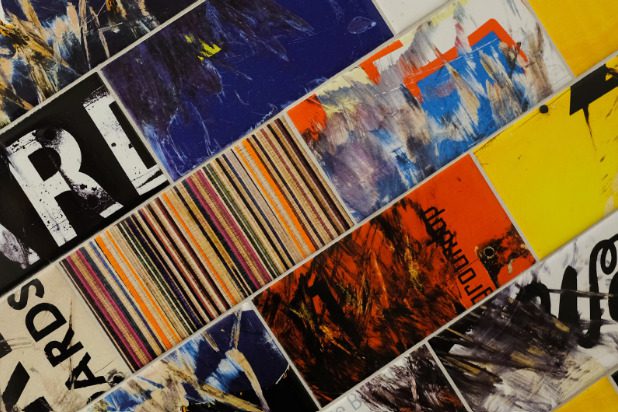
Because you want your banner to be engaging, you will want to use eye-catching and vibrant colors. Try various color schemes until you like one. Some general tips for choosing colors:
- Complementary Colors
- Analogous Colors
- Triadic Colors
- Use bright, contrasting colors in your banner. This will help ensure that your banner stands out from the rest of the content on YouTube.
Make Your Call to Action Clear
Once you’ve created your banner, include a call-to-action (CTA) that encourages viewers to subscribe to your channel. A CTA could be as simple as “Subscribe Now” or “Click here to watch.” By including a CTA in your banner, you’ll be more likely to increase subscribers and grow your audience.
Your call to action should be clear and easy to understand at a glance. Avoid using too much text or complex language – you want people to be able to understand what you’re asking them to do without having to think about it too much.
Takeaway
YouTube banners are a great way to show off your personality and brand. Here are some tips to make sure yours stand out:
- Use bright, eye-catching colors
- Include an image that represents your channel
- Use large, easy-to-read fonts
- Make sure your banner is relevant to your content
Follow these tips, and you’ll be well on your way to creating a great YouTube banner that’s both captivating and on-brand!