
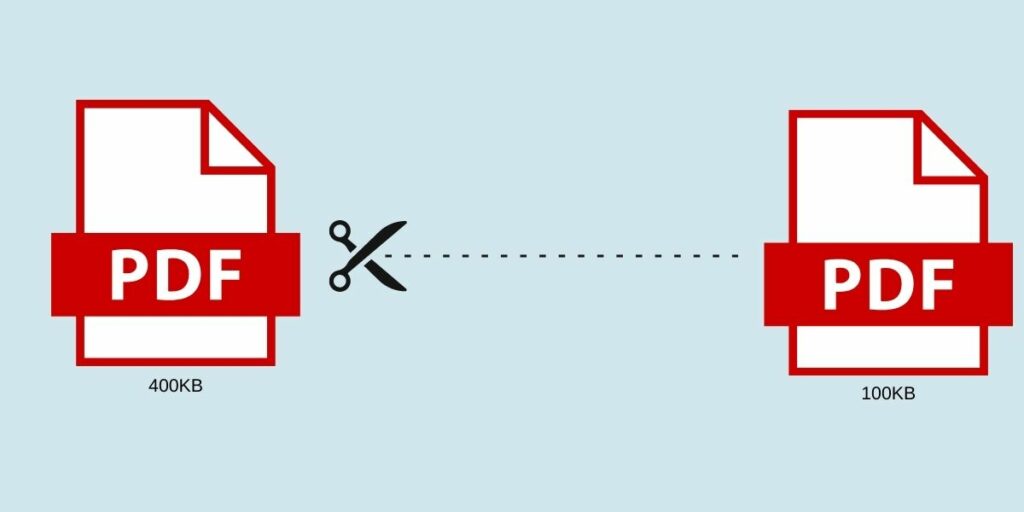
People are always looking for ways to save some computer space, as it is always not enough. In addition, saving here and there in PDF files can actually result in a decent amount of free space on your computer. PDF documents are often used for work, studying, and plenty of other reasons. As PDF files usually contain various non-text elements, they can be quite big. Luckily, there are a few tips on reducing PDF file size on Mac and other platforms. In this article, you will find some of the most convenient methods that will suit all users.
Reducing PDF Documents Size with Preview
To clear some space on an Apple computer, it is necessary to know how to reduce PDF file size on Mac and apply the correct solution. This can be done easily with Preview, an in-built program that can be found on Mac computers. Here is what you need to do:
- Click on your PDF Compressor file and choose the “Open with” option. Select Preview to open the file with this program.
- Click on the “File” option at the top of the Screen in Preview.
- Choose the “Export” feature.
- In the window that appears, pick the “Reduce file size” solution in the menu near the Quartz Filter.
- Save the document to reduce PDF file size on Mac.
This simple method is one of the quickest ways to reduce file size of PDF on Mac. If you need to know the size of the document before you make the PDF file smaller, it is also very simple. Click on your file and choose its Properties. There, you should find its size in KB or MB.
Using Adobe Acrobat to Reduced PDF Size
The size of your PDF file can be easily reduced in Adobe Reader itself. There is no need to download other programs if you already have this official application. In addition, this solution is suitable for all platforms, including Linux, Windows, Mac, and others. Use these steps to create PDF file in smaller size:
- Open your PDF document in Adobe Reader.
- Click on the “File” option.
- Choose to save this file as Other.
- Pick the “Reduced size PDF” solution.
- Save the final document.
This way, your file will be compressed to save some space. The quality of images and other contents will not be compromised too much to cut this size.
Online Adobe Acrobat Tools
Even if some users do not have Adobe Acrobat applications on their computers, it is possible to use an official PDF tool by Adobe on their website. This is where you can find it:
- Go to the official Adobe website.
- Click on the “Tools” page at the top of the screen.
- Find the “Compress PDF” tool.
- Click on the “Select file” button and choose the necessary document or simply drag it there from your desktop or folder.
- Wait for the file to compress and download the finished document.
This is a great PDF solution for those who have an Internet connection and can use online services quickly. In addition to this tool, there are tons of other useful services on the site. For example, there is an editing tool that allows you to type on a PDF file easily. A PDF generator is also available if you want to convert any other format into a PDF file.
Using Microsoft Word for Reducing PDF Size
Not many people know it, but it is possible to reduce the size of your PDF document even in Microsoft Word. If you are a Windows user, you should have Word available. This solution is not as straightforward as taking a ready PDF file and compressing it, as you need to have a Word file first. It can be then turned into a smaller-sized PDF. Follow these steps to have a compact PDF file:
- Open your document in Microsoft Word.
- Click the “File” button.
- Choose “Save as” to have different saving options.
- Pick PDF in the necessary format field.
- Choose the “Minimum size” option before saving.
- Save your document.
This way, you will have a small-sized PDF file. PDF technology is widely used, and people often have numerous files in this format on their devices. Saving even a little bit with each document can create a huge difference.