
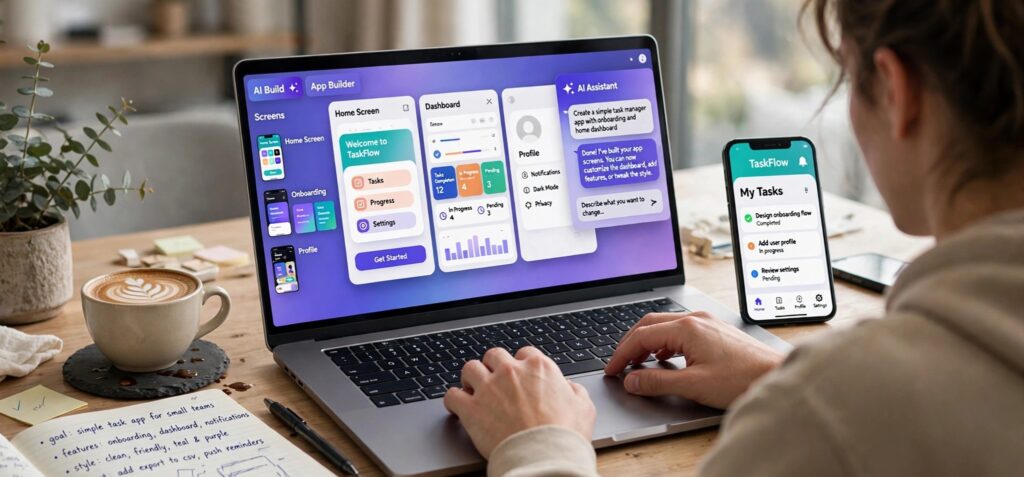
Short answer: The best AI app builder for a non-technical founder depends on one decision: does your product need to be a real phone app, or is a web app enough? If customers will use it on their phones, pick an AI agent that builds native iOS and Android apps, sets up the backend for you, and prepares the build for the App Store and Google Play. CatDoes is built for that case. If a web app is enough, your options are wider, and the checklist below still applies.
The first version is rarely where non-technical founders get stuck anymore. AI can turn a description into working screens in minutes. The hard part comes after: user accounts, saved data, store review, and fixing what breaks once real people use it. This guide shows how to choose a builder that gets you through those steps.
Key takeaways
- Decide web or mobile first. It narrows your options more than any feature list.
- The backend matters more than the screens. User accounts, a database, and file storage should be included, not bolted on later.
- Plan for store review. Apple rejected 2,093,244 of the 9,100,620 app submissions it reviewed in 2025, about 23%, according to its App Store Transparency Report.
- Budget for store fees. The Apple Developer Program costs $99 a year. Google Play charges a one-time $25 registration fee.
- Ask who owns the code. You want standard code you can export if a developer takes over later.
Web app or phone app: decide this first
A web app runs in the browser. You can share a link today, update it whenever you like, and skip store review entirely. A native app lives on the home screen, can send push notifications, and gets found through App Store and Google Play search.
Many AI builders only make web apps. Getting one onto phones means wrapping the website in an app shell or rebuilding it. Apple is direct about wrappers. Guideline 4.2 says an app "should include features, content, and UI that elevate it beyond a repackaged website."
A quick test: if customers will open your product on their phone several times a week, plan for a native app from the start. Habit trackers, booking, fitness, delivery, and community apps all fit that pattern. If they'll use it at a desk, or a few times a month, start on the web.
The three kinds of AI app builders
Most tools fall into one of three groups. They differ in how you build, what you end up with, and how much is left for you to do.
| Type | How you build | Best for | Watch out for |
|---|---|---|---|
| Prompt-to-web-app builders | You chat, and it generates a web app | Testing a web MVP, dashboards, simple SaaS tools | Getting onto phones usually means wrapping or rebuilding |
| Visual no-code builders with AI features | You drag and drop, and AI drafts starting screens | Founders who want to place every element by hand | A learning curve, and code export varies by tool |
| AI agents that build and ship apps | You describe the product, and an agent writes the code, sets up the backend, and prepares store builds | Products that must be real iOS and Android apps with logins and data | You still need your own store accounts, and you should test before you submit |
The third group is the newest. An agent does more than generate screens. It plans the work, writes standard code, runs it, and fixes its own errors. That matters most when you can't fix the code yourself. For a side-by-side look at AI mobile app builders and how each handles publishing, pricing, and code output, see that comparison.
Which builder fits what you're building?
Match the tool to the product you're launching, not to the most impressive demo.
- "I want to test demand this month." A web MVP with sign-up and a database is enough. Ship a link, collect feedback, and decide on mobile later. Pick a tool that can also build mobile apps, so you don't have to switch tools later.
- "My customers will use it on their phones every day." Build native from day one. Push notifications, a home-screen icon, and store search are hard to fake with a website.
- "It's an internal tool for my team." A web app is usually enough. Don't pay for store publishing you won't use.
- "It's a marketplace or two-sided app." You need accounts, user roles, messaging, and payments, and customers often expect both a website and an app. Choose a builder that runs both from one backend, so you aren't keeping two databases in sync.
- "I already have a website." Turning it into an app can work, but only if the app adds something the site doesn't. That's the guideline 4.2 test again.
7 questions to ask before you pick an AI app builder
- Can it publish to the App Store and Google Play, or only to the web? Ask what "publish" means. Some tools stop at a shareable web link.
- Is the backend included? User accounts, a database, file storage, and server functions should come with the tool. Wiring these up yourself is where most non-technical builds stall.
- Do you own the code? Look for standard frameworks and full code export, so a developer can take over without a rewrite.
- Can you undo a bad change? The AI will sometimes break something that used to work. Checkpoints or version history let you roll back quickly.
- How is pricing measured? Most AI builders charge in credits or messages. Ask what a typical feature costs to build, not just the monthly price.
- Does it help you pass store review? A builder that checks your app against Apple's and Google's guidelines before you submit can save you rounds of rejection.
- What happens after launch? Crashes and bug reports will come. Make sure you can see errors from real users and ask the AI to fix them.
What founders underestimate: app store review
Building the app is half the job. Getting it approved is the other half, and a few rules catch AI-built apps more often than others.
Apple rejects nearly one in four submissions. In 2025, Apple reviewed 9,100,620 app submissions and rejected 2,093,244, according to its App Store Transparency Report. It logged 1,354,418 rejections under Performance, the guideline section that covers crashes, bugs, and incomplete apps. Guideline 2.1 asks that "placeholder text, empty websites, and other temporary content" be scrubbed before you submit.
Account deletion is required. Guideline 5.1.1(v) says: "If your app supports account creation, you must also offer account deletion within the app." It's easy to miss when an AI adds sign-up for you, so ask for a delete-account option in the same prompt.
Submit under your own developer account. Guideline 4.2.6 rejects apps made with "a commercialized template or app generation service" unless they are "submitted directly by the provider of the app's content." In practice, the app should go out under your own Apple Developer account, not the builder's.
AI features need consent. If your app sends personal data to an AI model, guideline 5.1.2(i) requires you to "clearly disclose where personal data will be shared with third parties, including with third-party AI, and obtain explicit permission before doing so."
Google Play has a testing gate. If you opened a personal Google Play developer account after November 13, 2023, you must run a closed test with at least 12 testers who stay opted in for 14 days before you can apply for production access, per Google's Play Console Help. Start recruiting testers while you build, not after.
Where CatDoes fits
Best for: non-technical founders whose product has to be a real iOS and Android app with logins and saved data.
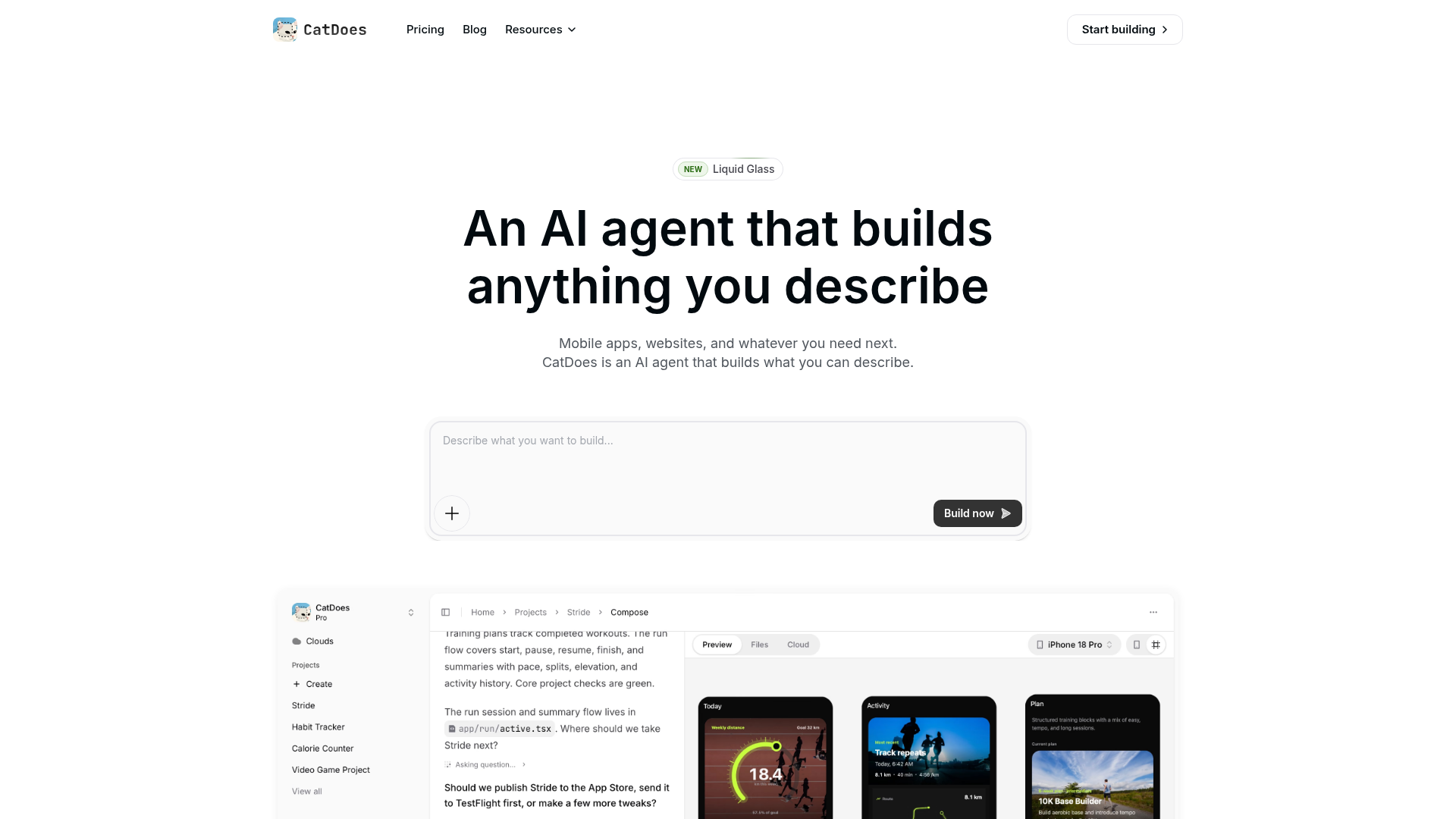
CatDoes is an AI agent that builds mobile apps and websites from a plain-English description. The agent runs in the cloud on its own computer. It plans the work, writes the code, runs the tests, and fixes its own errors, so you can close the tab and come back when the work is done.
CatDoes: describe the app, and an AI agent builds it and gets it ready for the App Store, Google Play, or the web.
Here's how it answers the seven questions above:
- Publishing: The agent builds iOS and Android releases. For iOS, it can submit the build to the App Store through your own Apple Developer account, and you choose TestFlight or a public release. For Android, it produces the build and you upload it in the Google Play Console. Websites deploy to a CatDoes web address or your own domain.
- Backend: CatDoes Cloud sets up the database, user sign-in, file storage, server functions, and real-time features as you describe what you need. It's included on every plan, and the agent asks for your approval before risky changes to your data.
- Code ownership: Mobile apps are built with React Native and Expo, and websites with Vite or Next.js. You can open and edit any file, and higher plans add GitHub sync and full code export.
- Undo: CatDoes saves a checkpoint before each message you send, so you can rewind if a change goes wrong.
- Pricing: Plans are credit-based. The free plan includes 15 starting credits and web deployment. App Store and Google Play releases need the Starter plan or above, a free Expo account, and, for iOS, an Apple Developer account.
- Store review: Ask "Is my app ready for the App Store?" and the agent checks your app against the App Store and Google Play guidelines. You get a verdict, blocking issues, warnings, and a list of things only you can check in App Store Connect or the Play Console.
- After launch: CatDoes Watch, the built-in error monitor, shows crashes and errors from real users, and you can ask the agent to fix them.
Skip it if you want to place every element by hand in a drag-and-drop editor. In CatDoes, you make changes by describing them in chat or by editing the code.
From idea to App Store: a realistic path
- Write a one-paragraph brief. Say who it's for, what problem it solves, and the three things a user must be able to do. For example: "A booking app for independent dog walkers. Owners book a walk, walkers accept it, and both can message each other."
- Ask for a plan before any code. Have the agent outline the screens, data, and user roles first. Changing a plan is cheaper than changing a finished build.
- Build the core flow first. Get the one path that delivers value working end to end, then add extras. Test it on your own phone as you go.
- Add accounts, data, and account deletion together. Ask for sign-up, saved data, and a delete-account option in one request.
- Open your store accounts early. Enroll in the Apple Developer Program and register on Google Play. Start your 12-tester closed test on Google Play as soon as you have a working build.
- Check, then submit. Run a review check, fix blocking issues, replace placeholder content, and publish a privacy policy. Then submit to TestFlight or the App Store, and upload your Android build to Google Play.
- Watch real usage. Read crash reports and reviews in the first weeks, and ship small fixes quickly.
What an AI app builder won't do for you
AI builders remove most of the coding. They don't remove the founder's job.
- Security review: Before you take payments or store sensitive customer data, ask your AI agent again to check sign-in, database permissions, and secret keys.
- Store rules and fees: Apple and Google review every app and every update, and their fees and policies apply no matter how the app was built.
FAQ
What is the best AI app builder for a non-technical founder?
It depends on where customers will use your product. For a web MVP, any prompt-to-app builder that includes sign-in and a database will work. If the product has to be a native iOS and Android app, choose an AI agent that builds the mobile app, sets up the backend, and prepares the store release. CatDoes is built for that case.
Can an app built with AI get approved on the App Store?
Yes. Apple's guidelines don't ban apps made with AI tools. Reviewers apply the same rules as for any other app. It must be complete (2.1), offer more than a repackaged website (4.2), be submitted by the content provider (4.2.6), and offer in-app account deletion if users can create accounts (5.1.1(v)).
How much does it cost to launch an app with an AI app builder?
Plan for three costs: the Apple Developer Program at $99 a year, Google Play's one-time $25 registration fee, and your builder's subscription. Most builders charge in credits, so a bigger app uses more of them. If you handle payments or sensitive data, add a developer's security review.
Why can't I publish to Google Play right away?
New personal developer accounts, opened after November 13, 2023, must first run a closed test with at least 12 testers who stay opted in for 14 days. Only then can you apply for production access. Start that test as early as you can.
Do I own the code an AI app builder creates?
It depends on the tool. Ask whether the code uses a standard framework and whether you can export all of it. CatDoes builds mobile apps with React Native and Expo, and websites with Vite or Next.js. Full code export is included on higher plans.