

How long do you wait for an email from your colleague to clarify some aspects of a project? How painful is an online brain-storm session? How many times do you hold back waiting for feedback on your tasks? How often do you misunderstand colleagues while communicating via email? If the answers upset you, it’s time to consider some team management tools.
From team communication to task management, the market of team management software offers a sea of options to manage remote teams as well as in-house teams to achieve more. More transparency. More productivity. More optimization. And more collaboration in about every aspect or type of business.
How to identify the best team management software that meets your needs? Here are some criteria you can use:
- Easy to use: If a tool takes a lot of time to be adopted, it will rather destroy collaboration than foster it. Considering that, check if the interface is intuitive and navigation is simple during the product demo.
- Privacy options: Before making a decision, ensure that a tool’s privacy options meet your needs. For instance, you may need to keep some conversations or files of sensitive projects private.
- Integrations: Seamlessly integrating tools with other apps or services can benefit your team and boost productivity. Put down a list of services you already use and choose the tool compatible with a maximum quantity of your apps.
- Multi-functionality: We usually switch between numerous tools during the workday. It takes some time to focus on a task again. Is it a productive workflow? If your team is suffering from an ocean of one-feature tools, look for feature-rich software that allows you to combine instant messaging and video calls, task management and time tracking, etc.
- Cloud-based: Cloud-based software lets you access all information and files stored online, no matter where you are. That helps distributed teams work together on projects from anywhere in the world.
Here’s a list of some brilliant team management tools that can boost your team’s productivity and remote collaboration experience.
1) Chanty: Productive team communication
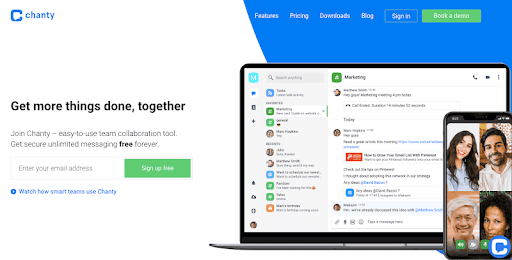
Chanty is an easy-to-use team collaboration tool with secure unlimited messaging free forever. With its simple and intuitive user interface and seamless onboarding, you can get started in a minute and enjoy efficient collaboration with your colleagues. Chanty has all the communication features you may need: public and private conversations, threads, searchable history, audio and video calls, voice messages, etc.
What’s more, Chanty isn’t just a team chat. The tool features a robust management system. Here you can create a task out of any message with a click and keep track of it on a built-in Kanban board. Сertainly, all these handy features are available on desktop and mobile.
And that’s not all. Take a look at the Chanty’s functionality you’ll make use of:
- Multiple third-party integrations
- Guest users
- Generous file storage (20 GB and more)
- Roles and permissions
- The dark theme
- Read markers
- Pins to get back to important information
- Code snippets with dev-friendly formatting
Pricing
You’ll probably be content with the free plan, which includes all basic team chat features. But if you have more than 10 members or want access to the business tier features (Roles and Permissions, unlimited integrations, video and audio calls, etc.), the paid plan will cost you only $3 per month for each user added.
2) nTask: Task/project management software
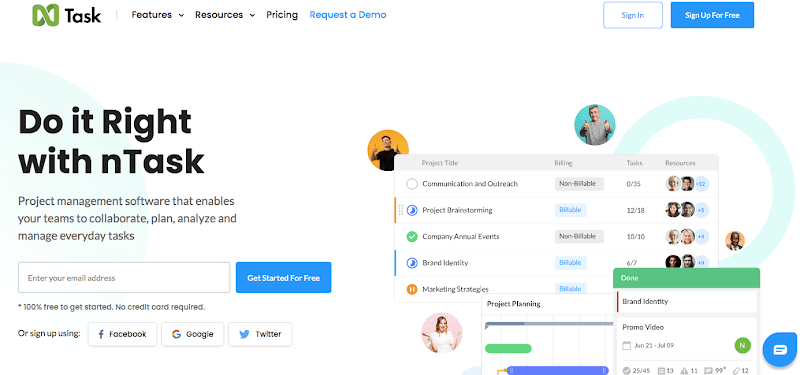
nTask is a project management software that enables your team to collaborate, plan, analyze, and manage everyday tasks. Using this tool, you can easily create and assign tasks, generate progress reports, set recurring tasks, share files, monitor budgets, manage your calendar and meetings, check team members’ efficiency, track time, etc. nTask is designed for both small businesses and individuals. Other valuable features include the following:
- Gantt Charts
- Kandan boards
- To-do lists
- Third-party integrations
- Mobile app
Pricing
Limited functionality of nTask is free for freelancers and individuals. The paid tiers start from $2.99 per user per month with no limitations.
3) Brosix: Secure Instant Team Communication
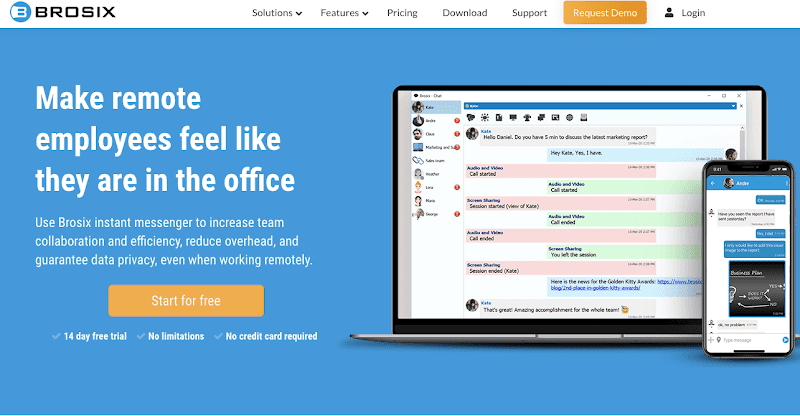
Brosix is a secure instant messaging app in the online collaboration space. The app’s real strength is heightened security: peer-to-peer communication for file transfers and Advanced Encryption Standards with 256-bit keys. Also, Brosix doesn’t connect with many other apps or services. However, you can integrate Brosix into websites as an online chat client.
As a result, Brosix may be good for companies that work with sensitive information. The tool is an excellent choice if your collaboration needs are more straightforward and if you are tired of endless notifications. The UI is simple, clean, and intuitive.
Pricing
The startup plan is free for up to three users. However, using this plan, you don’t have access to the P2P file-sharing functionality, video and audio calls, file sharing feature, and screen sharing. The $4 per month business plan is more advantageous since you can access many necessary team chat features. Brosix’s Premium plan costs $6 per user per month and offers administrator controls.
4) Proofhub: Project planning software

ProofHub is a perfect tool if you are willing to manage teams, projects, and tasks using a single software. In a nutshell, ProofHub is a project management and online collaboration platform that brings together all the essential tools to foster team collaboration. You can break a project into smaller tasks and subtasks and assign them to your team members. Built-in Kanban boards and Gantt charts help you to streamline projects and stay on schedule.
The tool is simple. ProofHub has little to no learning curve. An intuitive interface and multiple useful features (Calendar, Files, Notes, Custom roles, Chat, Discussions, @Mentions, Announcements, Request forms, Proofing, Timesheets, Timers, etc.) will help you organize your work better.
Pricing
ProofHub charges a flat fee for an unlimited number of account members and offers two plans: Essential ($45 per month if billed annually) and Ultimate Control ($89 per month if billed annually). What’s more, you can get a free plan with limited functionality by requesting an account by email to [email protected].
5) ProProfs: Training and support tools
ProProfs is a set of various tools to educate, onboard, and support your employees and customers. The list of tools is quite impressive. ProProfs features knowledge and teamwork software that tracks projects, tasks, and time, creates training videos and knowledge base for employees, etc. Also, with ProProfs, you can get a set of excellent customer support tools like help desks, live chats, surveys, pop-ups, CRM, etc.
Want more? If you want to educate yourself, ProProfs is here to help! Its professional courses, millions of quizzes for learning, brain games, and other apps will help you get your head in gear.
Pricing
You can test out all ProProfs products for 15 days for free. If you want to buy any tool, here’s a pricing page.
6) Time Doctor: Time tracker

TimeDoctor is a handy time tracker for individuals and teams. Also, the tool offers extra functionality, from payroll to detailed reports and information on which websites or applications your employees use most. Using TimeDoctor, you will know what your colleagues are working on, when a task will be completed, where the bottleneck is, etc.
Some handy TimeDoctor’s features include the following:
- Activity calculation with screenshots
- Integrations with payment services (for instance, Payoneer)
- Integrations with project management tools (Asana, Basecamp, Teamwork, Trello, Zendesk, etc.)
- Mobile app
- Payment history
- Alerts to avoid procrastination on YouTube or Facebook
- And many others
Pricing
Note that some project collaboration tools like nTask and ProofHub already include native time trackers, so check these tools for similar features. If you consider Time Doctor, let’s look at its paid tiers. The basic plan comes in for $7 per month for each user. Also, you can upgrade to the standard or premium plan for $10 per month and $20 per month, respectively. The paid plans include additional advanced features like integrations, video screen captures, etc.
7) Hiver: Email collaboration platform

Hiver is an email collaboration platform built for Google Workspace. The tool helps teams manage group inboxes like info@, sales@, and support@ right from Gmail and, as a result, delivers fast customer service. Users can assign, track, and collaborate on customer emails without needing to adopt a new software or switch tabs. That allows teams to streamline their daily email workload and collaborate seamlessly.
With useful Hiver’s features, you can do the following:
- Assign emails as tasks in a click
- Track email status in real-time
- Collaborate via Email Notes attached to an email thread
- Automate repetitive tasks
- Control roles and permissions
- Connect Hiver with other tools you use
Pricing
After a 14-day free trial, you can consider a paid tier. Hiver’s plans start at $7 per user per month if billed annually.
8) GoToMeeting: Video conferencing tool
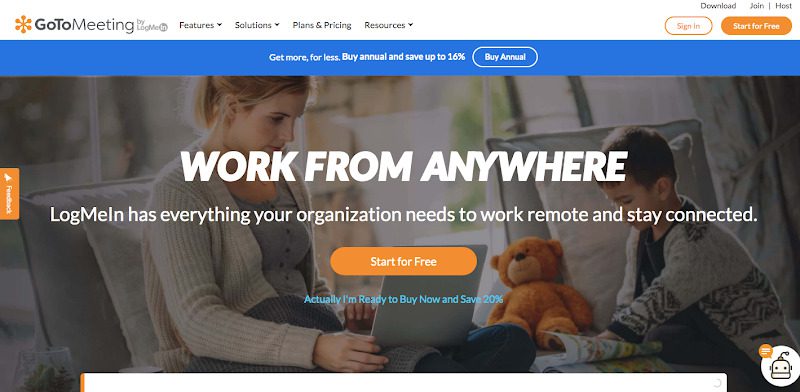
GoToMeeting is a user-friendly and easy-to-use online meeting and video conferencing platform for business. Anyone can start using it with a click without any special skills required. Here you can create a meeting room in the blink of an eye and invite others to join.
Also, the tool offers a handy scheduler of upcoming meetings where you can quickly check your scheduled team meetings and get reminders of upcoming calls. If you want to record the session, GoToMeeting will provide you with the recording.
The other handy features of the tool include screen sharing, messaging, group chats, integration with other tools, HD-quality video, personalized meeting URLs, whiteboards, and multiple languages. The only thing to remember is that GoToMeeting requires a stable internet connection.
Pricing
The tool gives a 14-day free trial. The paid plans start at €10.75 per meeting organizer per month if billed annually.
9) Miro: Collaboration tool with whiteboards
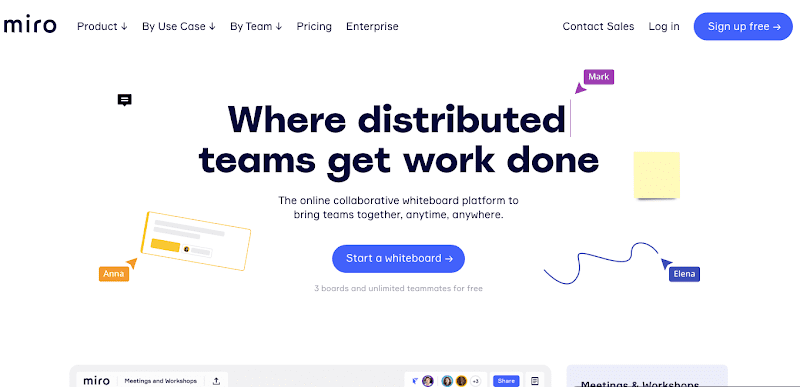
Miro is a cloud-based collaboration tool with virtual whiteboards for small to midsize businesses. The tool can be used for research, ideation, building customer journeys and user story maps, wireframing, etc. The Miro’s features enable users to create mockups, write down ideas, upload and add any files, and leave feedback on colleagues’ inputs. Users can create virtual whiteboards using templates and convert them into a presentation or save them as PDFs.
Miro is instrumental during online meetings and discussion sessions. This tool helps teams to have a better understanding and present ideas visually. Every team member can pitch an idea and add it to the visual whiteboard in real-time.
What’s more, Miro has seamless whiteboard support and access from mobile. It integrates with popular tools like Dropbox, Box, Google Suite, Jira, Slack, etc. However, your team may need some time to get familiar with all the features and shortcuts. Also, note that PDF format is the only option to save and export the whiteboard.
Pricing
You can test and use the tool’s basic functionality for free with an unlimited number of team members. Paid plans start at $8 per user per month and offer more advanced collaboration functionality.
Bonus: Freshservice IT helpdesk
Freshservice is an internal IT helpdesk and service management platform that helps modern organizations simplify and automate their internal IT operations. Most IT projects involve intense planning and a considerable amount of risk. Having to switch between your project management solution and your ITSM tool to access information is the last thing you want. Project management in Freshservice lets you bridge this gap and brings more visibility into how projects are related to incidents, changes, and assets.
Wrapping up
Nowadays, online collaboration tools are irreplaceable. Probably all companies need a space where their projects, processes, deadlines, schedules, documents, and communication live. In this article, we’ve put together a list of brilliant workplace collaboration tools that can make your team more productive, organized, and collaborative. Also we would like you to know how to unsend an email in outlook online if you have ever been in this misfortune situation.