
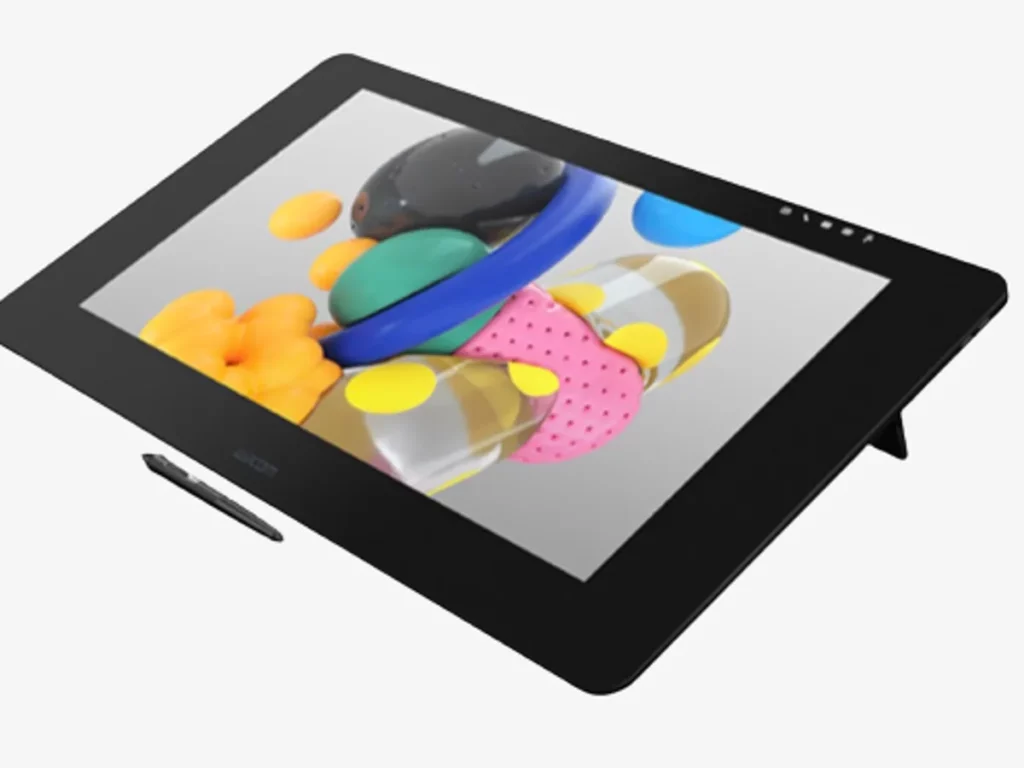
Creating anime is a great way to express your stories and emotions via visually appealing characters. If you are an animator and on a hunt for the best animation tablet, we understand the struggle. You may become overwhelmed by the plethora of options and varying features. To help you in this regard, we are going to discuss the top 5 animation tablets that cater to various needs and preferences. Let’s dig in!
How We Pick the Best Animation Tablet
To make sure the products we select can satisfy your needs, we consider the following factors carefully in a drawing tablet for animation:
- Storage: Ensure the tablet has sufficient storage to store large animation files. If you need more space, look for expandable storage options.
- Processor: A powerful processor is critical for smooth performance, so opt for tablets with advanced CPUs and GPUs to handle heavy software.
- Refresh Rate: You should also consider the refresh rate of the tablet and pick options with at least 120Hz for smoother visuals.
- Battery Life: The animation tablet must have a long-lasting battery life so you can work on animation projects even while traveling.
- Portability: Most importantly, search for animation tablets that are small, lightweight, and highly portable so you can easily carry them wherever you go.
Comparison Table
The comparison table for top animation tablets is given as follows:

Best Animation Tablets
Here are the best animation tablet options you can rely on:
Best Overall: XPPen Artist 24 Pro
Price: $584.99
The first one is the XPPen Artist 24 Pro, which has a spacious 23.8-inch IPS display with a 2K resolution, perfect for drawing and animation. This best tablet for animation comes with a battery-free stylus and incorporates the latest technology for precise cursor positioning, even at the edges of the screen.
The pen supports around 8192 levels of pressure sensitivity and has an overall firm build. We found its two red dial wheels and 20 customizable shortcut keys to be extremely convenient as they are placed on both sides of the tablet, to be extremely convenient.
This means that whether you draw from the left hand or right hand, this amazing product caters to all styles. You can connect it to your computer with the included HDMI/VGA cable, USB-A to USB-C cable, and power adapter.
Pros
- Affordable compared to other products in the same category
- Hotkeys and other tablet settings can be customized
- Can be used vertically by standing it up 90 or 270 degrees
- Has a durable design and well-built large display
Cons
- Doesn’t come with built-in speakers
Best for 3D: XPPen Magic Drawing Pad
Price: $499.99
The next one is another amazing animation tablet from XPPen, named the XPPen Magic Drawing Pad. It packs the power of a professional studio in a 12.2-inch display and has a drawing-dedicated chip.
The pen supports 16k pressure sensitivity levels and also features EMR technology, which provides a smooth and delicate drawing experience. The tablet’s 8000 mAh battery, which offers 13 hours of continuous power, ensures your animation work never stops, even on the go.
One standout feature of this animation tablet is the shortcut key, which lets you switch between brush and eraser with a click. It can even further be customized for enhanced flexibility, allowing for quicker creation.
Pros
- Vibrant colors bring your animations to life.
- Doesn’t require an external connection and works smoothly as a standalone tablet
- 4-way speakers offer amazing sound quality
- Palm rejection technology prevents accidental strokes
Cons
- Lacks tilt support
Best Android: Samsung Galaxy S8
Price: $330.34
The Samsung Galaxy S8 is an amazing tablet for animation and pretty much resembles the S7 in terms of design. You’ll see a rectangular slate with metal chassis and squared-off edges.
The display of this tablet is on another level and features an 11-inch WQXGA (2,560 x 1,600 pixels) LED that refreshes a whopping 120 times in a second. We found its Vivid and Natural color modes a treat for animators who love detailed artwork.
Its quad-speaker setup delivers outstanding sound quality with crisp vocals, clear bass, and treble. It also has 4096 levels of pressure sensitivity, which are lower than other options but still work for your animations. The cherry on the cake? It has a sturdy pen that’s convenient to hold and boosts an outstanding 8000 mAh battery that easily lasts a day or more.
Pros
- Sturdy LED display allowing for precise animations
- Excellent 8000 mAh battery that lasts more than a day
- Vibrant colors make the art look visually appealing
Cons
- Doesn’t come with a charger
Best Streaming: iPad Pro (M2)
Price: $784
The iPad Pro (M2) is second to none when it comes to functionality! It’s a 12.9-inch tablet that has WiFi 6e support for fast connectivity. The Apple Pencil (2nd generation) transforms the iPad Pro into an immersive drawing canvas, ideal for animators.
This best animation tablet also has a Liquid Retina display with ProMotion, True Tone, P3 wide color, and ultralow reflectivity that turn your art into a masterpiece. The standout feature of this tablet is the M2 chip and 8-core CPU that ensure smooth performance even when you run heavy animation and editing software on it.
It also has a 12MP Ultra Wide front camera with Center Stage for video conferencing and selfies, which is truly impressive. In addition, the 12MP Wide and 10MP Ultra Wide back cameras with True Tone flash make it easy to capture high-quality videos.
Pros
- First Apple device to support WiFi 6e
- Aesthetically pleasing design and sturdy finish
- Powerful 8-core CPU for uninterrupted animation work
Cons
- The display quality is not that good
- Quite expensive compared to other options in the same category
Best Budget: XPPen Deco 01 V2
Price: $59.99
The XPPen Deco 01 V2 is ideal for those who want an animation tablet without breaking the bank. It’s a screenless tablet; you need to connect it to your computer or other operating systems to view your animations.
The tablet is quite large with a 10-inch drawing area. Eight shortcut keys along the left side of the drawing table make it easy to switch between different functions without having to use an actual keyboard.
Its stylus is quite comfortable to hold, thanks to its rubbery design. Its pressure sensitivity is 8192 levels. The best part about this XPPen Deco 01 V2 tablet is that it comes in three different colors: pink, black, and Green, so you can pick the one that matches your design aesthetics.
Pros
- Available at a cheap price
- Stylus is made of durable rubbery material for better grip
- Comes in three different colours: black, green, and pink
- 8 shortcut keys that are customizable
Cons
- Requires a computer connection for you to view your animation work
Conclusion
You can choose any of the above-mentioned options for your animation projects. We personally recommend the XPPen Artist 24 Pro as it offers an intuitive display with top-notch features, including a powerful processor, high resolution, and 8192 pressure sensitivity levels. However, it’s still advisable to analyze each option carefully and go with the one that suits your budget and animation need